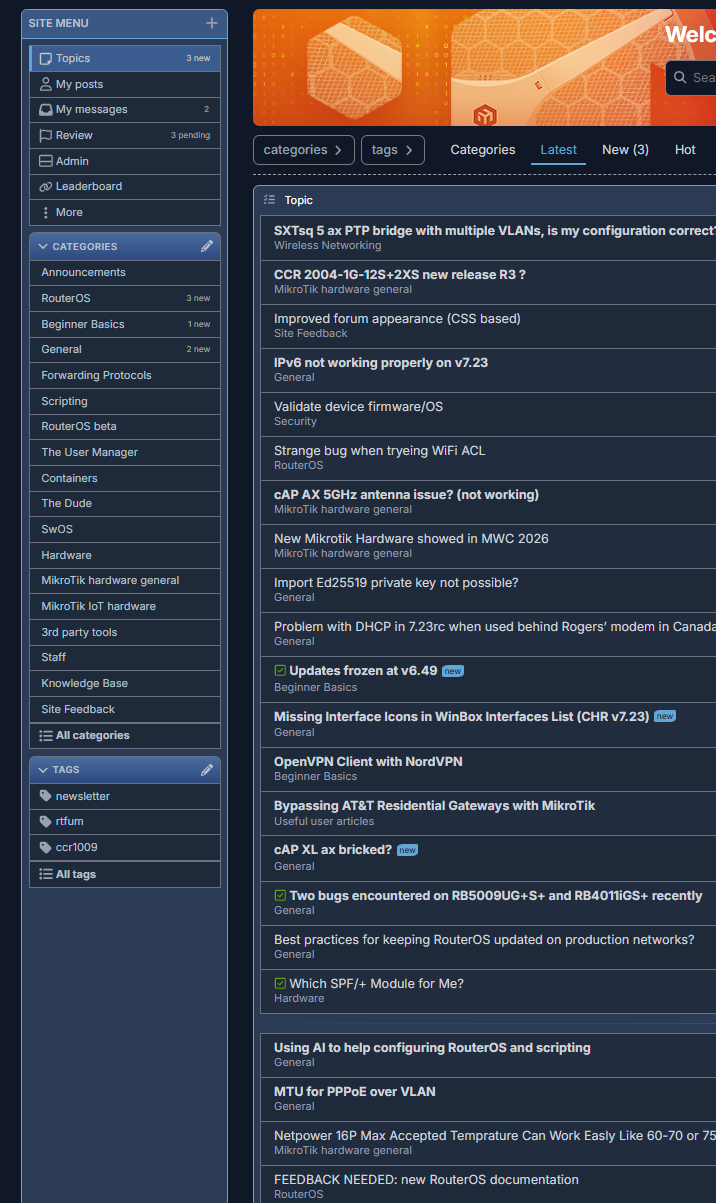
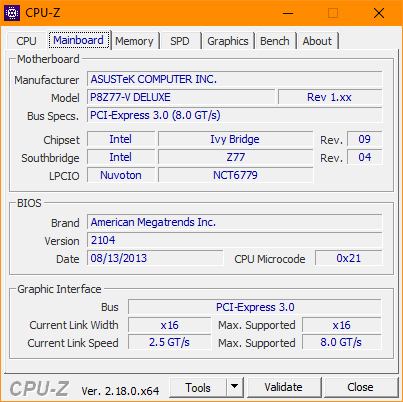
I often feel lonely while other people talk of their Windows 10 (or 11), and the way they look at me when I tell them that this particular machine is running on the same original install since 2008 ... (and it is SP2, yes, I know, don't ask )
Is everything displayed correctly there? I was testing my mod in a "special build" for Windows 7 (that you suggested here: Unsupported browser - #9 by jaclaz), there were problems with font (it wasn't antialiased well) and some symbols were shown as squares (up and down arrows on the timeline, for example).
That is interesting. I thought it was the issue in User JavaScript and CSS plugin, but seems not only.
It works in Firefox using "userContent.css" method, but doesn't work with extension. The problem occurs when light-dark function with 2 URLs is used, the code just stops working. If this function is removed, it works. But in this case it won't be able to choose correct logo for both light and dark modes. That's why I removed forum logo modification from mtForumOther.zip
Due to uncertain fate of 'Mode' plugin, I'll rewrite the code to make it selectable manually by changing a property in CSS file. What mode should be enabled by default?
Not so obvious. Personally, I used it in rare cases, because it's largest and everything is too big for me. Cozy is little bit smaller and Compact is smallest. So, decided to ask.
Sure, I meant, you cannot logically have something called "Default" and then not apply it by default.
If you call it "Large" (or "Stupid" ) then you can apply (say) "Cozy" by default.
So, if you have three choices, figuratively:
Large
Medium
Small
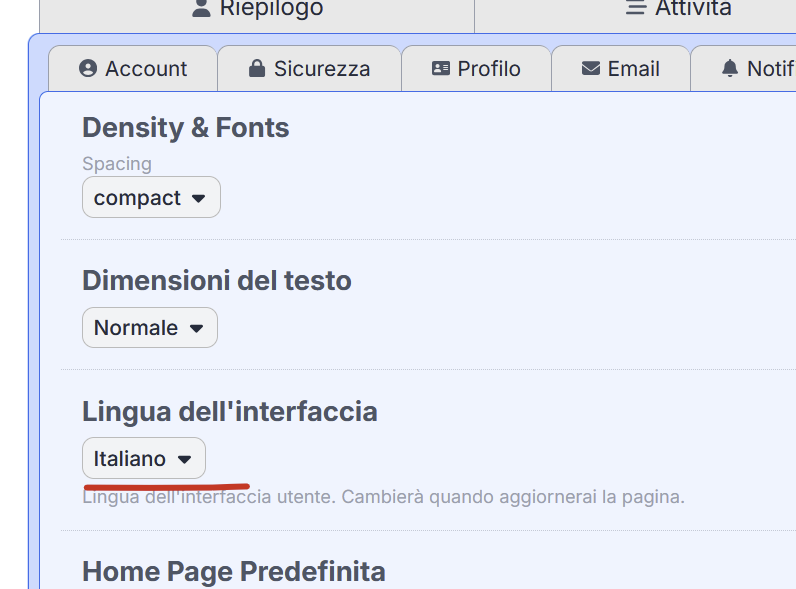
Rewrote the code to support specifying density mode manually in CSS file. In case density mode plugin will be reenabled some day, everything should work as before, manual value will be just overridden by the plugin. The variable is located at the very beginning of the file in :root section and called --mode.
Possible values: large (was named "Default" on the forum), cozy, compact.
Added clear frame around red "Maintenance" warning
Removed stupid gaps and round corners around items inside dropdown menus
Fixed stupid invisible hover color and borders in some dropdown menus
Restored broken borders around tabs on user profile page
Fixed broken appearance of collapse buttons in embedded replies
Returned broken borders and round corners to some selectors
Fixed and changed solution quote appearance in the first post
Fixed too little width of the new 'Lists' dropdown menu in reply form, that was causing overlapping of item caption and shortcut
Fixed invisible 'Link copied' popup and abnormal scrollbar when clicking on 'Copy link' button in a post
Fixed appearance of new icon selector popup (appears in 'custom sections' editor dialog)
changed stupid invisible hover color
added visible outline for search input field
added dashed border between search and icons sections
increased width to avoid overlapping with selected icons on right side
Some small sizing/spacing fixes
Fixes:
Fixed vertical alignment of icons and title in the latest topics list
Fixed "Edited" icon was overlapped with post time in some cases (own issue)
Fixed invisible reactions list popup (probably own issue)
Some alignment fixes on reactions popup, invoked by click
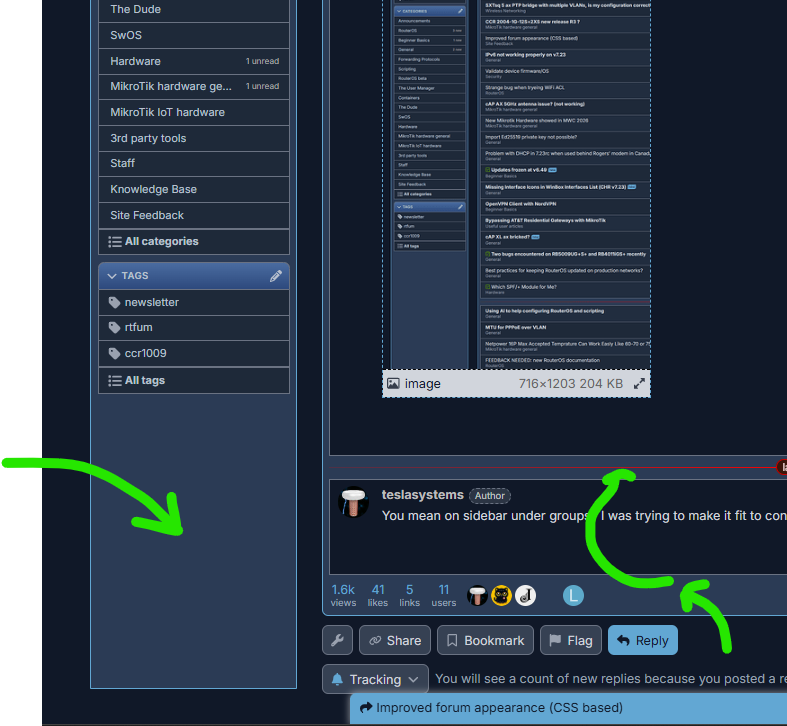
Fixed attached image was touching the right side of posts frame in some cases
Fixed position of 'Trainer' avatar flair in users list
Fixed poll results bars width
Fixed too little margin above post control buttons for compact and cozy modes
Fixed left-right page jumping (probably caused by scrollbar)
Some changes:
Reduced vertical spacing between items in custom sections editor dialog
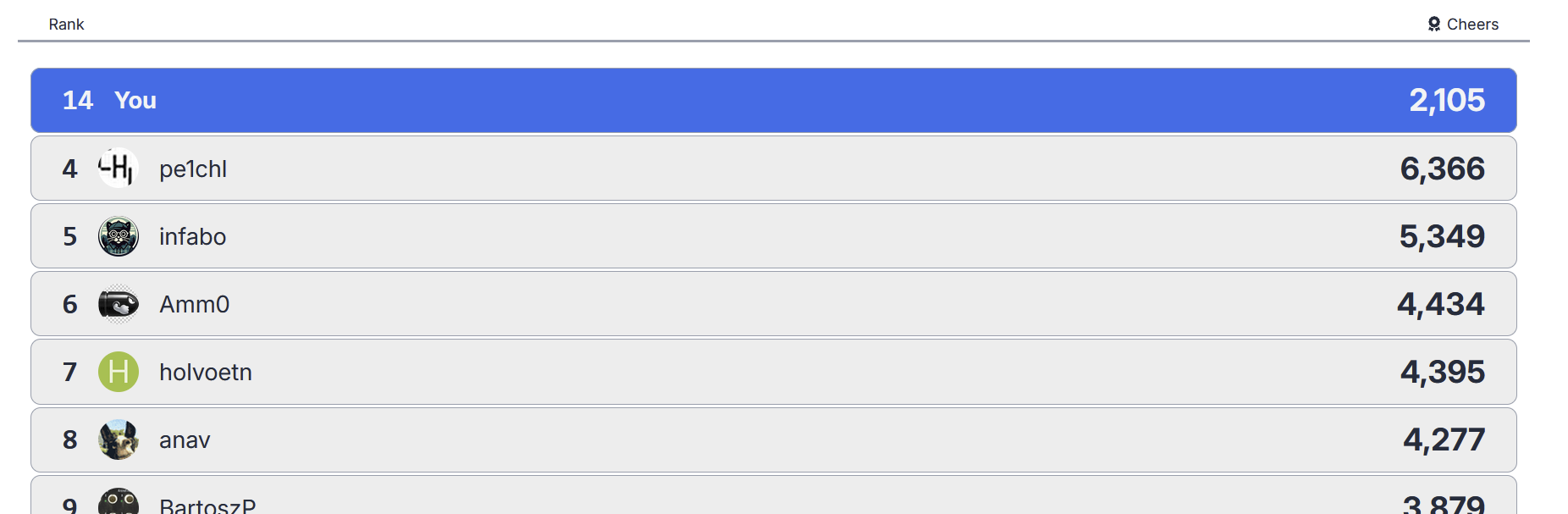
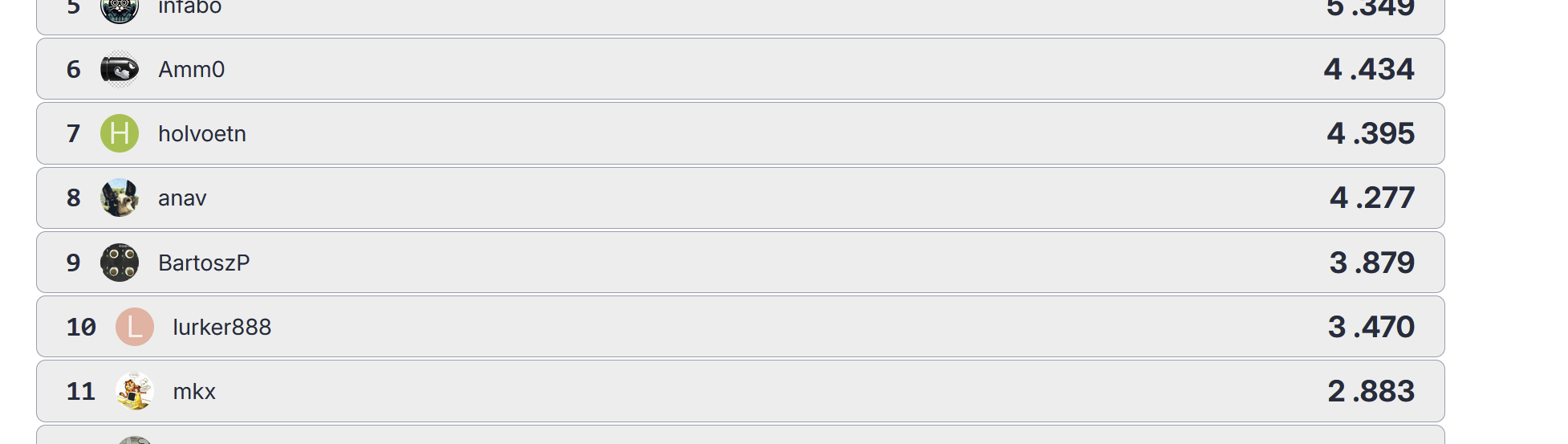
Improved user leaderboard page
Added rows color interleaving on 'Users' page
Improved search page
Reduced items font size on left sidebar in compact mode
Reduced rounded corner radius for buttons and input fields in compact mode
 ... (and it is SP2, yes, I know, don't ask
  )
)


 The variable is located at the very beginning of the file in