Hello, I'm new to the forum, hoping to learn from your suggestions!
I would need to connect to a device, having static IP address (for example 172.16.16.xx), using the WiFi of my PC/Laptop. However, the device doesn't a have WiFi, just an RJ45 ethernet port.
I would like to use a mAP lite to interact with the device wirelessly. In other words, I would like to connect my mAP lite to the Ethernet port of the device, power the mAP lite via micro-USB, connect my laptop/PC to the mAP lite’s Wi-Fi network, and get the same result on my laptop/PC as if I had connected it to the device via an Ethernet cable.
My laptop/PC will have their WiFi card setted with an IP in the same subnet of the aforementioned device (for example 172.16.16.yy).
My use case call for a "Level 2 bridge", and is similar to other cases I found searching on internet:
https://forum.mikrotik.com/t/map-lite-as-a-wireless-rj45-cable/166725
https://www.reddit.com/r/mikrotik/comments/9kiitf/maplite_how_can_i_configure_it_to_use_the/
I already tried the suggestions described there without success.
For brevity, this is, in order, what I did:
-Reset/backupLoad the mAP lite
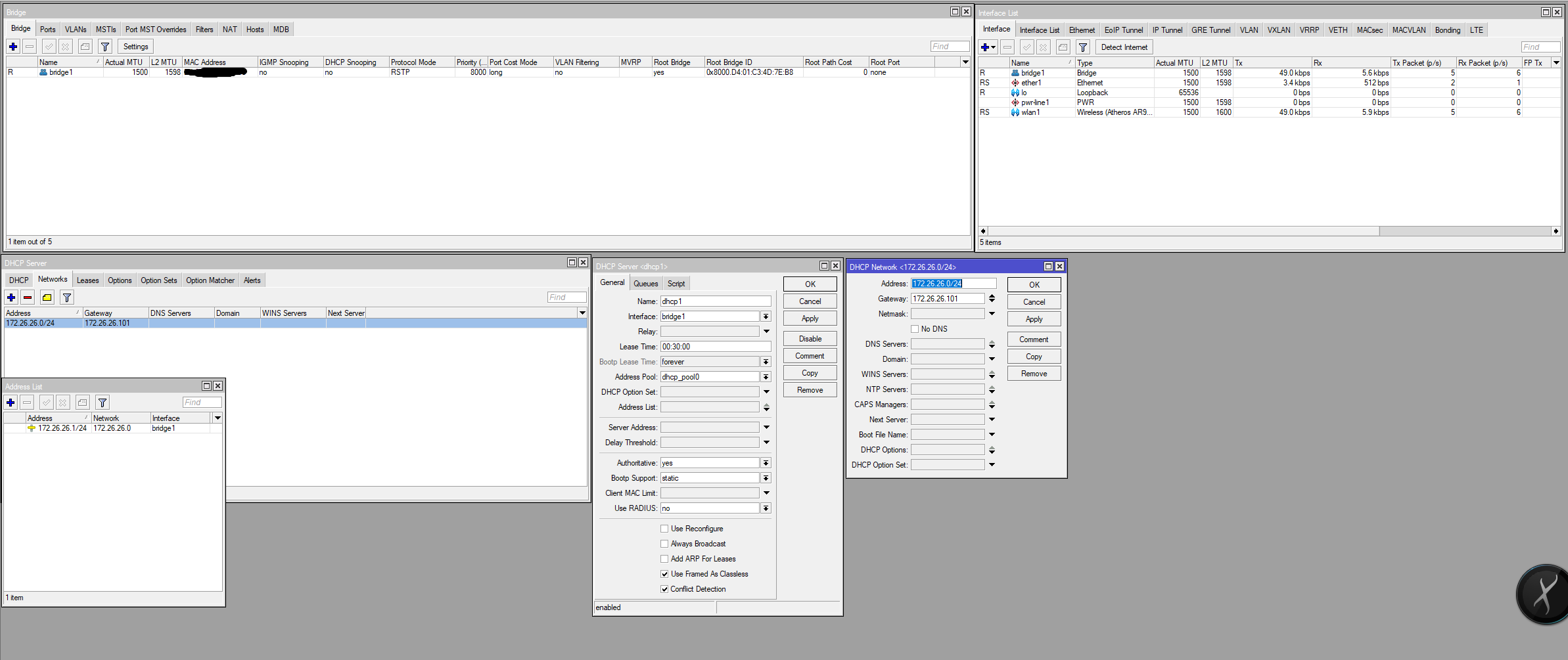
-System->Reset configuration->No default configuration->ok->reboot->I have a "clean" mAP lite
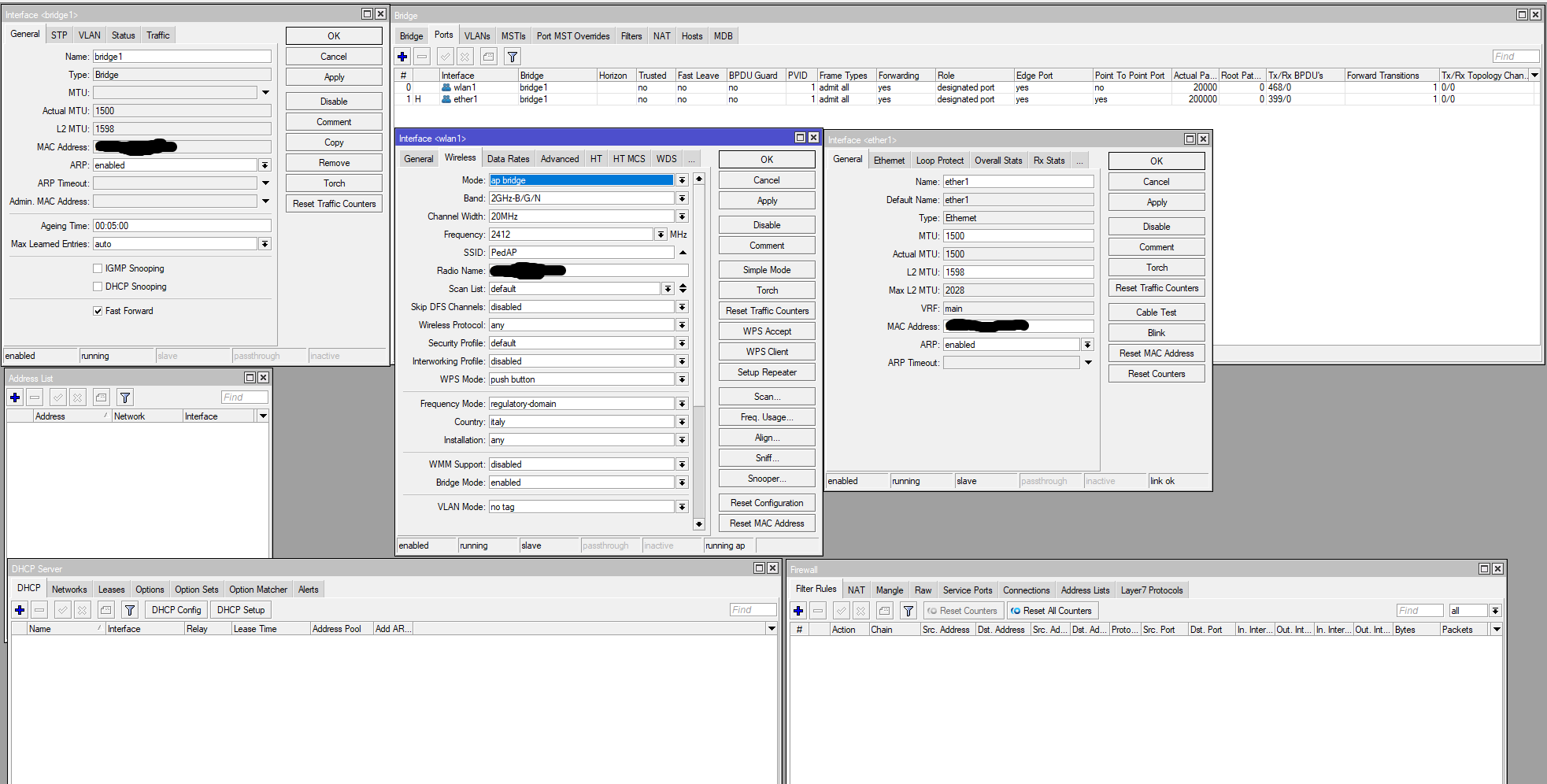
-Create a "bridge1"
-Add Ether1 and Wlan1 to Bridge1
-Enable Wlan1
-Put Wlan1 mode to "Ap-bridge", assigned a name for the SSID (for example "MyDeviceAP")
-Set my laptop/pc WiFi card with a static IP (172.16.16.yy)
-Device has static IP (172.16.16.xx)
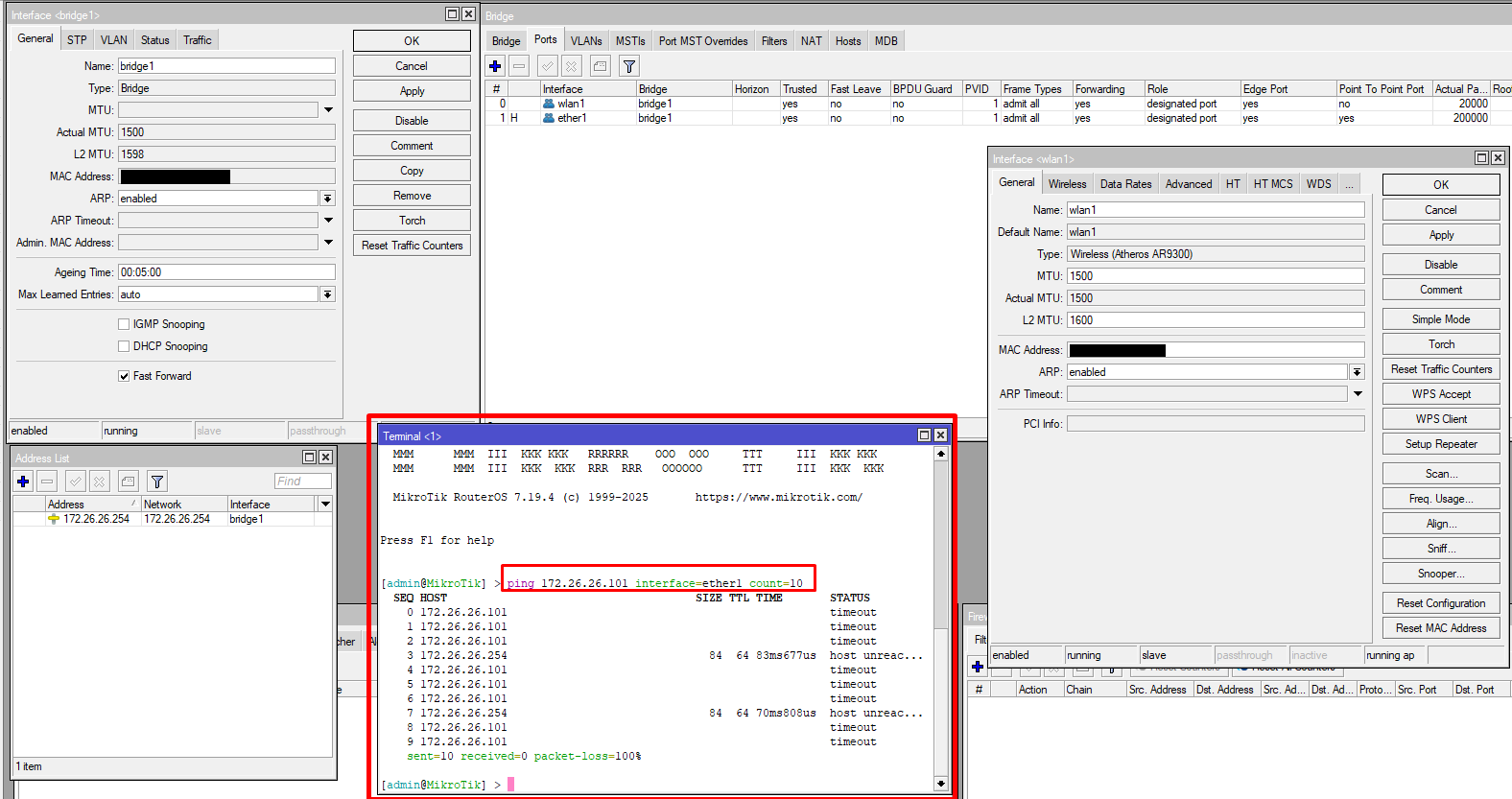
Now, I connect my laptop/pc to mAP lite WiFi "MyDeviceAP", try from Windows 10 prompt ping 172.16.16.xx and....no response/timeout
Strangely, if I try to ping just right after connecting the ethernet cable, sometimes I receive a couple of response to my ping, then, after some seconds, nothing again...
The device is working perfectly for sure, beacuse if I connect using an ethernet cable from my pc directly to the device, it always responds to the ping correctly.
Some ideas/suggestions? Am I doing anything conceptually wrong?