Since the move to Discourse I've encountered many more cases of new user accounts posting some AI generated generic answer in a thread, then coming backs days or weeks later to edit the post and insert a spam link. Here is a recent example where the edit is made after over two weeks:
Discourse is probably more friendly to bots than the archaic phpBB and there are more tools for automation. Can you somehow restrict this? Maybe accounts younger than 6 months can only edit their posts within a couple of hours max after the posts' creation time?
That thread is also a spam fest, with the three posts at the bottom all posing spam links. And even the first answer somehow inserted a link into the quote🤣
At least on Invision boards there was a setting that prevented users with less than n posts to edit their posts for x days.
The "sweet spot" to be not too inconvenient for legitimate users was, if I recall correctly, n=3, x=5.
I don't come here often, so I've only now noticed the change. I must thus post my extremely constructive criticism:
On a more serious note, though, I like markdown, I like the layout for post replies, and I like how post reply drafts are now saved automatically if you leave the page. I also like the general direction chosen. For the longest time, it felt like MT was stuck in the late 2000s with software and hardware design and functionality. I'm glad that's changing, and I'm glad it's happening without the modern ens**ttification culture making it anywhere near the decision-making process.
However, the new forum UI also does suffer from the modern plague of "let's give the UI elements more breathing space". Mobile UI needs more breathing space, yes, because you'll be tapping with your fingers. Desktop UI, however, needs more density, because you'll be clicking your mouse, which is a precise input method. Having a switch which essentially manipulates page scaling doesn't help, because the devil is in the margins and margin-to-content ratio, not in overall UI element scale.
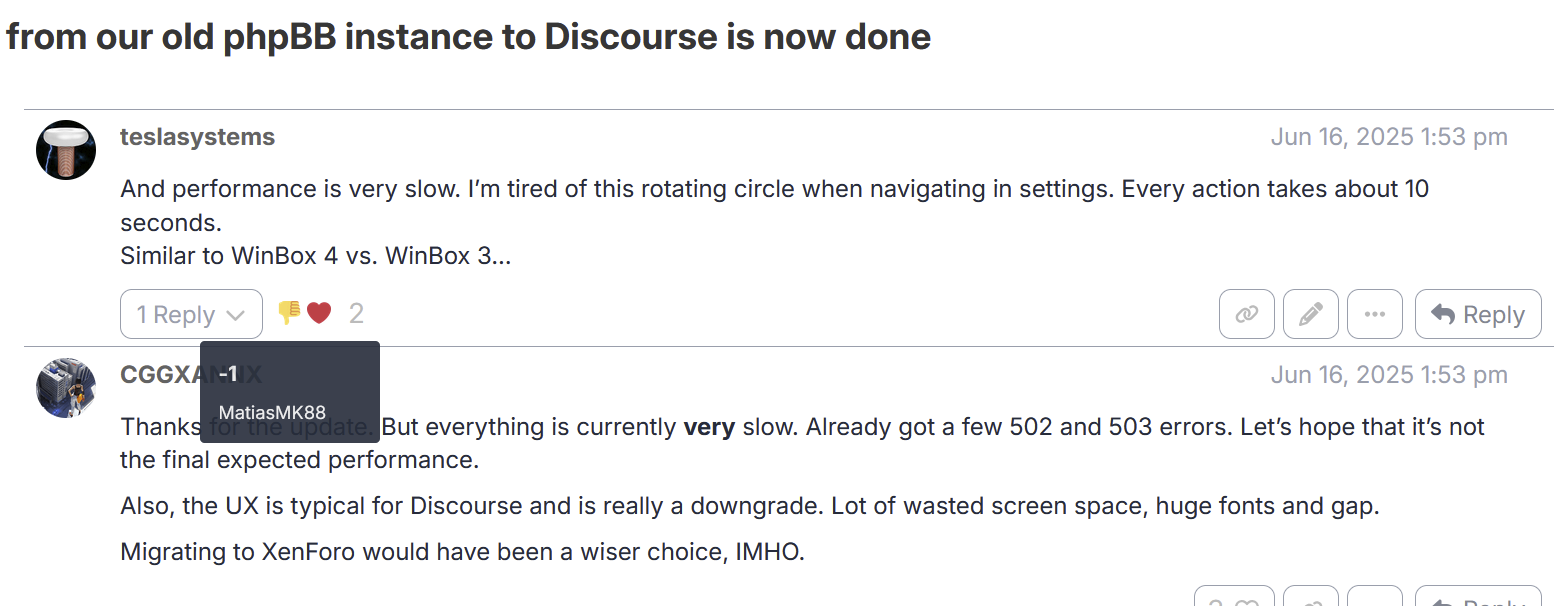
The new forum UI is also quite unoptimized when it comes to long topics with many posts. I've scrolled down through all of this topic's posts, and I've had to reload the page just to write this post, because the UI was lagging so bad I couldn't even write anything. The delay between me pressing a button on the keyboard and the letter appearing was 1-3 seconds. I'm not an expert, but I think if your UI performance is measured in seconds per frame, then something has gone terribly wrong. And it's not like I have an underpowered system, either. I've 32 GB of RAM and a 2080 Ti. There's a good chance I'll have a better framerate in fully raytraced Cyberpunk 2077 than in the forum UI with a fully loaded topic, lol.
Nice that you brought all the obvious points forward for the umpteenth time, but you obviously missed the fact tha tyou can configure these things to your own liking.
You also obviously missed the scrollbar in the top right where you can scroll the entire article quickly to any position.
Imo, it's worth reiterating both the positive and the negative points even if everything has already been said, as it's just more feedback for MT forum admins. With the negative points, more feedback increases the chances of things getting fixed, and with the positive ones, they're just worth reiterating regardless, since the Internet in general is overwhelmingly negative. Idk about you, but I tend to work best when I have something positive to look forward to, as opposed to something negative that I have to fix.
No, I didn't. Yes, using the scrollbar would indeed bypass loading the whole topic and thus get rid of the lag in most circumstances. However, I still think the UI lag is a legitimate issue that should be addressed. Reasons being, (1) there are cases when you might want to look through the whole topic and (2) UI performance in general should not depend on the time you spent on the page, and it's bad if you have to reload the page after 100 posts just to get adequate UI performance again. If it drops to 0.5 FPS after 600 posts on a powerful system, that probably means it'll drop to something like 20 FPS after 50 posts on a relatively normal one. Which is, idk... Bad?
P.S. I also like how the forum doesn't automatically quote the whole message when you click 'Reply' now. Finally, an end to the endless quoting!