Stop Running AdGuard on Your Routers. Let the Cloud Handle It

Running DNS filtering directly on a router makes sense for many networks. But in VPN deployments, especially those with multiple remote clients and limited edge hardware, there is another option: move DNS filtering to the VPN server.

TunGuard integrates AdGuard Home as a managed service on the cloud VPS, alongside the VPN server. This allows DNS filtering to be controlled centrally without requiring a separate AdGuard installation on every router or client.

The goal isn't to replace local DNS filtering everywhere. It's to make filtering an optional capability of the VPN infrastructure.

How it works

TunGuard runs AdGuard Home as a separate process and configures its DNS listener on the VPN server's tunnel address, normally port 53.

When a peer belongs to a policy group that permits AdGuard DNS filtering, TunGuard installs dedicated "iptables" rules to redirect that peer's standard DNS queries to AdGuard Home.

For example, a peer can have a WireGuard profile configured to use "1.1.1.1". Once that peer is assigned to an AdGuard-enabled policy group, its ordinary UDP and TCP DNS queries on port 53 are redirected on the server.

The client doesn't need a new WireGuard profile or a manual DNS change.

TunGuard also rebuilds the filtering rules when relevant peers or policy groups change, and removes the rules when filtering is disabled or AdGuard stops.

What this actually solves

1. Centralised filtering for VPN peers

Instead of maintaining separate blocklists on multiple devices, administrators can manage DNS filtering from one AdGuard Home instance. The same filtering policies can apply to selected peers across a VPN deployment.

2. Filtering can be enabled per policy group

Not every client needs the same DNS policy. With TunGuard, an administrator can enable AdGuard filtering for a particular group without applying it to every VPN peer.

Moving a peer between groups changes its filtering policy without requiring the WireGuard configuration to be regenerated.

3. Less work on the edge device

The router or client still handles its normal networking and tunnel traffic, but it doesn't need to run AdGuard Home or maintain its blocklists locally. DNS filtering happens on the server.

This can be useful when the edge device has limited resources, or when managing filtering across multiple remote sites would otherwise require additional configuration.

4. One place to manage DNS policies

Filter lists, custom rules, upstream resolvers and query logs are managed through AdGuard Home. TunGuard handles the integration with its VPN peers and policy groups.

An important limitation

The interception rules apply to ordinary DNS over UDP and TCP port 53. They do not automatically intercept DNS-over-HTTPS or DNS-over-TLS, because those protocols use encrypted connections rather than standard port-53 DNS.

For example, Android's Private DNS feature can bypass this interception when it uses DNS-over-TLS. Devices must use a DNS method that passes through the interception rules for this filtering mechanism to work.

This is DNS filtering, not a guarantee that every advertising or tracking connection will be blocked.

Why integrate it into the VPN server?

The useful part isn't simply running AdGuard Home on a VPS. It's connecting DNS filtering to the VPN's existing peer and policy management.

For TunGuard, that means administrators can decide which peers receive filtering, manage it centrally, and change policies without manually updating every client.

Local filtering remains a valid choice. Centralised filtering is another option when the VPN server is already the natural place to manage remote clients.

Documentation: AdGuard DNS Filtering - TunGuard
Source: GitHub - TunGuard/tanguard-binary: TunGuard is a Zero Trust, identity-based connectivity platform that replaces your legacy VPN, SASE and PAM stack. One control plane connects remote teams, multi-cloud environments, CI/CD pipelines, edge and IoT devices, and AI workloads: over direct peer-to-peer links, a TCP relay, and WireGuard-compatible access. · GitHub

Nice idea, but quite a few services already offer this for free for small setups.

Cloudflare Gateway, NextDNS and AdGuard DNS all filter in the cloud with no VPS to maintain and include DoH/DoT endpoints. And forcing clients onto a filtering resolver is a single dst-nat rule on port 53 in RouterOS, no tunnel needed.

Check these out:

Nope! My goal is to minimize use of uncontrollable craptastic "cloud" resources. Local and under my control is almost always the first choice.

(And it's not like running AdGuard locally in a container is any work at all . . . And it points to a local DNS server, not a slave to any intermediate ISP . . . .)

Yeah, if you really want to be fully independent and your router can run apps/containers, going local is a solid option. Throw in Unbound as a local recursive resolver and you’re not relying on anyone else’s DNS either.

Pi-hole is already a built-in app in RouterOS 7.21+ under /app, so it’s pretty much one click to get going. AdGuard Home isn’t in /app (yet?), but it’s in the MFM catalogue and runs just fine as a container.

Actually running a full bind deploymemt, no need to dumb it down . . . Server based, though . . . I don't really see a reason to run that on the router. AdGuard filters and is offered to wireless via DHCP, and goes to the local bind to resolve, which then contacts as needed via the root server list. Baseline entries are also with Network Solutions, so internal addresses are not exposed, as well as no traffic outmfor localmor cached resolution. The RouterOS is a DNS client, and nothing more.

(Once I found the procedure, AdGuard container setup was also trivial at best, even having never touched containers prior.)

Nobody’s dumbing anything down. BIND or Unbound, a local recursive resolver is a local recursive resolver, so we’re describing the same setup. The /app tip was for the router crowd this thread is about, since that’s what the OP is pitching.

Running it on a server instead of the router is perfectly sensible, but then it’s a different discussion.

"Unbound is a recursive-only resolver built with security and privacy as primary goals"

As per unbound descriptions. Appears to not suport the role of authoritative DNS (and the complexities thereof), and hence my comment.

/app vs container seems like a relative "no-op" from here . . . (again, seems like just an attempt to dumb down the container setup from here . . . )

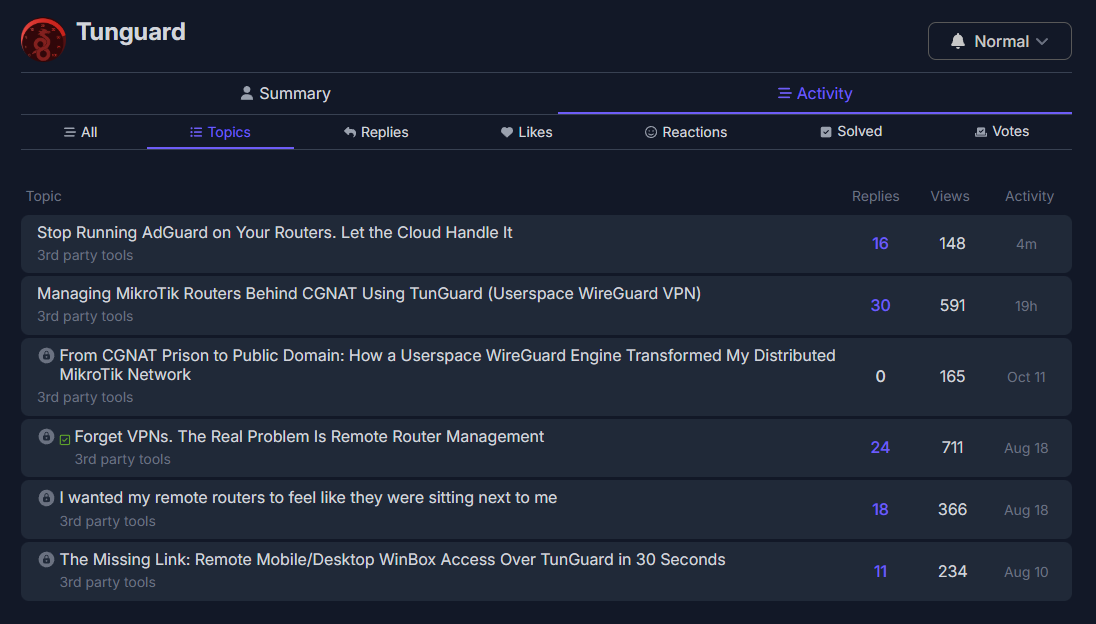
@BartoszP Again another posts just to promote TunnaGuard?

@BartoszP Please take action, delete this garbage, and block the user.

It’s these idts who keep starting idtic threads just to promote themselves.

Nice the issue is for me I just love owning the data you see right here everything happens on your server also the setup is simple the same tunnel you use for the remote management is the same tunnel used for this Adguard task so it's feel like killing 2 birds with one store and since ads are filtered on cloud routers doesn't get overloaded with task....what do you think

This can be solid but for router like rb951 that I use it's headache doing this inside a router

@rextended you just have a personal grudge man I don't know what to say ...... but that's understandable.....but TunGuard is not a paid tool I am just sharing what I am using to newbies....for example Right now a user can simply configure vpn for management plane and still use it for Adguard without editing anything that's what TunGuard do ....and I don't need anybody money......I will not even put the coffee button on this project.... it's just my fun project...so I beg you drop the hate ...you don't know me I don't know you ........and TunGuard runs on server level not router level I understand you know how to configure routers but this tool is server level

I think you get it now running this on server level come with massive advantage.....like speed servers are generally faster than router so filtration works happens fast but not just that ... Basically I hook filtration on metfilter direct..by the way

@BartoszP look at @rextended thread here like everyone is sharing their process but he is just obsessed with pure hate ....so what have I done now he is even insulting me .... although I can just take it ...I haven't even posted a link to anything.... instead of contributing or challenging my idea he is just insulting me...... actually I just mute the insult but the environment shouldn't be like this

Since this is a new topic by you it has to be some new tool, what is it?
I see no mention.

@Tunguard

6 independent posts with answer as it could be only one with 6 blocks.

You are, how it has been? ... just obsessed with a pure need to make a buzz about your tool and starting new threads again and again.

Please post any news on it in that topic.

Why this crap wasn't cleaned up yet (DELETED) and only allowed one topic about it, beats me.

Nobody’s defending the spam, the mods have it covered. Whether it should be deleted is your personal opinion, not a forum rule. And “crap” isn’t an argument. You can be critical and still keep a decent tone, or just not reply at all. It would be nice to see a bit more of that around here.

Same can be said about yours.
But I don't see this as "having it covered":


or this specific post in an unrelated topic: Source NAT just won't back-translate and I've tried everything - #2 by Tunguard
Just locking the topics and allowing the said user to open new topics on the same subject is by definition not having it covered.
You delete the content and give a timeout to the user, permanent or temporary.
Feel free to ignore my posts or suck it up.

Haha, you are welcome! :face_blowing_a_kiss:

Naaah . . . . "Crap" is, if anything, a gross understatement! :slight_smile: