Router: E50UG
ROS: ver.7.19.2
DoH: Google - 8.8.4.4
Is this an incorrect handling of the 502 error, or is this how it should be?
DoH itself works flawlessly, there are occasional errors like "DoH server connection error… ", but this does not affect the operation of the router in any way.
It probably means the specific DoH server sometimes does not process your request. 502 means it’s and error in the server side. Try using a different, more reliable DoH server
Um… is Google’s server unreliable? That device is probably making too many queries, and Google is blocking some of them, interpreting them as DDoS attacks.
His routerboard’s DNS is probably open to the world, or the sum of all internal devices is making too many requests from a single router’s public IP address.
No, no one would bother to respond to DDoS attacks with a full 502 response including body (that's a lot of resources for encryption on the server side for this HTTPS connection).
And beside, if the faulting party was the OP's router, Google's servers would answer with a code in the 4xx range. For a 5xx response, the problem is on Google's side.
Absolutely not.
All the devices in my local network use the router (E50UG) as a DNS server.
This is home network with 28 devices and there is no noticeable load on the external DNS.
Moreover the router does not accept any external DNS requests from the WAN.
And my question was WHY did E50UG decide to output to the log as a warnings the full raw html response without any filter?
On my opinion it looks like a ROS handler error.
But who knows - may be by design...
Your neighbour could be causing the requests, if you share an IP or a subnet, Google could be blocking everyone. Just try another server and see if the issue still happens.
I agree that the full HTML should not be going into the log, we will see how to fix that. But 502 is a server error and not MikroTiks
Also why is there grammar errors in the 502 HTML and some funky tags? Could you actually be using another server, not google? Very suspicious. Have you turned on verify-doh-cert=yes and imported the real google certificates? This looks like some hacking attempt to me
I’m sure it’s not a hack.
I have a public static IP address and there are no “shared” ones.
Specifically, in my case, it was a single Google server error and it was visible in the logs, but it is almost impossible to recreate such an error for analysis.
Great!!!
That was the purpose of my post - to draw attention to the incorrect operation of the error handler, specifically for 502.
Thank you for the attention to this matter!
I have the same problem with DoH on ax2, default settings,
1 smartphone in the network, 46 records in the DNS cache, the phone just lies on the table and I see red DoH errors in logs,
as I see, the errors themselves can be divided into two groups:
these are errors connection closed, i.e. TCP RST,
these are errors about exceeding the time or 500,
I also see that alternative DoH servers work stably and without errors, for example, I took a simple alpine linux and installed dnscrypt-proxy, which also works with DoH, and not a single error
I tried different versions of routeros and even changed mikrotik to the new hex refresh, without configuration, only as dns resolver, it still doesn’t work.
For what it’s worth, I don’t think you’re right. Normal dns mostly works over udp for a reason. Keeping around long-living tcp connections for this is a bit insane from a technical perspective. It is not surprising to me that random disconnects/timeouts happen, according to whatever policy.
What I can very easily believe is that some debug level has to be engaged on the usual platforms to see this.
E.g. it’s also not uncommon for a normal udp request to time out, yet even Mikrotiks don’t log these events.
Frankly, this reminds me of people saying that everyone is scanning their IP since they bought a Mikrotik. It’s simply that their previous device didn’t log it.
I have tried DoH at Google and Cloudflare.
Both without and with connected certificates.
ISP line is FO with public fixed IP.
My “timing” :
CF 1.1.1.1 (4 ms) and 1.0.0.1 (230 ms)
Google 8.8.8.8 (19ms) and 8.4.4.8 (20ms)
Without certificates, both CF and Google servers periodically issued a connection errors of the following type: DoH server connection error: remote disconnected while in HTTP exchange DoH server connection error: while reading - Connection reset by peer
this appeared more often on the part of CF - 1-2 times in 3-4 hours, GG - 1-2 times in 5-10 hours.
With certificate verification enabled, the Google has hardly changed the frequency of the error.
CF, on the contrary, began to work much more stable.
As a result, I settled on CF 1.1.1.1 and practically do not observe any connection errors with the server.
You are absolutely right!
Moreover, I found the parasite “broadcast” traffic from ISP side at level 1-9 Mbps. It was some misconfiguration of the ISP equipment when in/out traffic to/from one of the clients was broadcasted to the entire segment.
in other words, it can’t work differently. i.e. we have DoH in Chrome, Edge browsers, there is a similar DoH in the Windows 11 network settings, there is dnscrypt, there is PSense, and there is Mikrotik. And only on Mikrotik, my devices respond “no Internet”, because DoH does not work properly.
P.S. I also see that Google limits work with DNS at 200 QPS, this is too large and unachievable figure for my network. I also tried to change the routing to the DNS server, for example, one of the tests to remove all possible instabilities, I used a wareguard connection to WARP, separately monitored its state, and used this tunnel for DoH to 1.1.1.1 and still, DoH on Mikrotik was unstable. this is a fiasco.
I wouldn’t be so pessimistic.
My personal experience shows that MT (E50UG) can work fine with DoH.
I have a small home network of 29 devices, 10 are “DNS-active” - PCs, pads, smartphones are used for web browsing/application almost constantly, the rest are more “DNS-static” devices - home automation, CCTV, etc.
After switching to Cloudflare (1.1.1.1) with certificate verification, DoH works without a single error.
So as I see it: “DoH on Mikrotik is stable.” (IMHO )

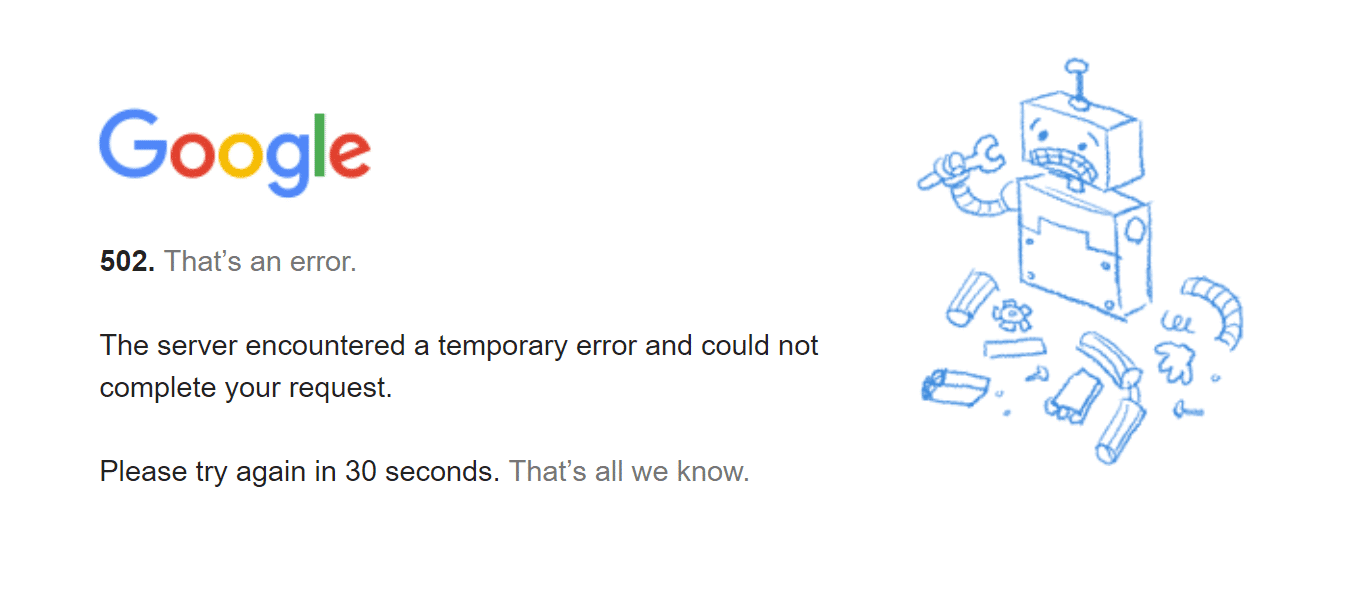

 . You can trigger a 404 page yourself and see it in the title:
 )
)