first problem by me, on ccr1036 suddenly high cpu usage
no traffic at all, after restart it’s good so far
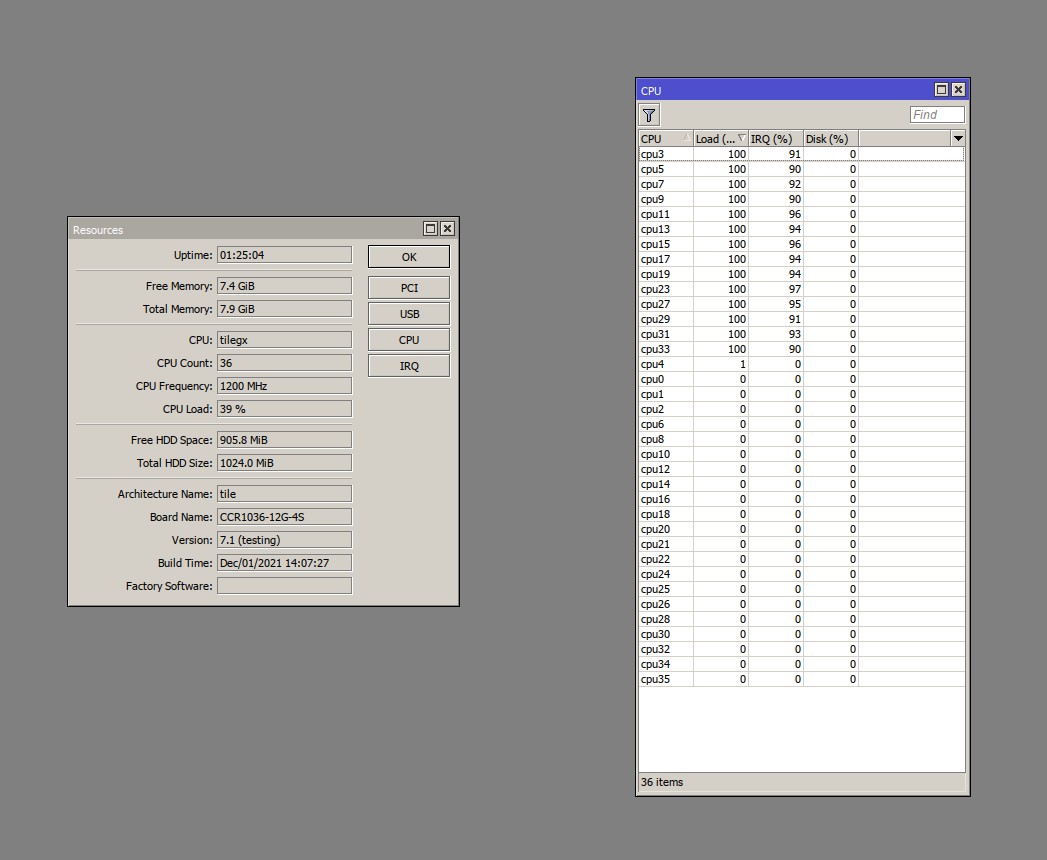
And you didn’t think to check the profiler to see what was actualy eating the CPU, did you?
And to see which of the IRQs were used that much..
So, are we gonna see 7.x in a stable channel by the end of q1 2022?
I am not meaning that it will be actually stable, just released in a ‘stable’ channel.
That would be the method that should work, but it doesn’t. It works only on devices with more than 16MB Flash. Reported to MikroTik some time ago, they would investigate. But to fix it, they would first have to release a new 6.49.x version that includes the fix and that you could install as an upgrade, and only then the upgrade to a combined package (and thus also to v7.1) would succeed.
For now, you need to netinstall.
This could be related to the issue with DSCP in combination with PPPoE over VLAN described above.
For me, the DCHPv6-PD over PPPoE over VLAN works, on a RB4011. But DSCP-marked traffic over PPPoE over VLAN (certain DSCP values) does not.
Maybe in your case the DHCPv6-PD traffic (I think that also has a DSCP marking by default) falls victim to that.
This problem appears to occur only in the ARM architecture, I bet that when you copy your entire config to a RB2011 or CCR1009 it will work just fine.
which version is actually stable, from all RouterOS versions?
hi mr normis
please fix socks5 in ros7.1 and ros7-rc7
now currently just socks4 and webproxy working in ros7
http://forum.mikrotik.com/t/socks5-not-working-in-routeros7/153414/1
6.48.4 and 6.47.10 were rock solid for me. Credit where credit is due. You at MIkrotik do make nice equipment for cheap, despite the occasional problem.
7.1 has been stable since yesterday for me on several boxes 
6.49.x works great on all but 2004s for me and so has many previous versions.
Stable should probably be called latest or something like that.
The problem occurs in v6 as well. But you are right, it could be in the switch chip. I have no explicit config for it, I run a vlan-aware bridge on ports 2-10 and have ether1 outside of that bridge, a VLAN stacked on top of that, and PPPoE on that.
But when RouterOS internally uses VLAN to separate that port 1 from the others, there are two stacked VLAN headers and maybe that is where it goes wrong.
(that would mean there is some DSCP snooping going on in the switch chip, but that could well be part of the functionality)
Maybe the workaround described above of doing the VLAN tagging via the bridge is a hint in this direction.
Unfortunately I cannot do that as I require both VLAN-tagged traffic (the PPPoE traffic) and untagged traffic (to monitor the modem) on the same port.
Workaround to put VLAN interface over switch instead of dedicated port is working.
Any news about LoRa?
On devices with only 16M of flash I always use the minimum packages needed. The upgrade worked on most devices, but any with the wireless package installed it failed with the space error. When the device is wired, this is just an extra reboot to remove the package and reboot then upgrade. For devices that use wireless as their primary connection (like a wireless bridge) this is not so easy. I ended up upgrading a spare device (wired) then reset config to match the other devices and swapped out the device. A netinstall world have worked as well.
The upgrade process needs to be worked on as I am sure people probably want their wireless cpe devices upgraded eventually without requiring a netinstall or hardware swap.
Netinstall is the only way to comfortably upgrade a hAP Lite or Mini for testing purposes.
My RB941s reboot after 24 hours running anything v7, so mine are on long-term.
+1
Also have a hAP ac² with IPQ-4019 (256MB RAM) but only 16MB Flash 
Really like to use all wireless features of the IPQ-4019 SoC…
Nice that you narrowed it down to that! I reported the bug, of course got “we cannot reproduce it”, but maybe they tried to reproduce it on a wired device?
I only tried with the wireless package in place, as it was on a wireless AP. Like you, I have converted all devices I manage (with 16MB) to “separate packages” so it would be helpful during the conversion if this was resolved.
That would have to be both ARM and ARM64 because the RB4011 is 32 bit and the RB5009 is 64 bit.
It would be interesting to see if the CR2004-16G is affected as well then.
Upgraded a number of devices, only issue I can see with our configuration is that RoMON no longer works when you forbid the default rule and the accept rule is a VLAN interface.
Anyone else having issues with RoMON?
The actual issue here is the multicast package. It’s from the extras zip. Remove the multicast package and it should upgrade.
7.1 can only be upgraded if no extra packages are installed.
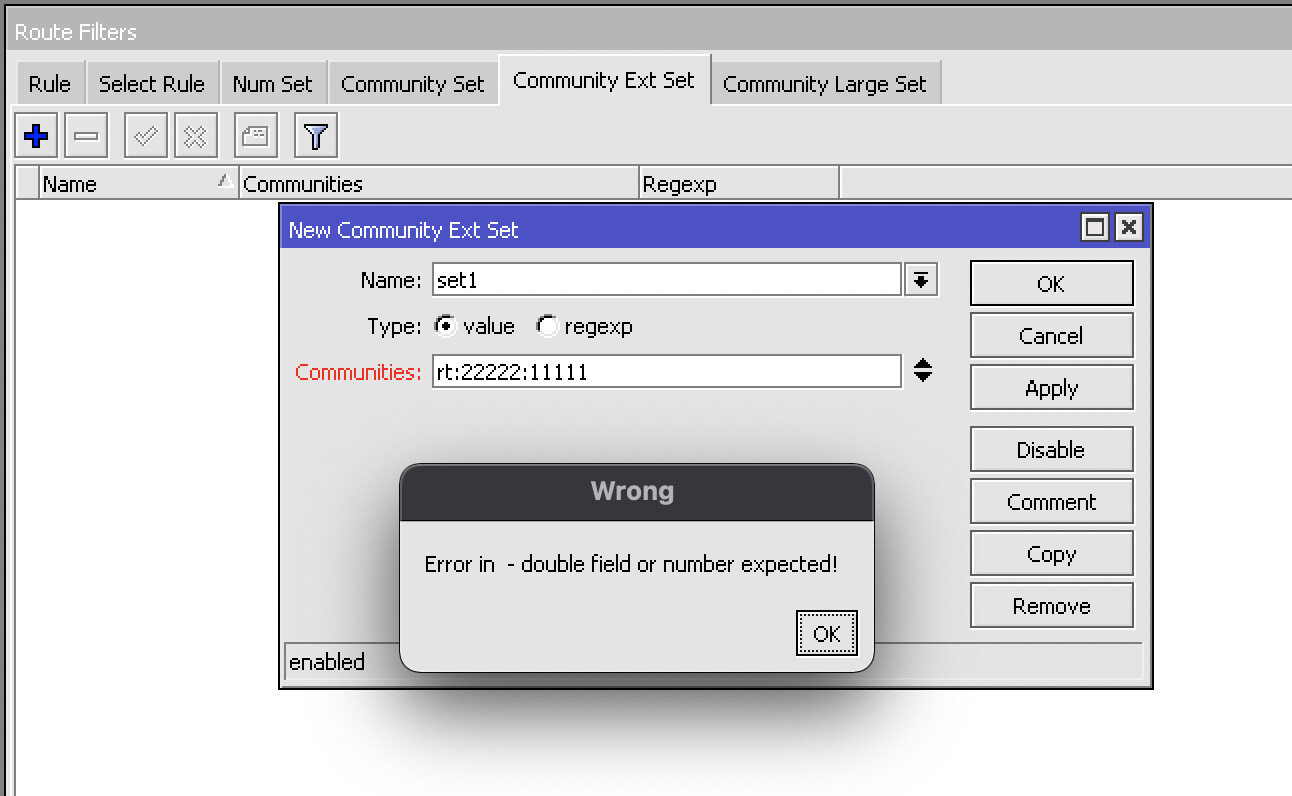
Erro Community Ext Set