I just looked at the test CHR installation where I did run /export and then delete the apps folder, and it does have a huge number of sector writes in less than 9 hours:
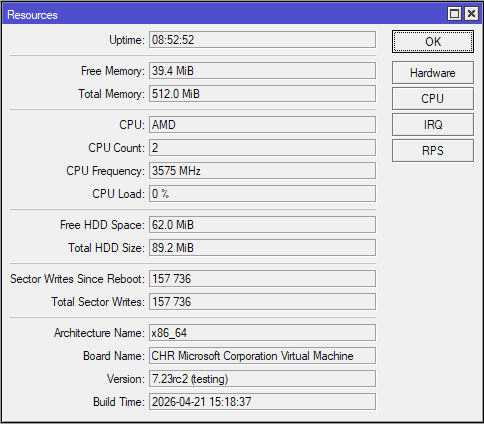
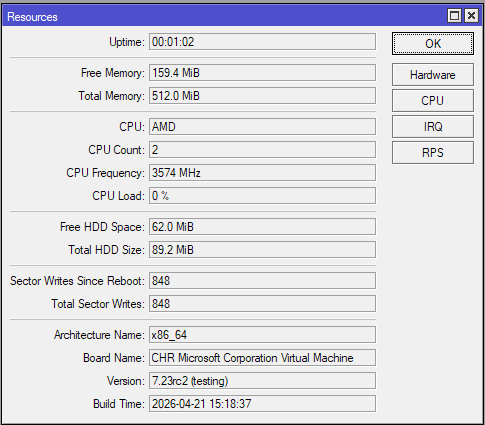
This test CHR only sits idle, and has no clients connected to its LAN. I've now rebooted it and:
One minute, and then 6 minutes after reboot, with no changes in sector writes during the 5 minutes in between:
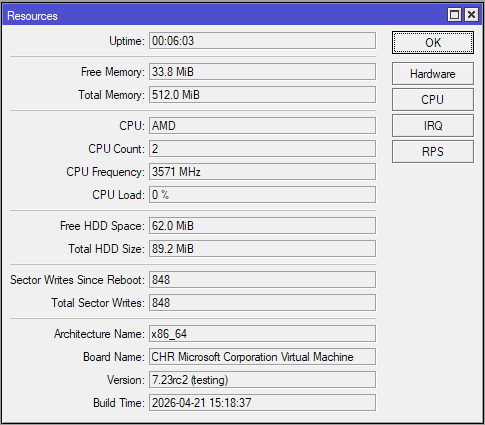
Right after running /export, and 5 minutes then 10 minutes after running /export:
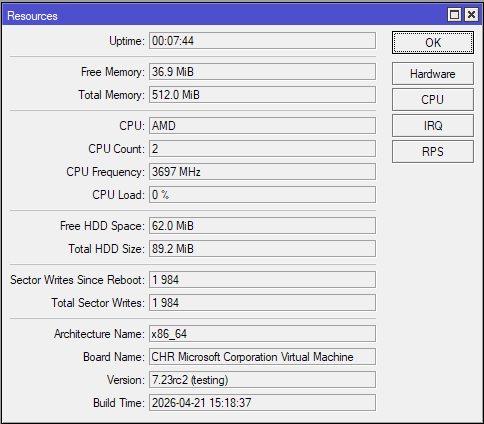
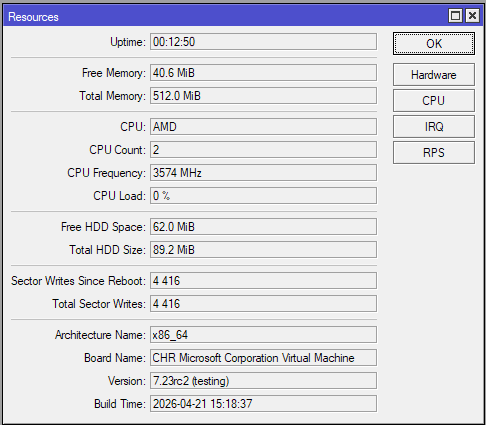
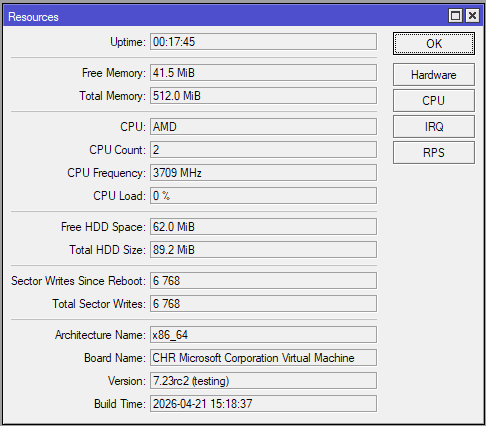
After deleting the apps folder, which is on a separated disk, no changes in sector writes:
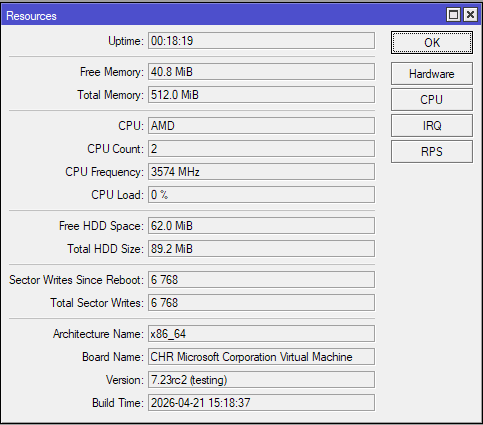
15 minutes and 20 minutes after running /export:
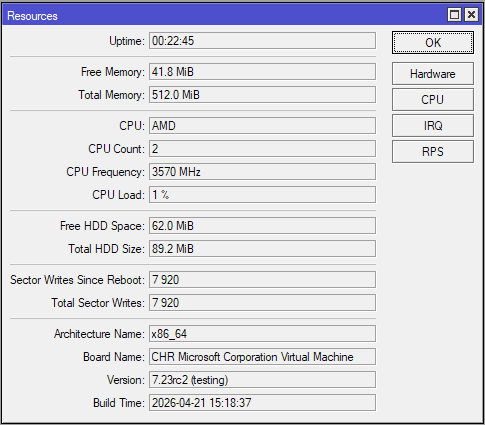
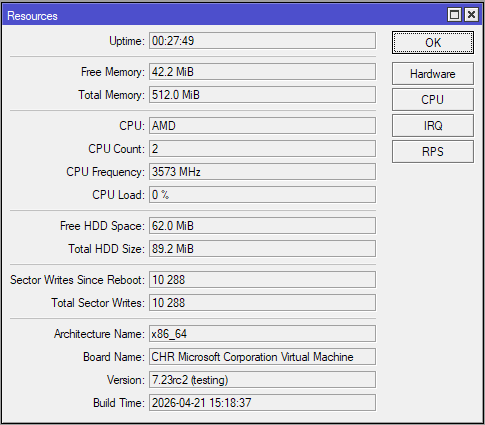
Conclusion: There is a large increase in sector write rates once /export is executed. Deleting the apps folder or not doesn't seem to affect this outcome. If the issue is not fixed in the next version, then we'll have to reboot the router after running /export if we don't want to wear out the internal storage!