RouterOS version 7.6beta4 has been released “v7 testing” channel!
Before an upgrade:
Remember to make backup/export files before an upgrade and save them on another storage device;
Make sure the device will not lose power during upgrade process;
Device has enough free storage space for all RouterOS packages to be downloaded.
What’s new in 7.6beta4 (2022-Sep-01 11:35):
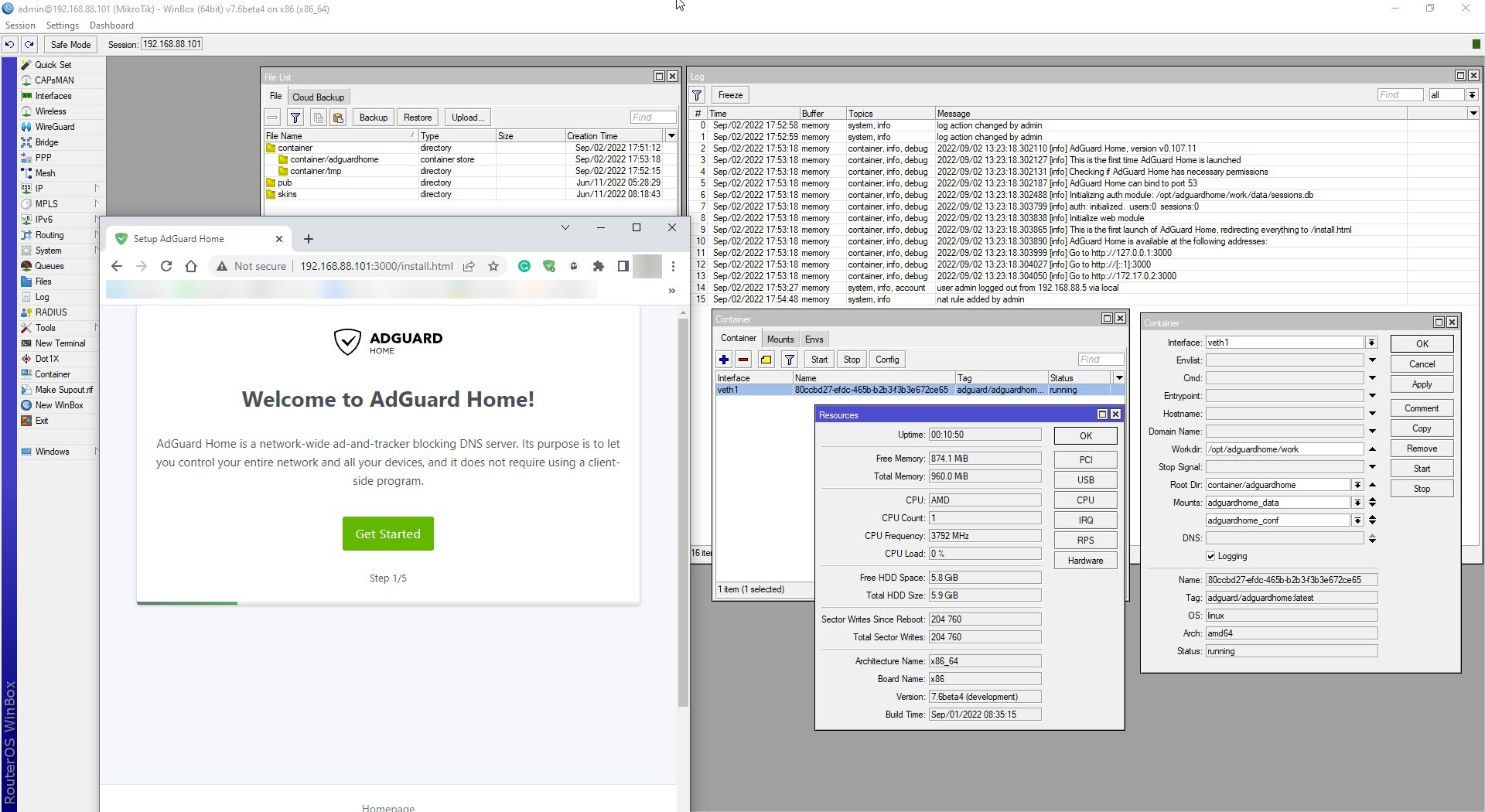
*) container - fixed usage of non-authenticated registries;
*) dhcpv4-server - improved service stability when removing dynamic leases;
*) dhcpv6-client - fixed false error status reporting when server offers T1 or T2 value as 0;
*) firewall - added “src/dst-address-type” parameter under “IPv6/Firewall/Mangle” menu;
*) firewall - disable IRC NAT helper on upgrade;
*) firewall - fixed IPv6 filtering with “in/out-interface” matcher that is in VRF;
*) firewall - fixed IRC NAT helper (CVE-2022-2663);
*) health - fixed fan speed and temperature reporting on CCR1072;
*) hotspot - fixed service initialization when HTML directory configured on an external disk;
*) hotspot - improved stability when receiving bogus packets;
*) hotspot - limit maximum allowed connections based on free RAM resources;
*) hotspot - removed “routerboard.com” URL from default HotSpot advertise;
*) l3hw - added support for IPv6 route offloading (disabled by default);
*) l3hw - added “l3hw-settings” sub menu under the switch menu (CLI only);
*) l3hw - fixed “H” flag presence for accelerated connection tracking entries;
*) l3hw - improved system stability;
*) lte - added interface name for MTU debug logging message;
*) lte - added support for Neoway N75-EA;
*) lte - disabled RPLMN on Chateau 5G;
*) netwatch - fixed string variable values in script;
*) ospf - added SHA hashing for authentication;
*) ospf - fixed area “no-summary” setting;
*) ospf - fixed displaying of VRF interface in related logs;
*) ovpn - added IPv6 support for ethernet mode;
*) pppoe - fixed MRU negotiation even when it is set to 1500;
*) radius - require “policy” policy for “login” service configuration;
*) route - fixed memory leak;
*) sfp - improved QSFP/SFP interface stability for 98DXxxxx and 98PX1012 switches;
*) sms - added “status-report-request” parameter for “send” command;
*) tr069-client - do not allow “:” symbols in username;
*) user - removed unused “dude” policy;
*) vrrp - fixed connection tracking synchronization on MMIPS and MIPSBE devices;
*) webfig - fixed displaying of “Last Seen” parameter under “IP/DHCP Server/Leases” menu;
*) winbox - added “File Name” option for “Load Config” parameter under “System/SwOS” menu;
*) winbox - allow “timeout” value to be less than 1 under “Tools/Netwatch” menu;
*) winbox - fixed interface traffic graph drawing on RB5009;
*) winbox - made “backup.swb” the default value for SwOS backup;
*) www - improved stability when receiving bogus packets;
*) x86 - improved ixgbe driver support;
To upgrade, click “Check for updates” at /system package in your RouterOS configuration interface, or head to our download page: http://www.mikrotik.com/download
If you experience version related issues, then please send supout file from your router to support@mikrotik.com. File must be generated while router is not working as suspected or after some problem has appeared on device
Please keep this forum topic strictly related to this particular RouterOS release.
*) radius - require “policy” policy for “login” service configuration;
Nooo…
Unfortunately you have noticed it…
I have always used it to scale permissions and become an administrator even in RouterBOARD which I did not have administrative access…
Now than the pandora box is open, please add this critical security fix also on 7.5, 6.48.6 and 6.49.6…
My CCR2116 is unable to update to this version, there’s nothing in the logs, 42MB free diskspace. It downloads the 7.6beta4 image, reboots and comes up again with version 7.5.
2-Partition setup, user-manager and zerotier extra packages are installed.
L3HW IPv6 is now supported by all CRS3xx, CRS5xx, and CCR2x16 devices.
IPv6 FastTrack HW Offloading is not implemented because the software IPv6 FastTrack needs to be implemented first. Unfortunately, I don’t have information about the latter.
One remark: somehow I managed to tick WPA3-EAP as security mode before and wifi did not come up after upgrade.
It showed a red message “wpa3-eap can only be combined with wpa2-eap”.
When I unticked wpa3-eap, all impacted wifi interfaces came up.
Is that intentional ? It wasn’t like that before (and nothing was mentioned in changelog about this, unless I missed something ?).
Port flapping issue on RB5009 which was triggered by showing the “bridge port” field (in dchp leases window, arp window, interface details window, etc) appears to be resolved in this build. A huge relief and best news of the day for me.
I also haven’t experienced a bricked router or config corruption since several builds ago (7.2.x) and have been staying up to date on testing channel on my whole fleet (10+ routers, various models) for each testing release so the upgrade process seems to be reliable at the moment, touch wood !
Export hang at those menus seems to be fixed too, (probably also the high cpu usage spikes but I can’t confirm right now).
Weird that there’s nothing about it in the changelog. Thank you!
@aliclubb yes there’s an active network. I disabled it, but no luck. I even removed the whole zerotier package and tried to update without success. routeros is the only package installed now on that device and it won’t let me update, I also tried to upload the firmware file manually. Still nothing in the logs except this ntp change time … message.