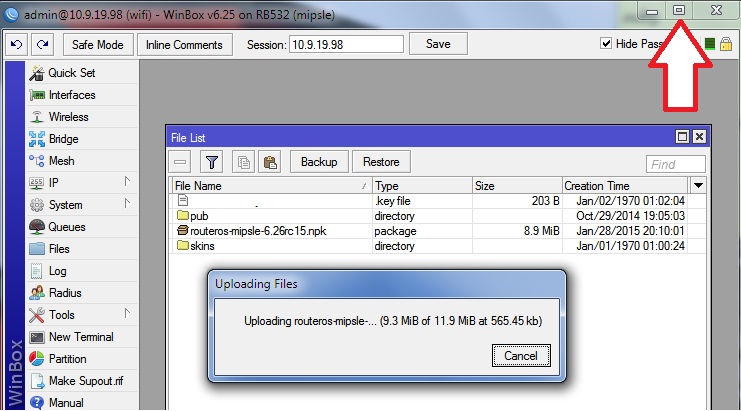
Thank you very much for including the nice little checkbox that allows the launcher to remain open when launching a connection to a router. This makes the Mac version much more usable because it is now possible to open multiple router connections at the same time.
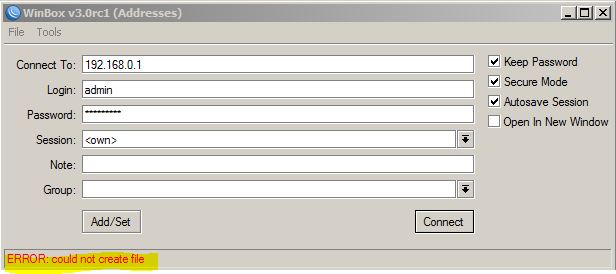
I have following error when I open Winbox and also when I try to connect:
Where Winbox stores it’s configuration**?** I want to check if proper rights are set to this folder.
(Win 7 x64 Enterprise)
guys, make sure your Winbox tool has permissions to write to file. Maybe you have stored the files in some non-writable folder, or you are running a non-admin account ?
A bug in the “Connect to:” (address field) in-line editor. For example, last time I used 192.168.88.1 address. When I starting winbox again, address field contains 192.168.88.1, total selected, the cursor is after last “1”. Now I want to connect to 192.168.88.2.
I expect that I can press Right key (select none, cursor at the end), Backspace, “2”, Enter.
In fact, after I pressed Right key, nothing changed, address is still full selected (Backspace will erase it). Unexpected_1.
After Right, I pressed Left key, selection become none, the cursor is still at the end. Unexpected_2.
Pressing Backspace, I see that address become 92.168.88.1, and the cursor is still at the end. Unexpected_3.
After that, the editor works as expected.
By the way, other text fields also could be deselected pressing the Right. It is something like standard behaviour of the most of editors. When something is selected, Right key must cause deselection and placing the cursor after what was selected, or Left key must cause also deselection and placing the cursor before what was selected.
In “Managed” tab we can double-click to connect listed device. It would be great to make such behaviour in the “Neighbors” tab, too. (Now there is no difference between click and double-click at Neighbors).
With 3.0rc1 I experience a crash when clicking the “Access”-button in the Web Proxy setting on a CCR1016-12G running 6.25
I will update to 6.25 tonight, but I didnt have this problem in 3.0beta.
One feature request…
Is it possible when you have a session open you right click for example a firewall rule and you copy it. If you paste it in notepad or in terminal in same or another session it should appear the rule. So you dont have to export.
In simple copy paste rules from one winbox session to another!
this would be useful when testing rules and various configs in your home router you just copy-paste them to your customers!
Can not connect via MAC. Neighbors tab is empty. Windows 8.1 x86
Feature request - is it possible to add “start in safe mode” option for selected router\router group?
do NOT click the save button. it is saved automatically. do NOT close the windows that you want to remain open!
save button is only to make new session. it is not to save progress.
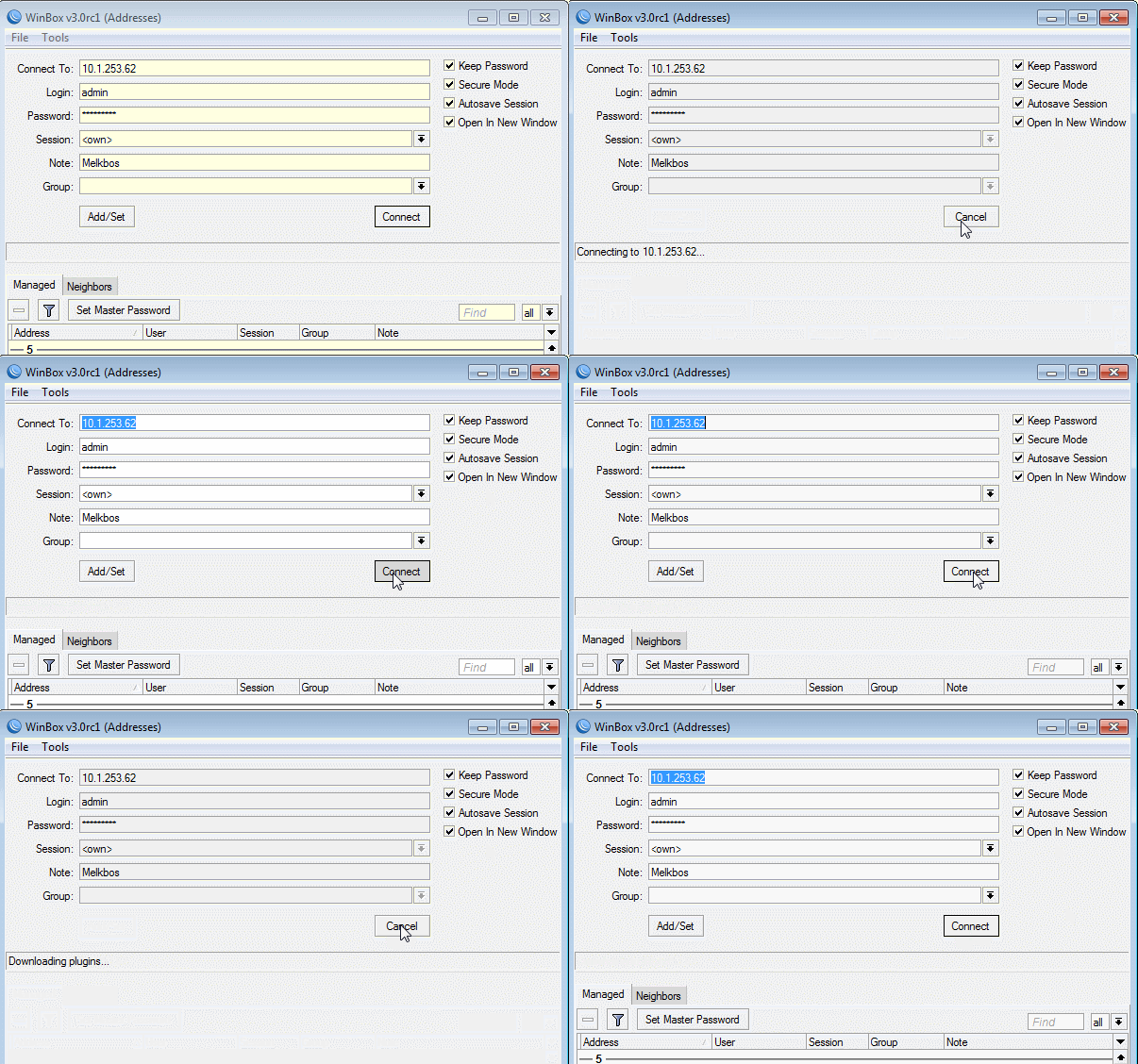
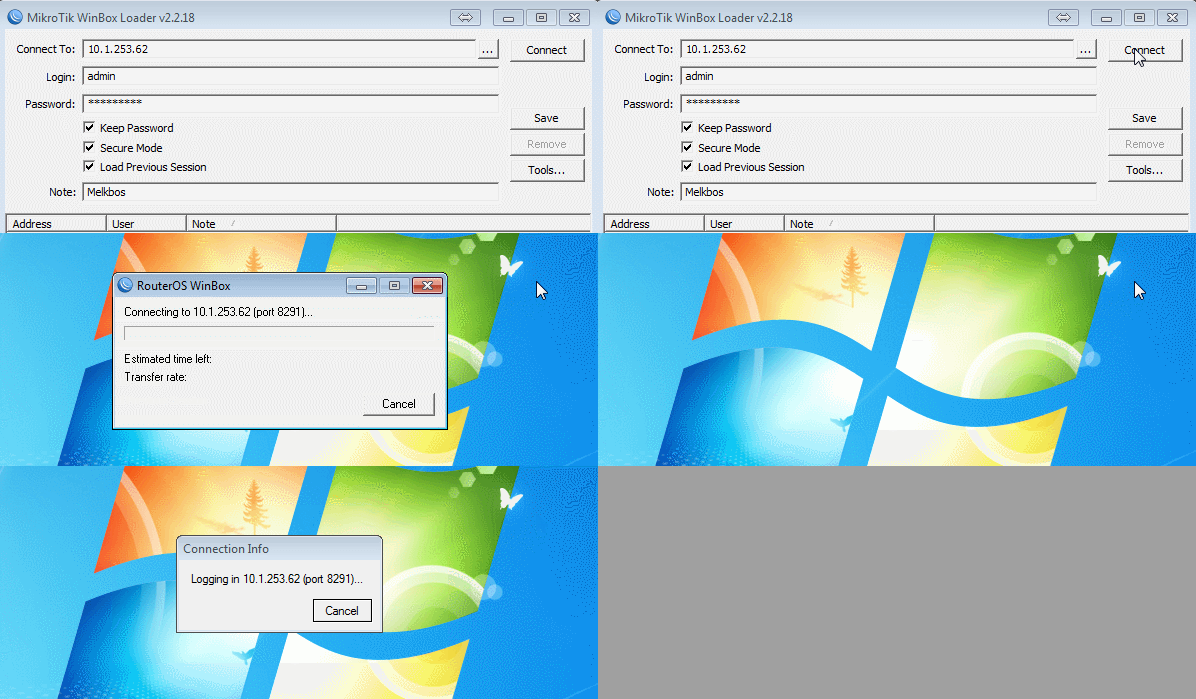
I confirm, sometime winbox-3.0rc1 does not connect, without a message, while 2.2.18 does connect. I can’t indentify dependences for now.
Nice gif’s, btw