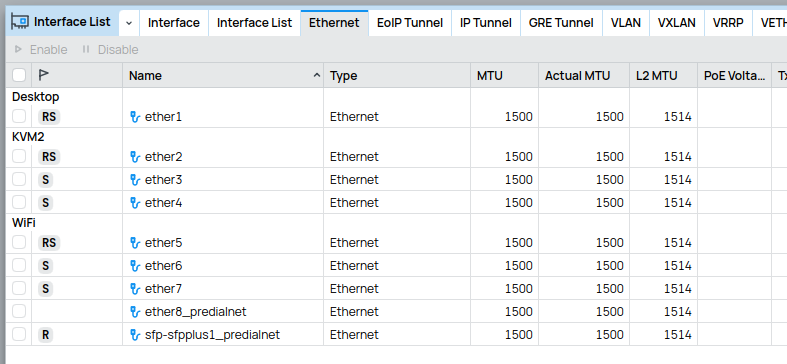
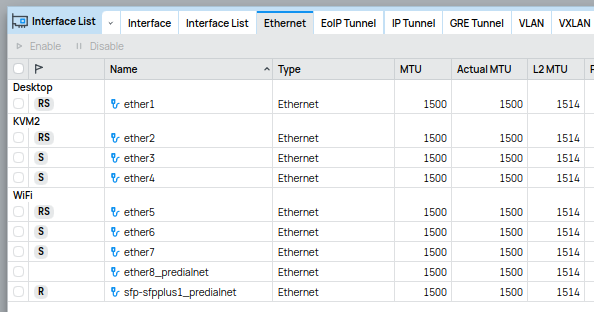
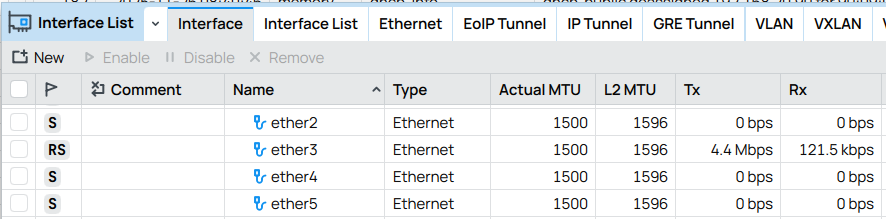
There’s no way around one problem - only properly usable font on Mac is default Manrope, because most of others are wrong size and there’s no way to change font size as zooming whole UI is not equivalent to changing font size.
On Windows It is a bit better when using Segoe UI or some other font, but that is because default font looks really awful on Windows.
Hmm. I set it to MikroTik branding's "JetBrains Mono NL" used by terminal when I first upgrade. BUT never tried any other fonts... since I was going for the "retro" look and want to match the Terminal font. And looks good.
But now that I tried to change it... if pick something else it goes back to "Manrope MD" if try selecting something other than JetBrains Mono NL.
What would be a recommended font on Linux? I now use Manrope MD but when there is a better alternative I would select it. However, I have so many fonts in the list that I really don’t want to try them all…
The common practice (not sure if it’s best practice) is to use the default system font supplied by distro of choice, e.g. Ubuntu for Ubuntu, Cantarell/Inter for Fedora for best consistency.
Manrope in my view is perfect for Winbox when working cross platforms, however if budget allows I would recommend to have a look Berkeley Mono.
This obviously depends on your environment. For modern 13” Macbook Air Manrope is more or less OK but table row padding has to be set to 0. As this machine has gone one step up from previous default resolution (which was 1280x800 on retina screen to 1470x960) more stuff fits into view but default font size turns to be too small in many places. Fortunately modern macOS has detailed font size adjustment available but not all text can be adjusted.
Therefore default Manrope gives about normal size and padding = 0 helps here a bit more. Setting Winbox font to Helvetica (Neue) or “AppleSystemUIFont” font ends up being too small and most of interface has more wasted space (this variation is visible when switching between fonts in WinBox settings). For my environment ideal size would be between what these two options can offer, but as there’s no way to adjust actual font size all this looks half-baked with useless three sliders…
…then again if I go to my typical Windows setup then Manrope is a bit too big and others like Segoe UI are almost OK, but all is blurry in typical Windows fashion.
And if we go back to most annoying issue with UI - most of object windows open in wrong size having bottom outside of the main window. As Cancel/Apply/OK buttons are therefore also outside of the window first thing is to start resizing the window - and all this on UI zoom setting 100%. All these windows can have scrollable content so there should not be a problem with appropriate vertical sizing - yet the problem exists…
I was using winbox3 and got used to certain lists of information (like a BGP peers list or interface list) take up some percentage of the screen height, allowing several of such items to exist on my 2.5K screen.
However, with winbox4 generally less information fits, unless I zoom everything to 92%. It would be nice when the font and padding was similar to winbox3 at 100% and zoom could be used to enlarge things only.
I’m running the Linux version of beta 42. When I set the window size or max the window. When I close winbox and restart and connect to the router, none of the windows setting are saved. All the windows are centered. Anyone else having this issue? I downgraded to 41 and all the window settings are saved.
I would like to have an option with the update new winbox version to be able to skip this version.
It would be nice if Winbox could read the system zoom settings on first launch and set them in Winbox accordingly. As I mentioned above, in Windows I set it to 125%, but Winbox started with 100%.
The controls and labels in Settings window of Winbox are too spaced-out. I would prefer compact placement of UI elements. I can’t get why the switches are at the new line and not to the right of the setting name. Popup window with sliders that set zoom levels is another oddity…
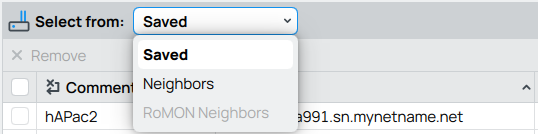
Hopefully someday I will see tabs instead of dropdown list for Saved/Neighbours/RoMON Neighbors selection.
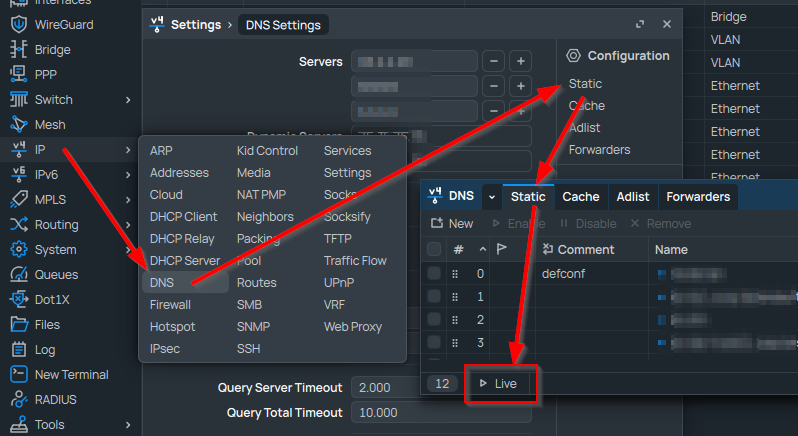
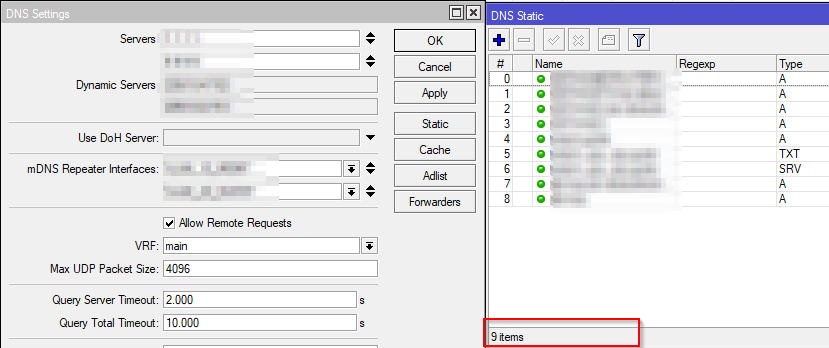
Does anyone know what the “Live” button does at the bottom of the DNS Static window? I wasn’t able to find documentation on it when searching the help docs or the forum, and I wasn’t able to find an equivalent button on the old WInBox. There is no tool tip popup description when hovering the mouse over that new button either, at least on the Windows version.