- terminal: add support for Ctrl+left/right to move cursor by words - does not work
Confirmed, W11, latest beta.
It doesn't work.
This is added for WinBox terminal, not for RouterOS. You can, for example, connect from WinBox to some Linux machine and use these shortcuts. Support for arrow navigation in RouterOS will come with RouterOS updates.
You mean CTRL+arrow-left/right (move cursor by word) is coming to ROS CLI? I am missing this ever since.
Winbox became extremely tiny on 4K monitors. And automatic upscaling stopped working on multi-monitor multi-size setups when moving from one monitor to another, or opening on different monitors.
Manually rescaling every time the winbox is opened or moved is real pain.
Worst problem by far is inability to change font size without zooming the whole UI. These 3 sliders in settings look like lame attempt to “deflect” this issue.
Is there any chance we could start getting WinBox 4.0beta releases as separate topics in the Announcements category, ideally with the latest release pinned?
It seems that you guys are waiting till it exits beta but since Discourse uses lazy list loading and the custom scroll system, and there's no prev/next in the "Search in this topic" UI, it's pretty hard to navigate this 3000+ reply topic that's been going for over a year.
WinBox 4, though there are a few layout/interface quirks, is looking very good and overall has become our daily driver. Keep up the good work!
Updated the list of issues: 📣 WinBox 4 is here 📣 - #2428 by teslasystems
Not completely fixed. There are no more artifacts related to painting on a previous image buffer, but if you drag multiple items, they are not painted simultaneously. Painting mechanism is still very bad and unoptimized.

So, issues #30 and #31 in the list above are still relevant and not completely fixed.
Regarding issue #36, the problem is fixed, but it's not OK. What is the problem to adjust dropdown width to be equal to the widest item? ...

Thanks for adding separators, but they could be more clear. In light mode they are unnoticable, in dark mode they are almost invisible. Very bad contrast.
2 spaces between value and label are not needed...
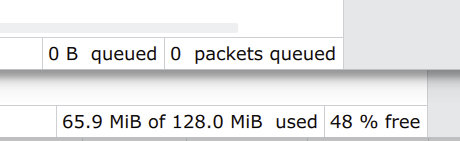
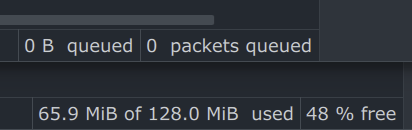
When winbox can support auto switch dark & light mode up on system. I need this. Thanks
I changed my zoom settings. They went from 92% to 100%.
Opened the BGP windows - it was using full width, but not (EDIT: it is “not”, instead of “now”. typo) full height.
Now it uses more than full width, and since it isn’t maximized, I can´t downsize it, in order to change the widht.
And I can’t drag it - because its larger than the full screen.
As luck had it, I’m using two monitors. So I just dragged main windows to use both of them, and THEN could make the BGP window narrower.
What I expected: To be able to drag the BGP window - even if it was width maximized AND larger than the actual screen.
The beta 42 is looking nice so far.
It seems that 42 is the answer for everything after all. /j
Not sure exactly when “Native Font Rendering” showed up, but with that on and “Segoe UI” as the custom font, things are finally falling into place. There are a few quirks here and there, but if MikroTik adds per-window Inline Comment too, I’m starting to believe moving to WB4 is doable — at least for me, and I’m stubborn and hard to convince  but I’m getting almost there
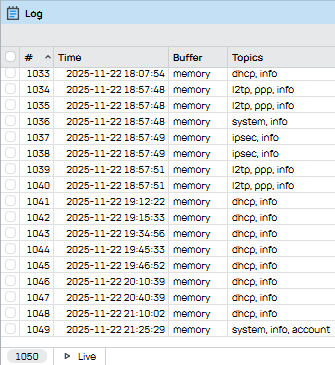
After selecting that option and restart WinBox, you need to use a Microsoft font that has high quality hinting data embedded, not the default Manrope MD font which has none.
Some candidate sans-serif fonts in alphabetical order: Arial, Calibri, Candara, Consolas (is monospace). Corbel, Lucida Console (is monospace), Lucida Sans [Unicode], Microsoft Sans Serif, MS Sans Serif (is font from Win9x), MS Reference Sans Serif, Nirmala UI, Segoe UI, Small Fonts, Tahoma, Trebuchet MS, Verdana.
Because WinBox 4 doesn't have a font size setting, for some of the fonts you might also need to adjust the zoom level.
Don't forget to run the ClearType Text Tuner (the Adjust ClearType Text applet in Control Panel) for all of your monitors.
Yes, it's a disaster that AltGr doesn't work on Windows …..
My point is, why should we have to go through ANY trouble for something as simple as having a readable UI?
No other QT based software has any issues with the fonts, so whatever WB4’s problem is, is by MikroTik’s choice. By (bad) design.
This indeed is somehow true. I know and use some qt applications and never had font rendering issues. Winbox 4 now looks quite OK on my system, but it had pretty bad font rendering until some version ago. I think it is Mikrotik learning curve with qt framework.
Yet another reason that different platforms should have some different options/defaults, and ideally customization. The idea that Mac, Windows, and Linux can all use the same keyboard shortcuts is pretty flawed.
In fairness, it's still a beta. I'd hope they get to better default in future. But MikroTik does seem overly attached to Manrope font (and it's poor hinting). We'll see I guess.
Manrope is their CD font. https://mikrotik.com/logo
Little issue:
If you try to drag any internal window using some of its title buttons ('Close' for example), a popup for this button appears and remains on screen until you stop dragging. Normally, you shouldn't be able to drag a window using its button!
Also, I think a window shouldn't be allowed to drag using a tab.
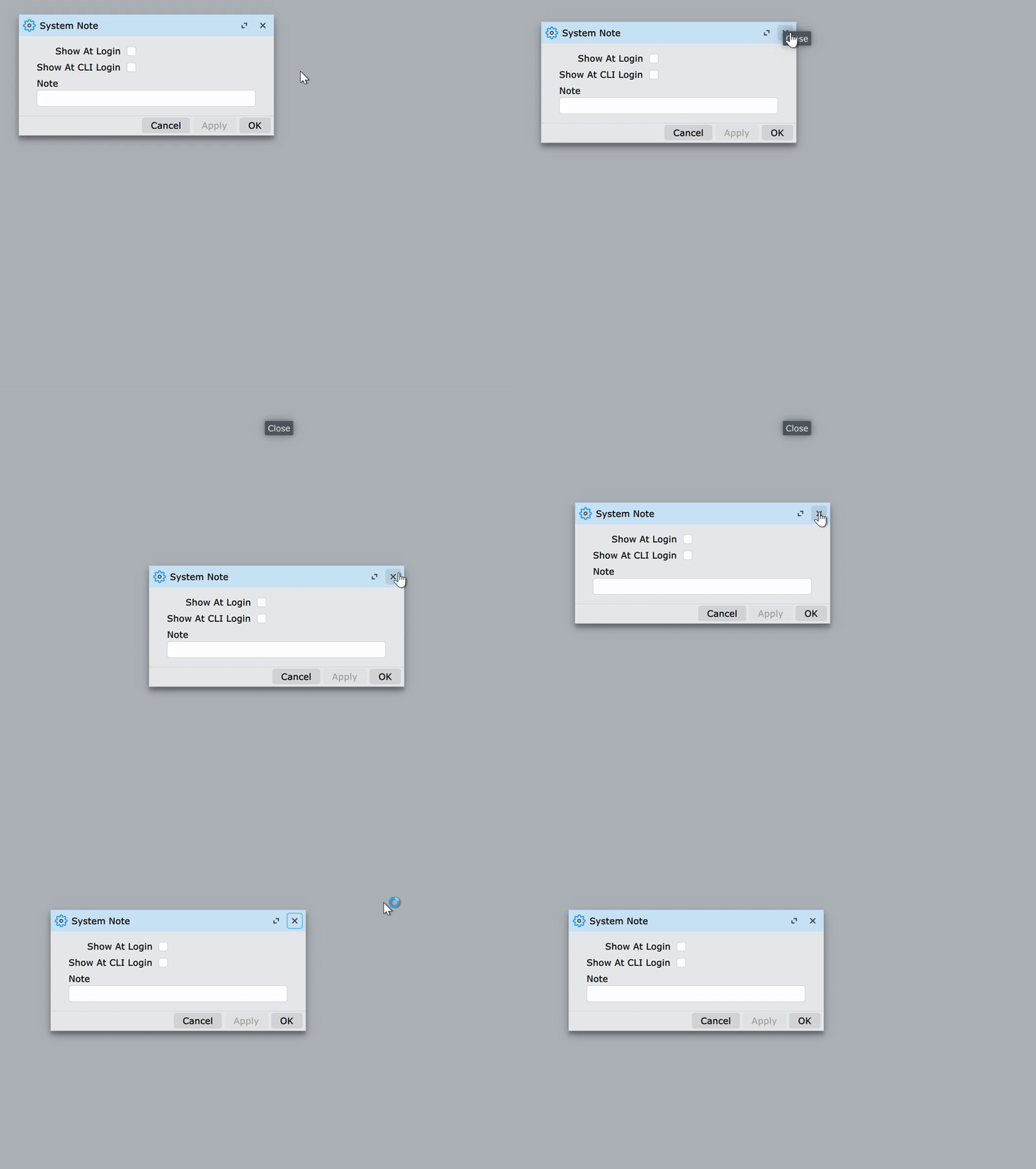
Added to the list of issues (#37): 📣 WinBox 4 is here 📣 - #2428 by teslasystems