*) added 24x24 and 32x32 icon support (RouterOS v6.47 required);
*) added Legacy Mode (disabled by default) to allow using older, less secure connections to RouterOS older than v6.43;
*) added scroll bar support in item property windows;
*) added support for super low DPI - 72, accessible by Zoom Out;
*) fixed Log window drawing on HiDPI displays;
*) fixed Zoom In/Zoom Out setting persistence after window is closed;
*) made table row height 15px by default;
*) use monospace font for big pop-up messages;
If you experience version related issues, then please report them to support@mikrotik.com.
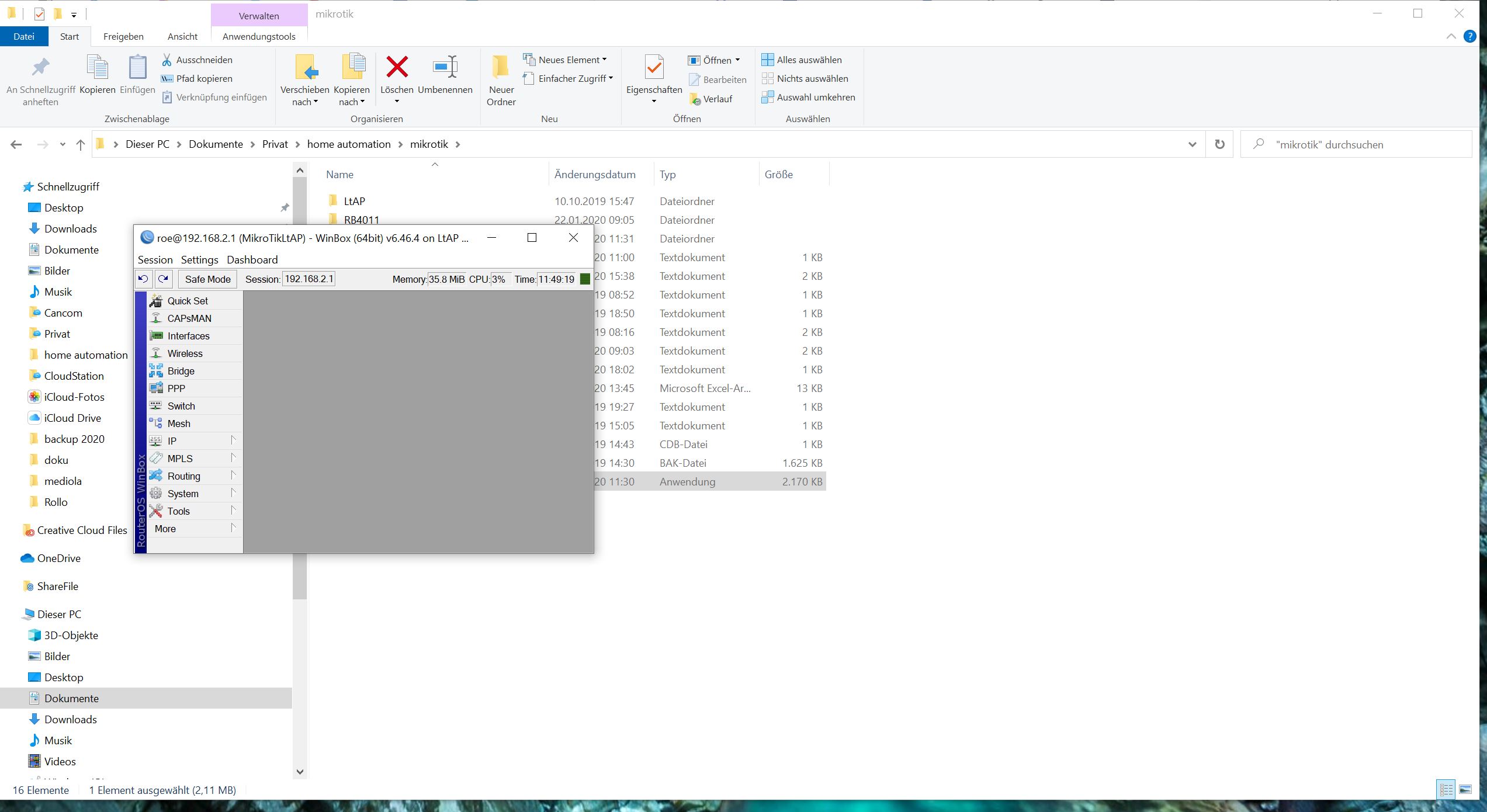
auto-save is enabled … also tried save it manually … no change
PS: Also winbox itself starts every time on the left corner of the desktop …
System: Windows 10(1909) 64Bit
Is the only problem the size? Are, for example, opened windows re-opened? Are you sure that you have launched WinBox loader with administrator privilegies, session is selected on WinBox loader before you access router (is not set to “”)?
yes, only problem is the size
when i have rezized the session and put it on the taskbar an re-open the session … size is OK … closing the session and reopen with winbox loader … size is small
no change if starting with or without admin privileges
i start winbox loader an double click the saved connection …
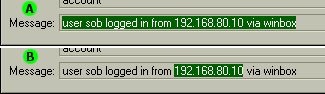
There’s a bug with read-only fields and copying to clipboard. I discovered it when I tried to copy log messages (after double clicking line in log window), but it’s actually not new, same happens also in older WinBox with other fields:
If I double-click the field to select whole text (A) and try to copy it to clipboard using keyboard shortcut (Ctrl+Ins / Ctrl+C), it works correctly.
When I select only part of text (B) and try to copy it, keyboard shortcuts don’t do anything. Copying from context menu (right click on selected text, Copy command) works.
Then there’s tiny little detail about font in system note popup, it’s much wider than in Terminal. IMHO it would look better it used the same one, i.e. what is now in Terminal should be also in popup (definitely not the other way around). Just for the record, it’s no biggie.
i deleted all files in C:\Users\xxxx\AppData\Roaming\Mikrotik\Winbox\sessions and C:\Users\xxxx\AppData\Roaming\Mikrotik\Winbox and started winbox from stretch.
issue persists …
OS: Windows 10 Version 1909 (Build 18363.719)
yes … new files are here
back to 3.20 .. everything is normal … window positioning works…
then back again to 3.22 … opening first time the winobox … position OK … opening first session … position OK
closing session&winbox … opening winbox /session again … position not OK … and stays not OK … strange
Richard