http://forum.mikrotik.com/t/winbox-where-to-download-older-versions/142584/1
new column select window is nice but it doesn’t show the selected column, instead shows other unnecessary columns; making a mess.
Thank you.Fairly obvious when you know it!
I’m having this “random columns appear and reappear” problem, in the DHCP Server window. I can’t figure out how to select the columns I want to see, because my selections in the Columns window has no effect on what happens in the DHCP Server window. I can’t detect any pattern in it. Sometimes columns disappear, sometimes they appear, but they never seem to do what I ask!
in router os v7.1rc3 when clicking on + sign in interface list and selecting virtual for creating virtual ethernet it will open wireless window and there is no virtual ethernet menu despite of ROS v6.
when you create veth and assign ip from terminal. ip and gateway does not show in interface window when double click on it.
You may want to reconsider if it is a good idea to “always work in safe mode”, especially when you have reconnections.
Safe mode is a nice feature when you want to change critical connectivity-related parameters, but when you have it enabled all time time it may do more bad than good.
I have described on another topic how to schedule a auto-reload backup when starting critical procedures than inevitably disconnect winbox and safe mode clear all work done.
+1
I am seeing this in the bridge column selector. The more I try to select some subset of columns, WinBox ends up choosing for me.
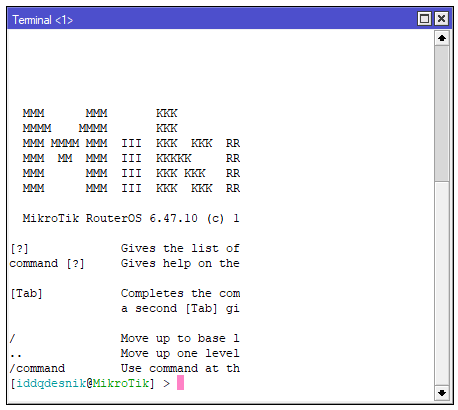
Terminal looses content on resizing.
Steps to reproduce:
- Open terminal window.
- Move right border of terminal to the left (left border to the right).
- Move it back.
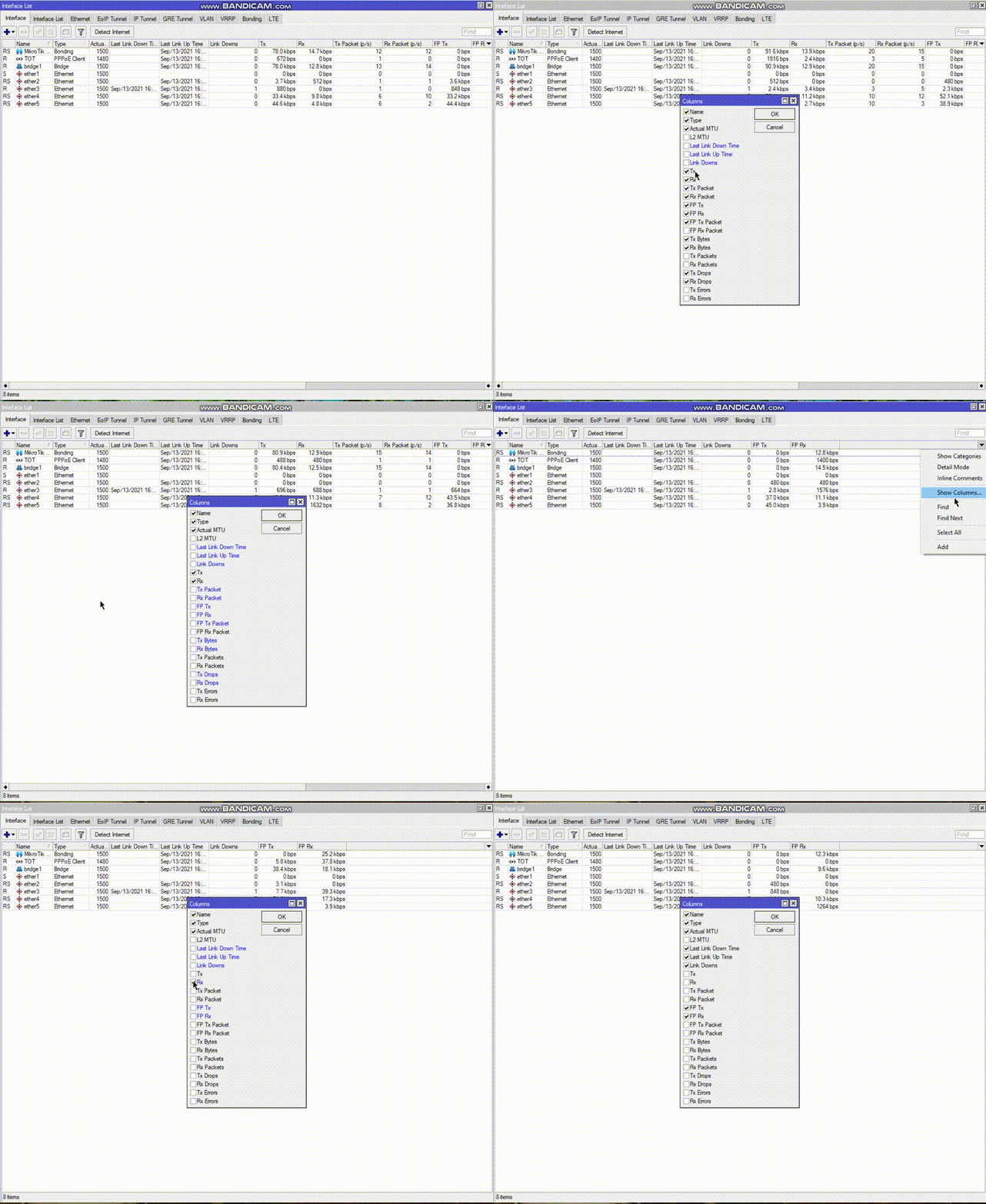
Found problem column selection not work correction as attached video. 
I think should adopt 3rd dot for bug fix
3.30.x
Like the same way is for ROS
Why? After this flurry of new releases due to introducing bugs in new features, the version could again be stable for a year or even two.
+1
I found this when I want see current channel in Caps interface window…
Before post, read what already posted if some problem is already noticed, and the download link… read what already posted
Im having same exact issue
Bug: in interface list I want to select RATE, it returns back and adds automatically IPSEC Policy…
WinBox v3.31 released:
http://forum.mikrotik.com/t/winbox-v3-31-released/151914/1