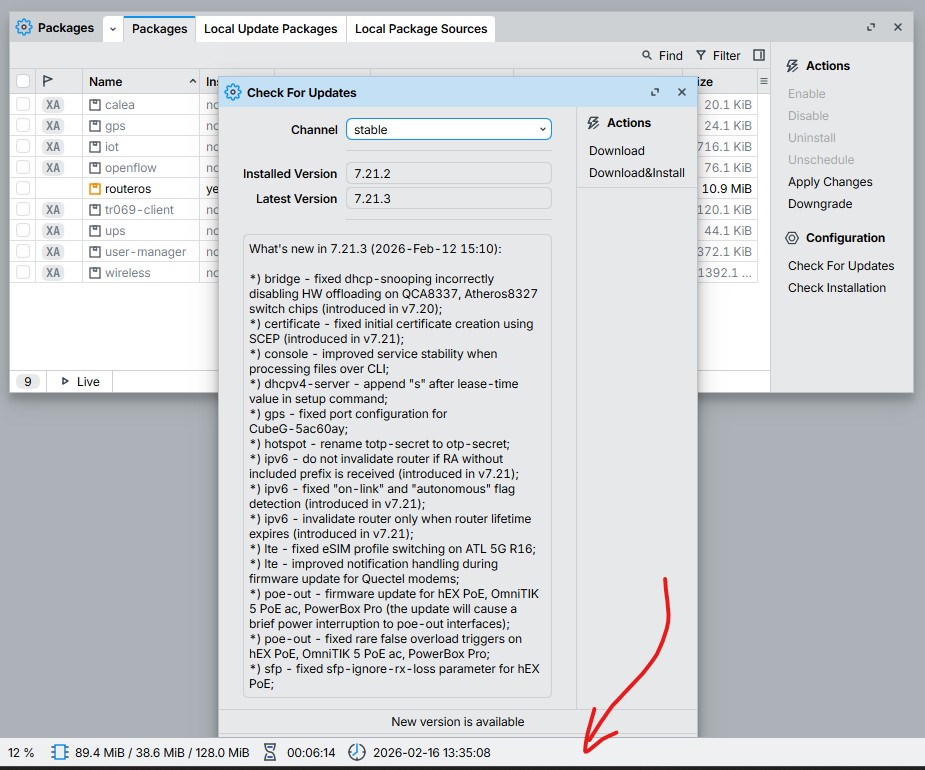
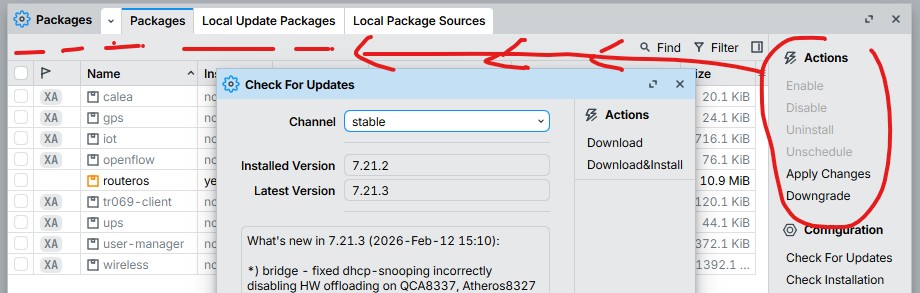
*) table: fixed a visual issue in tables with tree structure where last element is collapsed;
What's new in WinBox 4:
*) WinBox is now cross-platform and available on Windows, Linux, and macOS;
*) completely redesigned the login panel, tables, forms, buttons, and overall UI layout;
*) added custom font selection and font weight/spacing configuration;
*) added dark mode support;
*) added fast window overview and switching Alt+S, Alt+A (similar to OS task switching);
*) added full screen support;
*) added global menu search support Alt+F;
*) added more UI zoom levels and support UI spacing adjustments;
*) added new terminal shortcut Alt+T;
*) added support for connecting to multiple devices directly from the login panel's neighbor table;
*) added table spacing, separator, comment column order configuration features;
*) added Workspaces for faster window management;
*) always use single window (no more OS popup clutter);
*) form: combo boxes now show extra information (flags, icons, comments, errors);
*) form: real-time field validation and error reporting;
*) form: support more field types;
*) form: support opening multiple tabs using Shift + left-click;
*) standardized text encoding to UTF-8 across the applications;
*) table: added tree structure collapse/expand feature;
*) table: more efficient File window;
*) table: resize column width to content on double click;
*) table: support customizing visible window tabs;
*) table: support freezing cell updates on all tables;
*) table: support more than 2 column sorting;
*) table: support opening multiple table windows;
WinBox files for Windows, Linux and macOS are available here:
I’d like to suggest a couple of things I had already pointed out and asked for during the beta phase, but that I really care about (and I don’t think it’s just me):
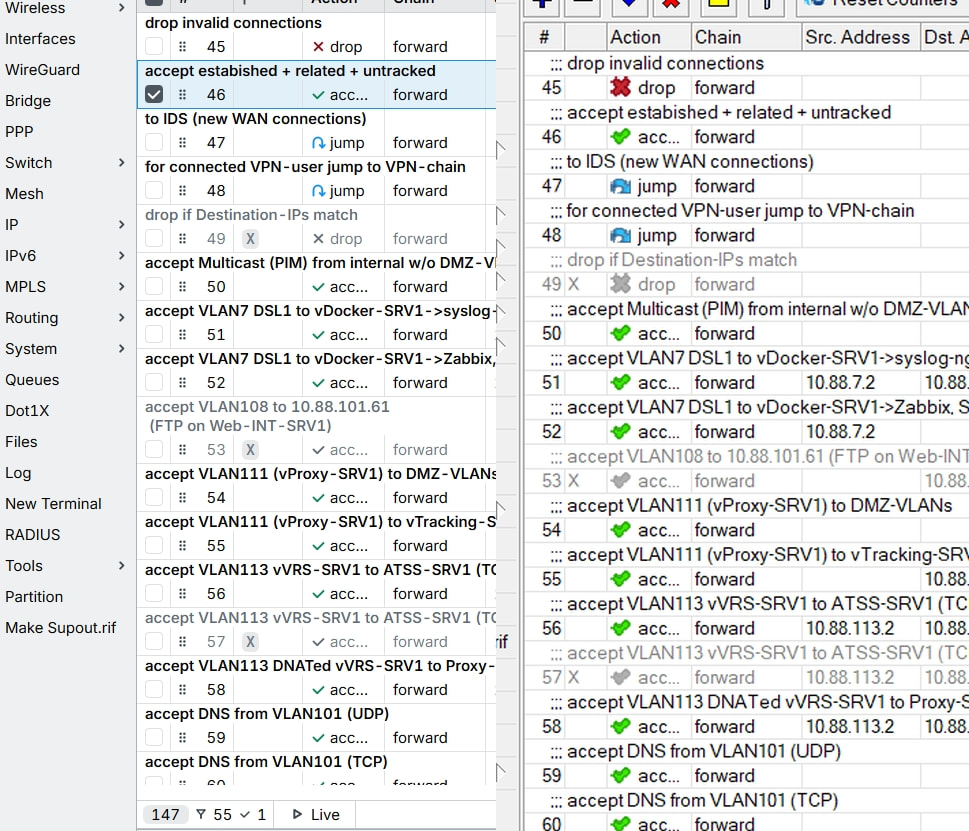
The option to set inline comments on/off per window, not only globally (like in Winbox3).
(in /ip/firewall/..) the ability to add “label rows” (even better if they could be colored other than only include some text) to visually split sections in a quick, immediate way (see pfSense for example).
It is incredible hard to go trough the lines, the colums are too wide and filled with nothing, the colours of the icons are almost not recognizable (yes, big, ugly, colourful icons are important to see on the first glance). The comments break into new lines, the context (right-click) menu is just a joke of nonsene… If you click a rule and open the Action tab (window shrinks), if you open next rule and go to General the window expands suddenly and is 3/4 not visible. TERRIBLE!!!
You guys did a good job in making our/my life harder.
This looks like it was some project of an unpaid intern!
The option to set inline comments on/off per window, not only globally (like in Winbox3).
the ability to add “label rows” (colored visually split sections)
can help quite a bit.
@Guscht I feel your pain. I played around with fonts, sizes, .. and made it ‘reasonable’ but I’ve still BIG problems with comments.
To Mikrotik: people that manage lots of devices need to place plenty of comments to store some information about “why” rules are there. For yourself to remember or to collegues to alert them..
But, I guess, power-users that play with lot of stuff have the same need.
As WinBox 4 is based on QT 6.10, which no longer supports Windows Server 2016, Windows 10 LTSB 2016, and Windows 10 version 1607, these platforms are not compatible with WinBox 4.
It supports Windows 10 (version 1809 or later) x86_64, Windows 11, and Windows on ARM.
Unfortunately, Windows Server 2016 is not supported and will not be supported by WinBox 4.
I assume Winbox 3 will continue to work OK on those OS’es you’ve mentioned.
The more puzzling question - why no native wayland support? It’s really interesting to see a new application in 2026 targeting only X11 on linux… Is there a particular reason for this?
No, you are not alone. They've made our life harder by removing this functionality and now you need to open a whole editor, find the comment field there and edit it.
While it's better for adding a new item, it's a pain for comment editing.
@tetyys there are tens of such issues, that make this app unusable