For me it means that "it does not work for 2016. We do promise nothing about next relases."
When the OS support depends on QT support, they could at least include a link to a QT documentation page that lists the supported environments. In the download section, istead of the users having to extract that info from an employee post on the forum.
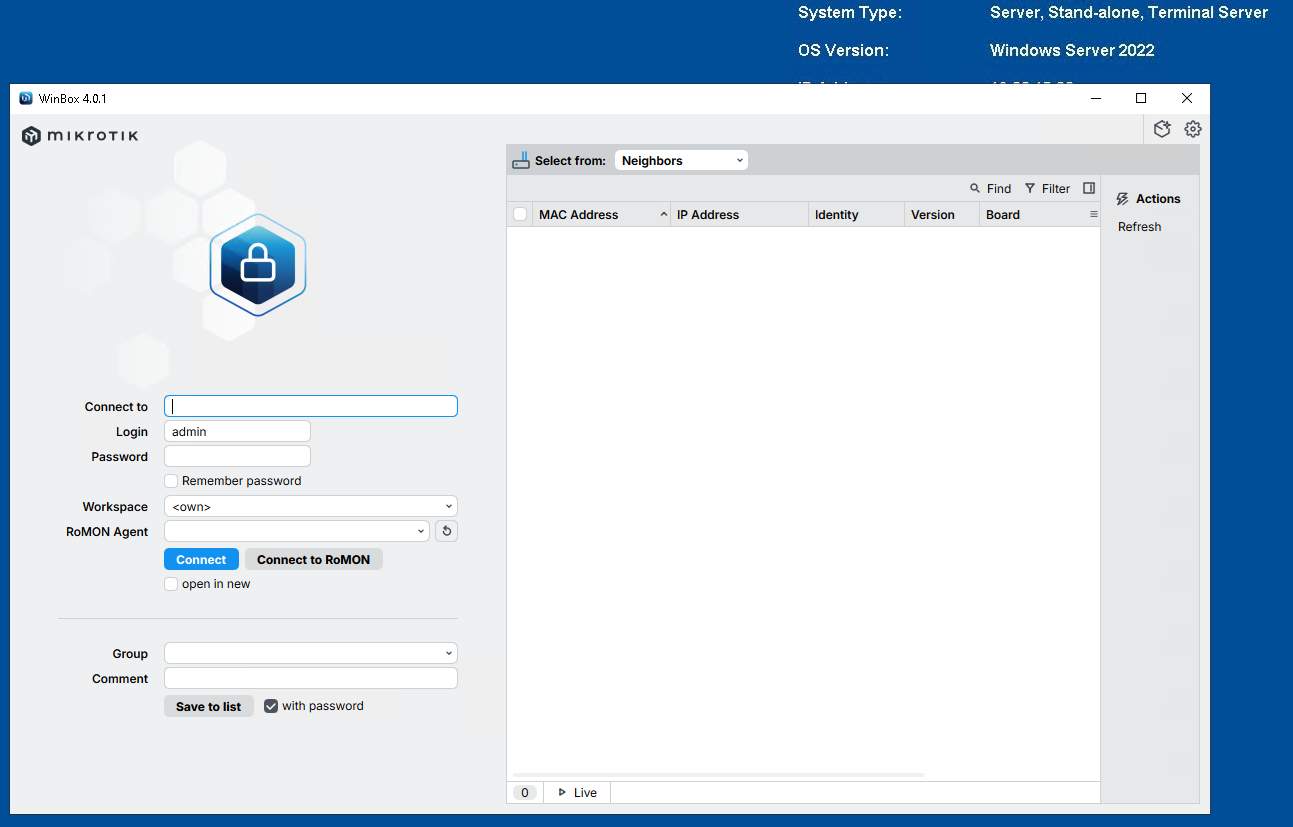
A couple of things I noticed
When connected to romon, once selected “open in new” it would fail as it can not find the romon agent. This is not convenient when you try to manage many romon devices. One has to connect to romon every time would want to access a behind romon agent device.
Second, when you create a user, navigating by tab you go from name field to group field. At group field in winbox 3 by pressing “f” it would select full, not an option at winbox4, you have to go an click. Again, not efficient.
I think that is just a limitation of the RoMON protocol. It allows agent devices, but those are not demultiplexers for sessions.
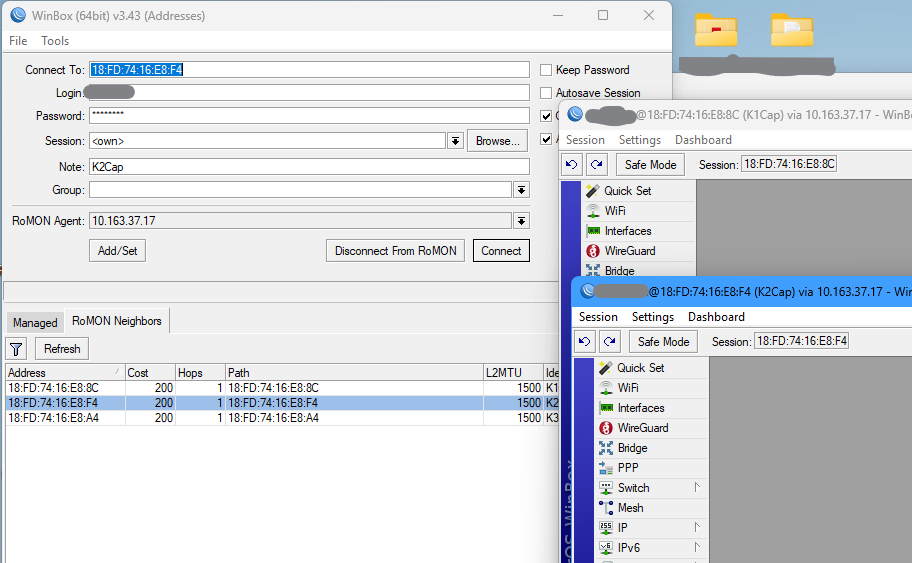
Feature Suggestion: Per-Page Inline Comment Setting in WinBox
Currently, in WinBox 4, the inline-comment option is applied globally for the entire WinBox session.
Suggestion:
Allow the inline comment visibility setting to be configured per page, rather than as a single global option.
Rationale:
-
Inline comments are displayed as an additional column or header element, depending on the page
-
Different pages handle this column/header differently due to their table structure
-
On some pages, the extra column integrates well and improves readability
-
On other pages, the additional column or header reduces usable space or negatively affects alignment
-
A global setting forces the same column/header behavior across pages with different layouts
Proposed behavior:
-
Each rule-based page has its own Show inline comments option
-
The option controls whether the comment column/header is shown on that page only
-
Optional: remember the preference per page between WinBox sessions
This change would give users finer control over how comments are displayed while keeping the existing feature intact.
Thank you for considering this improvement.
Feature Request
macOS - please either bundle the windows / instances together in the same dock icon, so can differentiate by window title OR rename the application name to something more usable (dont think this is actually possible) - sometimes if I end up with 10+ winbox windows open, its quite the hassle to look around for the right one.
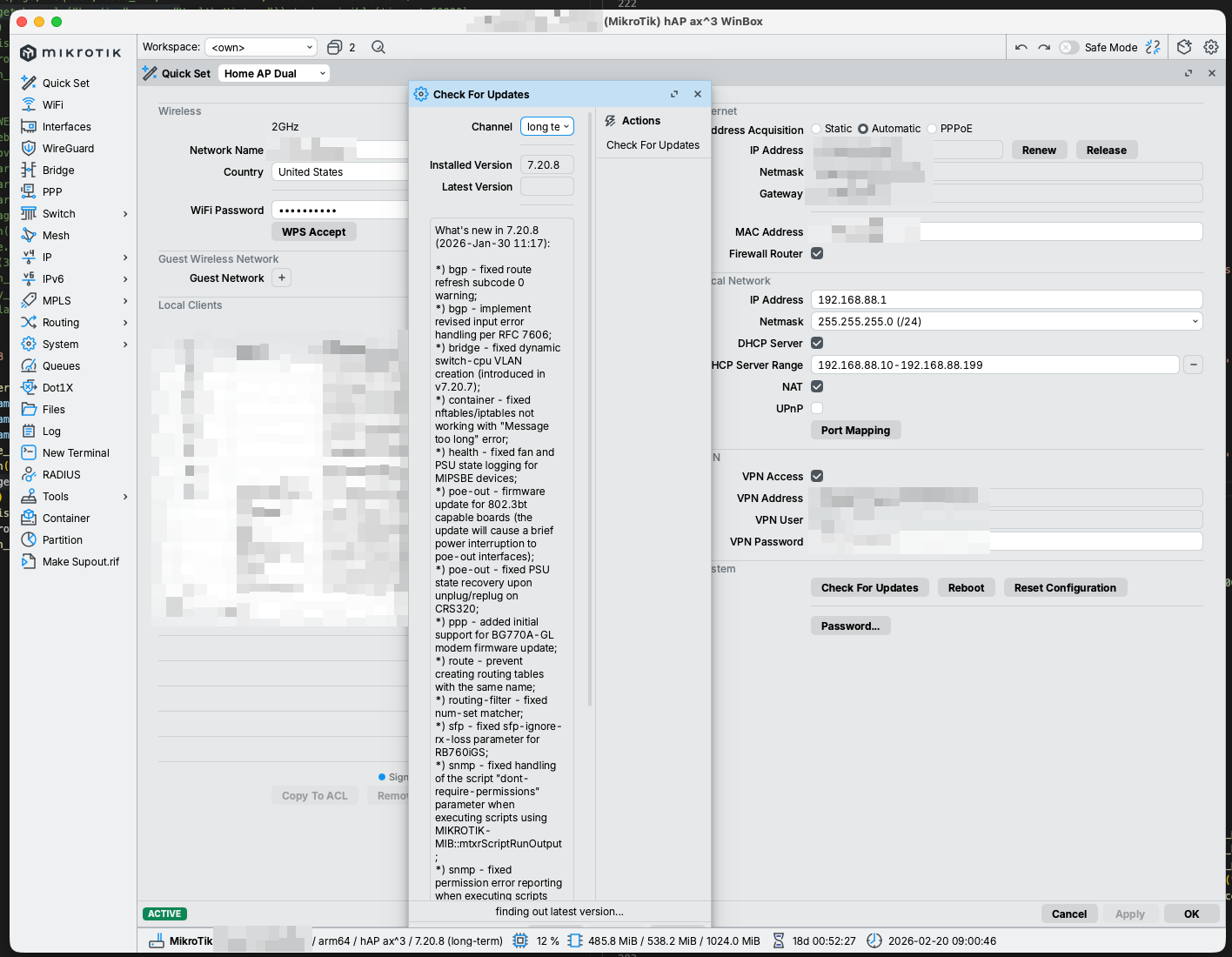
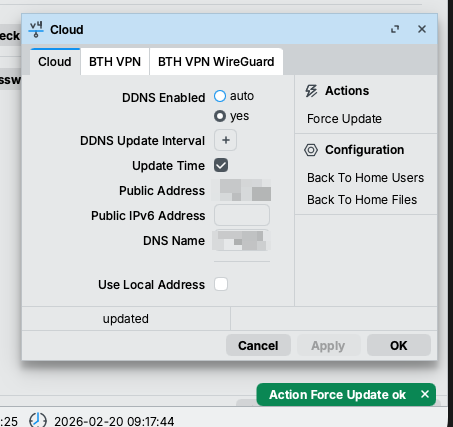
Go to ip cloud and do a force update and see it that fixes it.
Yes, sometimes it gets stuck.
Go to ip arp and check if everything is working, like the default gateway.
Also, check your dns cache for anything not normal.
Sometimes it’s a mikrotik issue. Try again later or try a reboot.
Also add DDNS Update Interval to 1 minute.
found the reason - it’s Adguard container (with default settings for it), i disabled protection and now it’s checking fine, thanks!
it worked fine with prev version of Winbox:)
Your going to have to add a whitelist then to AdGuard.
First, thank you!
Second, is there any chance we could get the [ctrl]-M comment shortcut back?
Third, I know this has been asked for since about 1.0, but it’d be amazing if we could set a default for all sessions for ‘show password’ and ‘inline comments’
You can do that in the settings dialog before making a connection!
Hi all!
How can I move workspaces sessions to other path then default one?
I can move “Addresses.cdb” (Saved tab) to other location (for example in some cloud instance), but I can’t move “settings.cfg.viw2” file and “workspaces” folder.
In winbox v3 (for Windows) it is possible to set custom paths in “path” and “sessionpath” files located in %USER%\Roaming\MikroTik\WinBox folder.
Changing all configuration paths for Winbox 4.0 to custom location is more than mandatory…
Well, it is of course to be expected that you cannot move the settings.cfg.viw2 file because that is the place where Winbox stores where e.g. the Addresses.cdb file is to be found!
But you are right, there should also be a possibility to move the “workspaces” folder, and it seems there isn’t any.
What I also noted is that there is no longer a way to share workspaces between different devices. E.g. in the past I used a single session file (now called workspace) for all the WiFi APs that I managed, and selected it when opening a session the first time. That meant the layout adjustments are the same for all devices. But that option is no longer available in WinBox 4, you can only select “own” and “new” workspace now.
And of course my pet peeve: these workspace files should be human-readable, like JSON or XML or whatever, not binary blobs.
This is the same as saying that WB3 "doesn't require windows, it requires windows or linux. It works fine on linux here, OK because wine is available."
No, WB4 requires X11 ... and it doesn't matter if it's "native" X11 or X11 emulation on top of wayland.
BTW, I'm glad it works with X11 ... how else would I be able to run WB4 on remote linux machine?