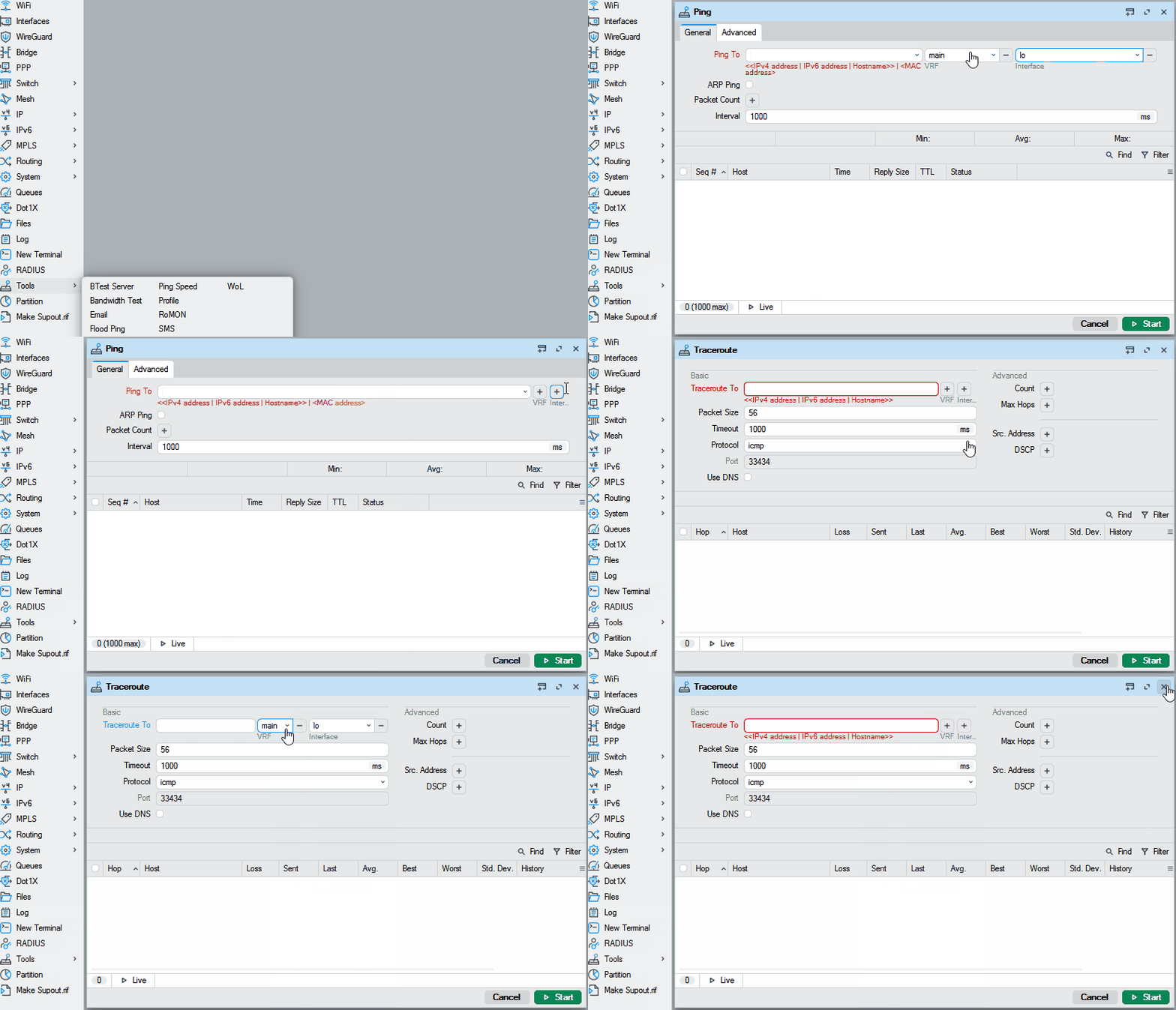
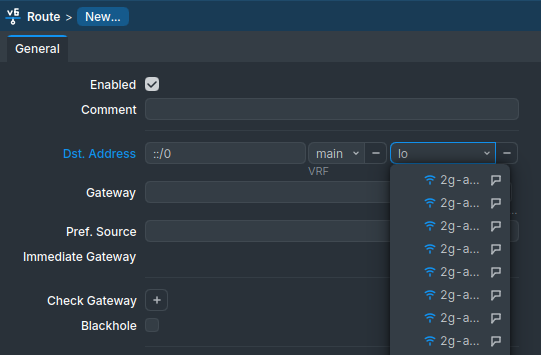
form: improve "address" field by allowing to select Interface and VRF fields (where supported);
form: allow opening linked object or its parent table for certain fields (e.g., when adding an IP address and selecting an interface from the dropdown, it is possible to open either the interface table or the selected interface);
form: add support for input field postfix;
form: add support for min/max row count limit for multi fields;
form: add support for monospace font in scripts;
form: add support for new "note" attribute which shows documentation or hints on label hover;
form: change style of multi field plus/minus buttons;
form: fix "hyperlink" field type (IP/Routes Immediate Gateway);
form: fix sorting for some fields;
form: increase minimal width for combobox and multi-selection fields;
mdi: fix resizing when window was moved to top or left side and then resized;
mdi: move window resize mouse area 1px deeper within content;
mdi: try to move whole window into workspace when (re)opening;
table: change disabled row icon color;
table: make New button with dropdown expand full available height;
table: send only disable/enable attribute when disabling/enabling row;
table: update some firewall table icons to stand out more;
ui: make checkbox/radio/tooltip background color darker in light mode;
ui: make search result rows a little taller;
ui: simplify error message with MAC connection when device is not responding;
add new field type support used by future RouterOS version;
change intermediary certificate for Windows executable signing;
WinBox files for Windows, Linux and macOS are available here:
Let me try again: this used to work with old "wireless" drivers, not any more with new "wifi": if DHCP server is on the same device, in Wifi/Registration tab show "Active Host Name" if it exists.
Nice addition would also be to show the comment associated with static DHCP entry if hostname is not available, or always - for example I have many "smart" devices (switches, power sockets, battery management, weather station) that show as "lwip0", but I have a comment for each one.
please explain how it is supposed to work. this should work for “ping”, right?
also suggest to allow DNS lookup either local (in winbox) or in router (when supported), and indicate whether it should use IPv4 or IPv6 when DNS record for both is available.
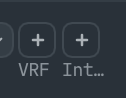
Clever idea, but the "Int…" looks lame. And ellipses could never be populated regardless of window size/font. Even some "IF" be better over "Int..." (interval? internal? lots of int... things).
Would it be possible to avoid forcing everything into a single line by minimizing element widths? In a GUI with proper visual grouping, elements could be wrapped across multiple lines. The current approach feels quite limiting, and it’s a bit frustrating to hear that nothing can be done about it.
I checked again and now it works. I do not understand yet what went wrong.
My procedure to upgrade is like this:
rename WinBox to WinBox-4.0.1
unzip Winbox_LInux.zip
close an existing WinBox window
open it again from my shortcut pointing to WinBox
I am almost certain that Winbox-4.1beta1 appeared in the top bar when starting it, but this new feature did not work. Must be a mistake made somewhere because this morning after closing and re-opening the program it works.