I’d like to state quite the opposite opinion!
With ZT you do not have the needs to open ports to the outside, since everyone/each device is basically a client only.
When the connection is established, this is similar to a GRE/EOIP tunnel.
All you need to do is to “join” a network (known network ID) and the network admin then can enable your port/connection from within the seperate web-UI in ZT-central
No complex VPN setup for a Home User… for a site-2-site scenario as a more advanced level, plain, old routing tables, if any, are needed
@Normis thank you and kudos for bringing this to life…time to fire up my CHR for testing, before I try to fry my RB4011
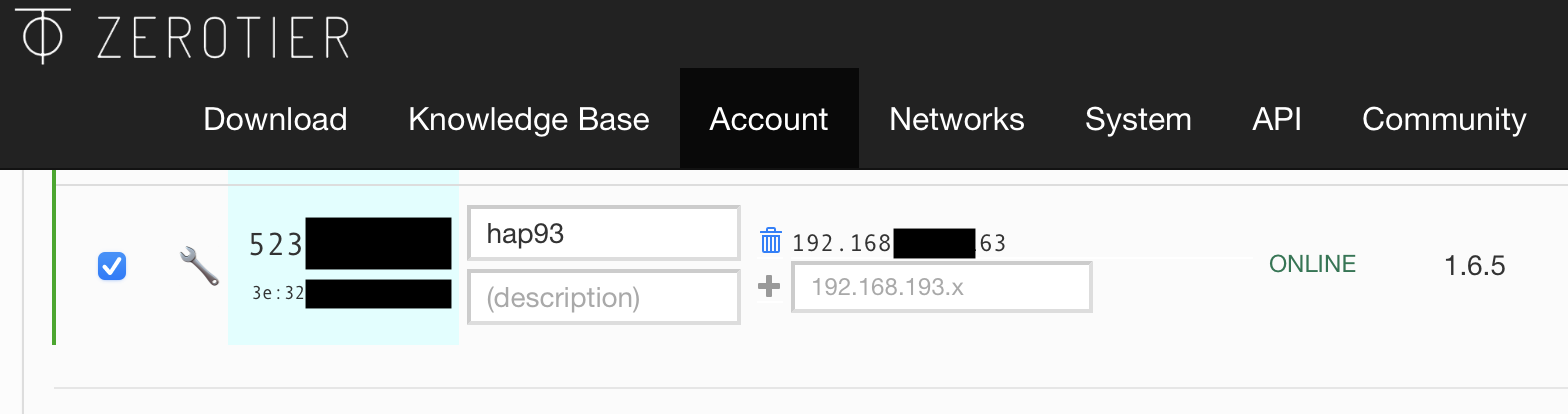
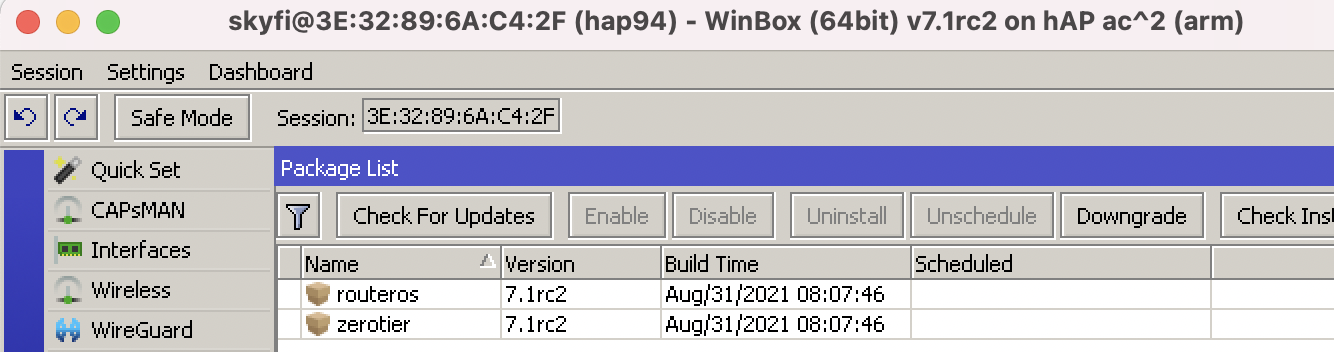
Note: The instructions don’t include the hAP ac^2 – which is what I used – only “hAP ac³ (non LTE)” is listed. I thought it was hAP ac3 before I looked more carefully in winbox after upgrading . My device has 1.3Mb of flash disk to spare after installing the rc2 ZeroTier package it seems.
I used ZeroTier to remotely pull the hAP ac2, using an LTE modem connected to via USB:
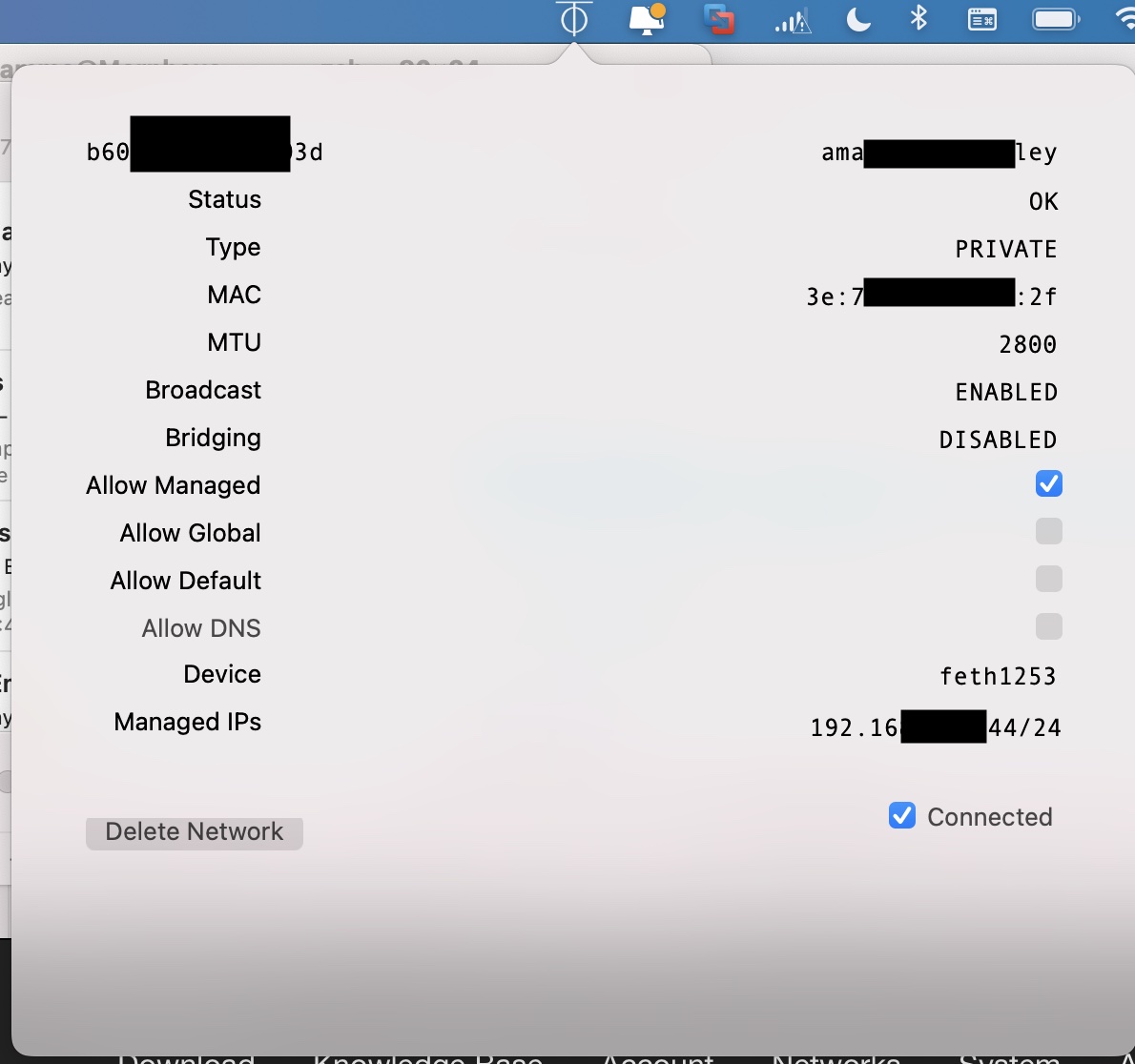
Anyway ZeroTier seems to still, at least in limited testing, works well – I connect to the hAPac2’s MAC address (found via network discovery) from Mac/winbox-mac (with ZeroTier Mac app installed and connected to same ZeroTier network ID). Really it all just seem to work, impressive!
ZT only counts actual nodes connected to the network, as in, devices that run the ZT client/app/package.
You can forward as many devices through as you want, or even bridge them in.
You do not. You can use the router to forward packets to the ZT interface like any other interface.
You can even put the ZT interface on a bridge (don’t know if ROS supports that, yet, but ZT does).
But as I said, you don’t get billed for those things, you would only get a billable usage of “1 node”, because only your router runs the package.
Yes, if you want them to part of the subnet (similar in concept to ‘road warrior’ style VPN)… Any device that use the same ZeroTier “network id” (10 hex digits) is part of the same subnet (unless you change the flow rules/routers in ZeroTier). If you using ZeroTier to route between two subnets you control, then you just need 2 ZT client/app/package (like a site-to-site VPN)
If you think that ZeroTier maintains an [virtual] ethernet switch in the cloud, you’d may be better off. So any device you want to connect the ZeroTier “virtual switch”, needs a ZeroTier client. So on 7.1rc2 with ARM+package, that one. If you want your iPhone, Mac, or whatnot to be part of the same “virtual switch” (and get an ZeroTier-controlled private IP from same subnet connect the switch), that’s be another.
I think you get 50 “virtual ethernet ports” (ZT call them ‘addresses’) for free, basically anything connected via ZT app (see https://www.zerotier.com/download/ ) or now RouterOS with ZT enabled would count. e.g. subnets/IP address that ‘forward’ via ZeroTier, don’t count. There is some pretty sophisticated things you can do with subnetting and L2 stuff in flow rules – that what makes it different than Wireguard – but out-of-box it acts like a cloud-hosted dumb ethernet switch.
Anything that uses the same Network ID is “plugged into” the virtual ZeroTier switch.
How does encryption / key exchange work with zerotier? Are the keys / certificates kept locally on the devices, or are they stored in the Cloud, so the provider theoretically could look at the traffic routed through their network? Do you guys have any privacy concerns?
Every VL1 packet is encrypted end to end using (as of the current version) 256-bit Salsa20 and authenticated using the Poly1305 message authentication (MAC) algorithm.
I’m testing on two routerboards. An RB3011 and a Chateau LTE 12 both joining to the same Zerotier network. The Zerotier network is not advertised internally.
The Chateau has connected over LTE with no issues and looks good on the Zerotier Network.
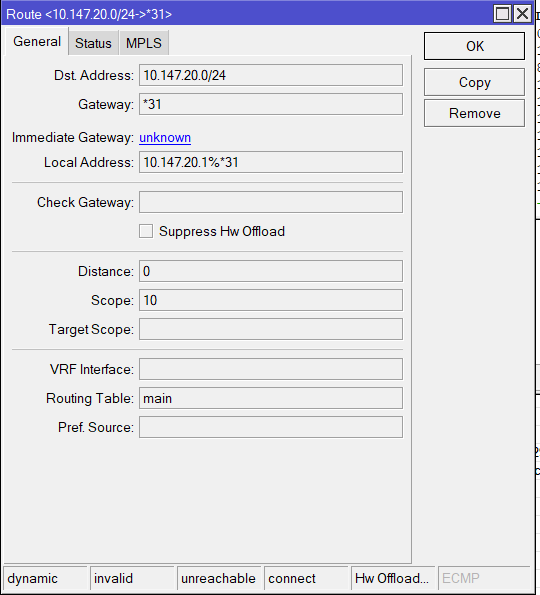
The RB3011 appears on line on my Zerotier Network Page however on the router itself I see the following in routes!
Removed, added it again. Tried it on a different Zerotier network. Same issue in that it’s visible on the Zerotier control panel but not visible to any other hosts on the same zerotier network.
The only thing that’s different is the RB3011 is connected via PPPoE to the internet. But my original Ubuntu Zerotier VM had no issues connecting through the same internet connection.
I’m very interested in this MPLS transport option. Currently we use EoIP for this - we have many locations added to our MPLS cloud via EoIP tunnels. Can you elaborate a bit on this? My main concern would be handling MPLS QoS with this - I understand that ZeroTier has some built in QoS stuff (or is at least implementing it), but I’m a bit unclear as to how this handles MPLS traffic. We currently successfully do MPLS QoS with EoIP and I want to be sure that this is possible with ZeroTier.