Please keep this topic related to the problems found in this RouterOS release. This topic is not made for feature requests. For that please create a new topic or contact support@mikrotik.com.
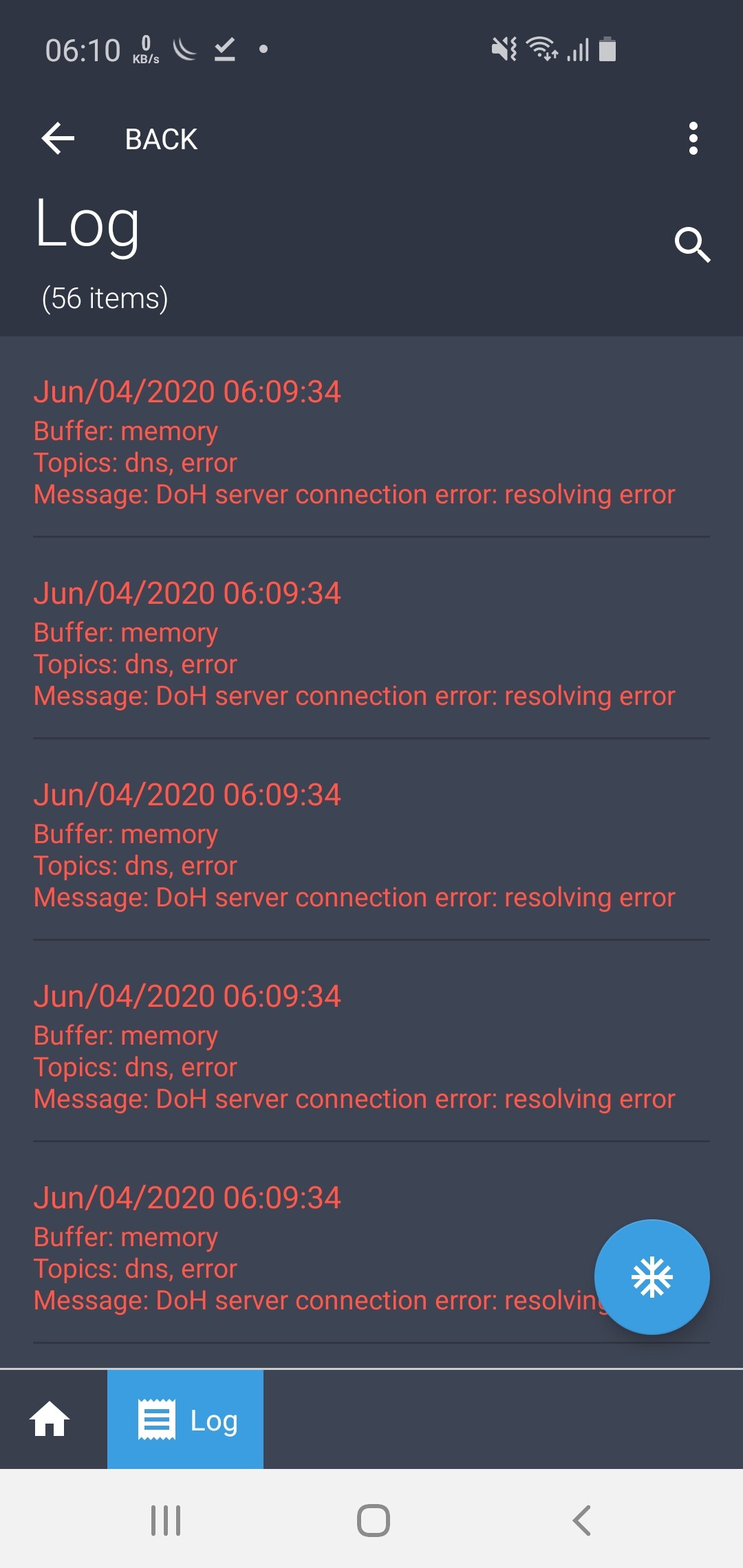
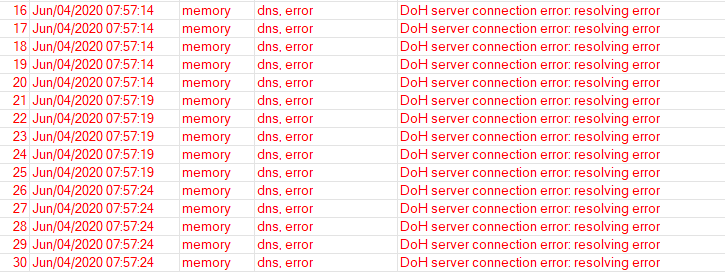
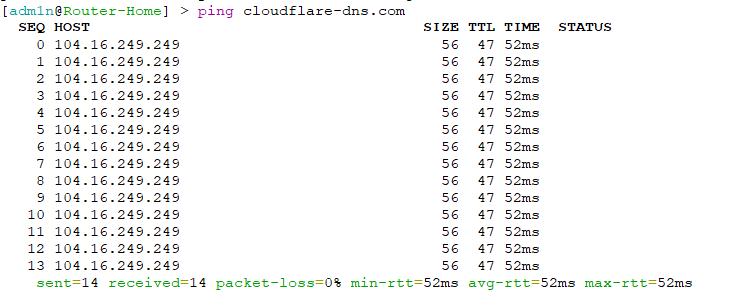
Seems that the router is unable to resolve the DoH hostname. Post your DNS configuration and make sure you have at least one dynamic or static DNS server configured.
/export includes this line: #error exporting /routing/policy/selection
/routing/policy/selection/print shows:
error - contact MikroTik support and send a supout file (3)
Is this already known?
In Winbox, there is no icon for “Routing” (this was true in previous versions as well)
Is there a manual for /routing/bgp ? It appears to be completely different from v6 so I need some directions to be able to test it.
You updated directly from 6.47 or used Netinstall?
EDIT: Also tried Adguard and Quad9 without luck
EDIT 2: tried https://1.1.1.1/dns-query and it works, but if I want to use another server I can’t do that, because they don’t have a SSL certificate embedded into their IP address like Cloudflare has
When Upgrade from RouterOS v7.0beta3 and v7.0beta5 to RouterOS v7.0beta7 or v7.0beta8
IPsec Policies say no phase2 on PH2 State
You need goto Identities and remove all and add the Identities for peers again
That’s will make IPsec works again.
When Downgradepgrade from RouterOS v7.0beta7 or v7.0beta8 to RouterOS v7.0beta3 and v7.0beta5
IPsec Policies say no phase2 on PH2 State, too.
You need goto Identities and remove all and add the Identities for peers again
That’s will make IPsec works again.