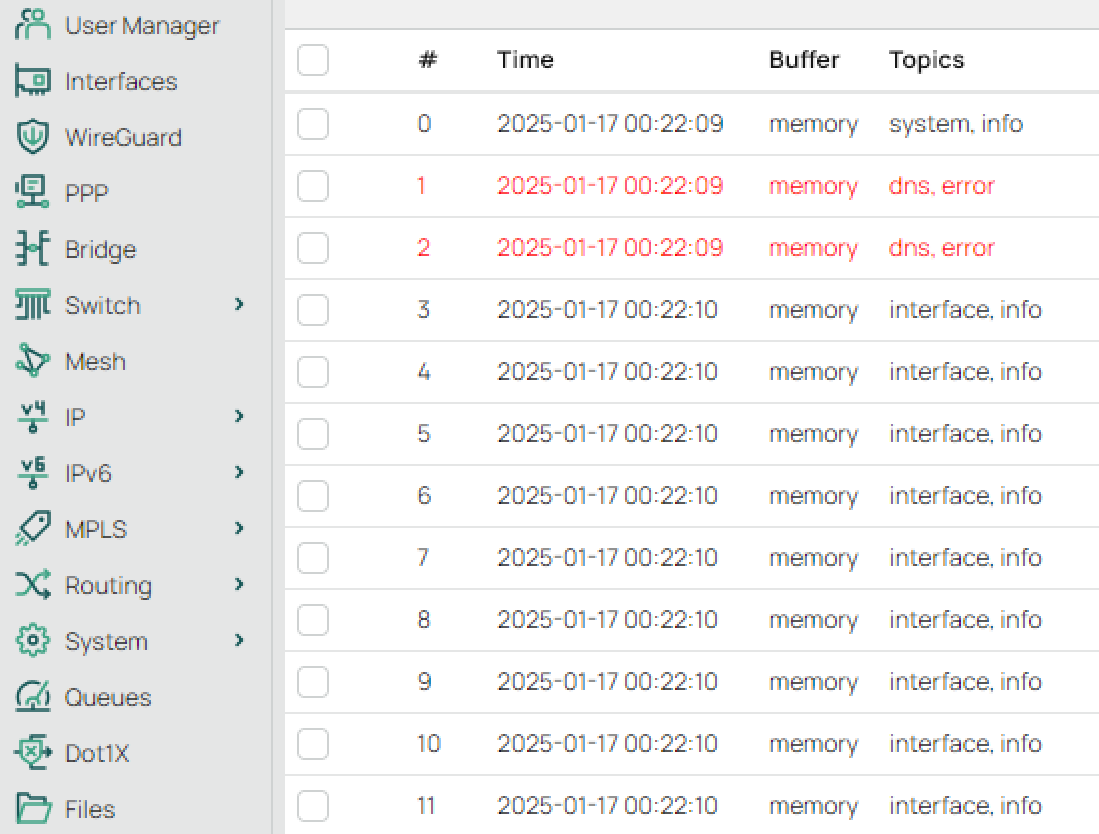
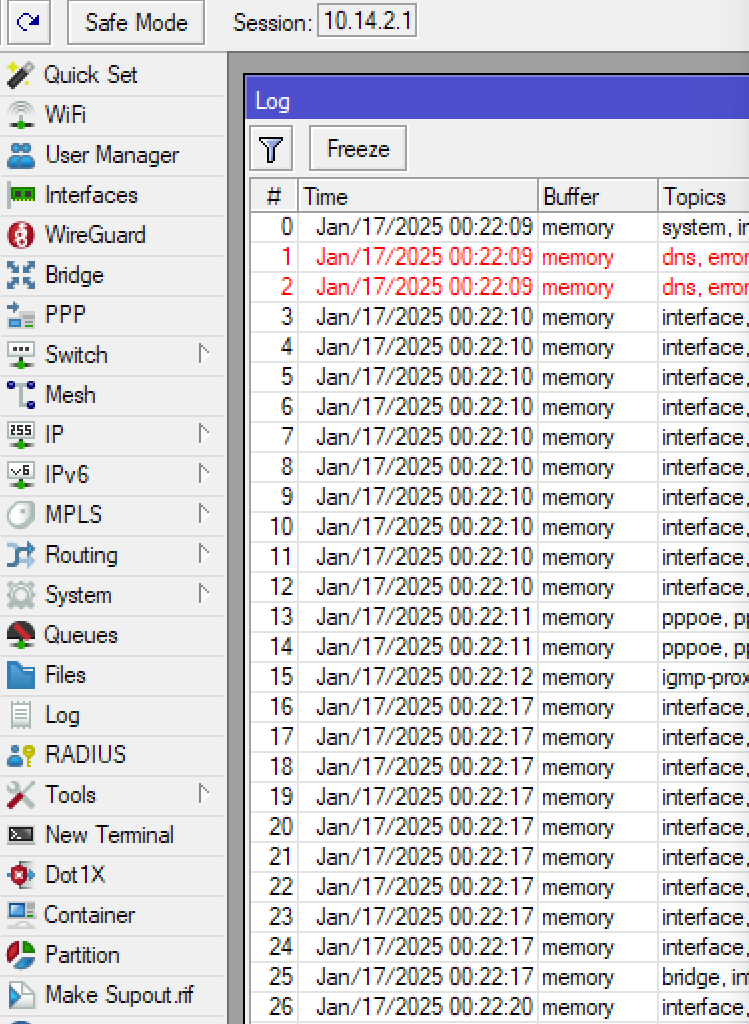
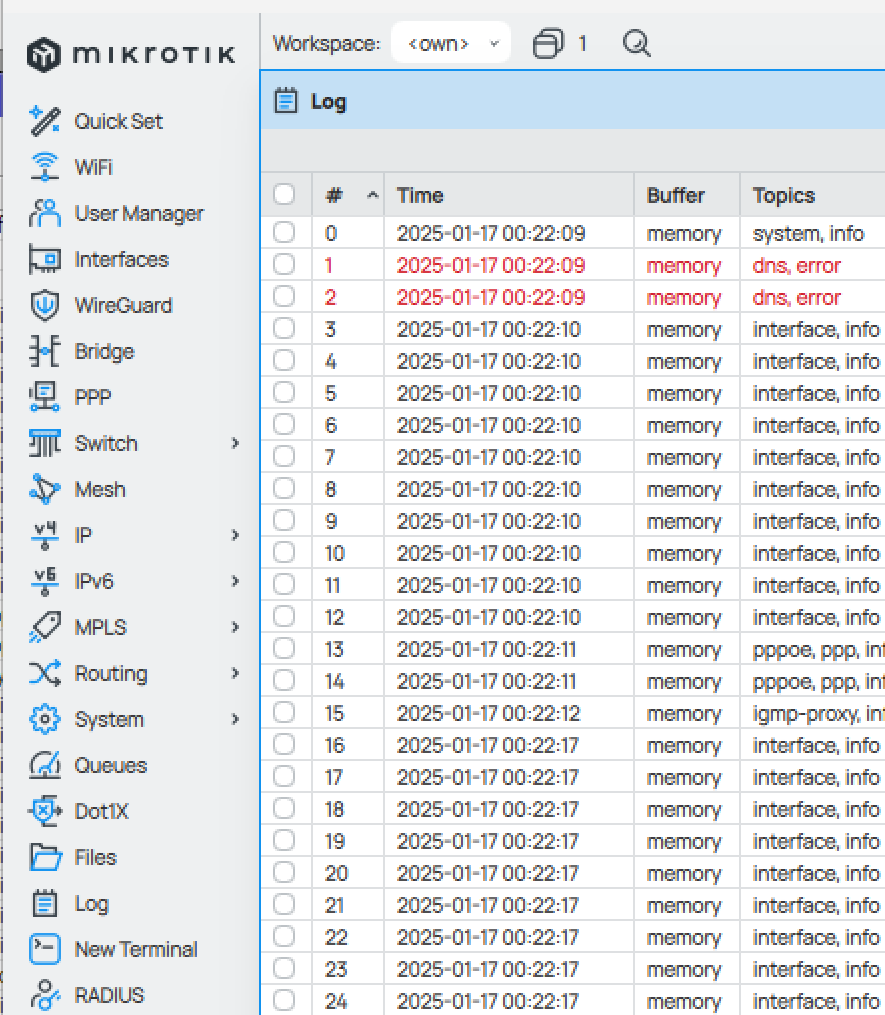
new webfig is nice, too bad there’s still no dark mode in itself
Branding all broken here: %host% and %version% are showing as is instead of showing actual ip and ROS version…
it’s not showing as breaking change on changelog (branding is not webfig itself), is there documentation about these changes?
(and also, documentation about “allow style.css and script.js in branding packages” would be good since it has potential)
There aren’t any non-system files on the disk, and I tried the upgrade following a clean reboot. I’ve seen another user complaining about the same issue on different hardware:
For me so far, on CCR2004’s, it added a new problem.
I have one at my office - one at my home. I use EOIP (yes, I know I should subnet it, but for now I need it all on the same layer 2) with encryption to link the two locations together.
Version 7.16.2 the best on a 1gb symmetrical connection I could get was 400MB/sec between the two locations.
Version 7.17 made some huge improvements, I’m seeing 700-800MB/sec…
BUT connections are dropping. Not packet loss - connections get closed. You’ll be winboxed in and poof - you’re disconnected to the remote site.
Roll back to 7.16.2 - my speeds are back to what they were - and it’s stable again.
It would be desirable when it was like that, but for software as complex and versatile as RouterOS that simply isn’t realistic.
There will always be known bugs, the only criticism on MikroTik with regard to that is that there is no section “known bugs and limitations” in the release notes. Some other manufacturers do that, but a lot of them do not. So they are not alone.
Due to the versatility, there are always users that concern particular bugs as a showstopper, while 99% of other users do not use that feature and do not mind that it is released with that bug.
(good example: the “SMB crashes the router when there is not enough free memory”. some have repeatedly claimed that this is a showstopper bug, but I do not care at all because my router is not my fileserver, SMB is always disabled).
EoIP is a connectionless protocol, there is no “connection that is closing”.
However, as with any tunnel protocol, there is the risk of creating a loop where encapsulated traffic is again encapsulated.
Maybe the circumstances have changed due to the version upgrade, like some change in the bridge handling.
Yeah, need to but re-ip’ing 40 items and making all those changes in home assistant isn’t on my top of the to do list. Wonder if doing layer 2 tunneling a different method would be better.
Seems it’s more than just that. After looking at wireshark captures it looks like the packets just quit getting responses - like you unplugged the link. Yet other sessions will stay up. So odd. Pings will go with no loss.
Have rolled forward and back twice and it’s definitely with 7.17.
And why is Microsoft releasing versions for Windows then ?
You believe they are bug free ? Surely you are aware of Patch Tuesday mishaps ?
Stable being bug free … I wish.
The new web interface is interesting. Maybe I will get used to it, but just in terms of being easy to read, I think the old interface is “clearly” better. The new one just seems softer and less distinct. I’m sure I will find some benefits to it after using it, but I would certainly like it more if it were as easy to see and read as the old one.
Yeah the custom font that MikroTik insist on using for WinBox 4 and the new WebFig is not very high quality and completely unoptimized for display on non-hiDPI display at non-huge sizes. Whoever produced that font did not spend proper effort with hinting. It’s a blurry mess at smaller size, not properly snapping to pixel boundaries or supporting Clear Type. The system fonts are much better, at least on Windows.
Also, the two woff2 font files must be stored on the router and consume 38KB of valuable flash storage on devices like the hAP ac². Just look at how horrible “memory” and “interface” look with the MT font compared to WinBox 3 (zoomed out screenshot):
Lot of work on WebUI.
But still no way to easily disable quickset, have an empty user name on login, re-login on page refresh and graphs are still 1998 style instead the webui…
Both of my devices (RB5009UG+S+ and RBwAPGR-5HacD2HnD) lost same part of configuration, likely related to changes 7.17 introduced around these parts, but this should absolutely never result in such a loss of configuration, especially near neighbor discovery which after upgrade started leaking out of every interface instead of previously configured set).
/ip firewall connection tracking
  set enabled=yes tcp-close-wait-timeout=30s tcp-fin-wait-timeout=30s tcp-time-wait-timeout=30s
/ip neighbor discovery-settings
  set discover-interface-list=discovery lldp-mac-phy-config=yes lldp-vlan-info=yes
/ip settings
  set max-neighbor-entries=1024 rp-filter=loose
/ipv6 settings
  set accept-redirects=no max-neighbor-entries=1024
Sadly, I do not have ability to generate support ticket for these as I have noticed this change after second reboot to upgrade RouterBOOT, but leaving it here for others to verify their own configs.
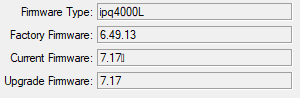
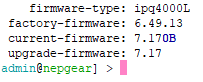
Additionally, RBwAPGR-5HacD2HnD is showing non-printable characters for current RouterBOOT version:
I spent 2h this night going about the shop to switch off all the devices after updating the ‘device-mode’, I still have 2 other sites to update (they will wait some time so that 7.17 is better tested here). I undestand what it is for, but I cannot imagine those that have lots of devices in the fields as I used to .. good luck.
BTW.. so far so good, all my lab office’s devices are on 7.17 and they work as expected.
I never think that the existence of errors is unacceptable. The problem is that when there are errors, you spend development resources on ROSE SMB NAS DNS. Is it because these people are not capable of fixing the routeros-core package so they can only develop those features? Why not fire them and hire capable people?
I am a network engineer & Java software engineer from China and also an ordinary user. I have a normal “Stable” cognition no matter what they say.
Well, the situation with the new UI is still not perfect, though some improvements have been made.
Webfig - only inline comments? This is a complete usability show stopper for me.
Winbox 4 - login screen - grouping is not about adding just a column, but provide real grouping like with Winbox 3. Difficult to navigate, so I need to resort to filters.
Winbox 4 - column separators - looks weird imo.
Winbox 4 - font colors - improved a bit. Darker comments than items themselves? Drags an attention a bit, but hopefully groving on me. All could be solved, if we would be allowed to choose the colors ourselves.
Winbox 4 - table row padding setting - perfect.
Winbox 4 - table row alternate color might be handy. Conditional coloring would be cool, but that’s probably a little too much