In rc4 and before the Wireguard interface was selectable as a bridge port - you could add it as a port on bridge, but it would not work since it is a layer 3 tunnel. Some forum users were trying to add the wireguard interface to the bridge and complaining that it was not working. Other layer 3 tunnel types (ex. GRE) do not show up in the list of possible bridge ports. I imagine this fix prevents Wireguard from being shown as a possible bridge port.
Upgraded 2 mAP Lites, 1 mAP and 1 Hex (all from 7.1rc4), no issues whatsoever.
1 SXT LTE still to do but someone 930km further South switched off the power for that device 
Makes perfect sense.
LtAP mini (with R11e-LTE) never comes up (“not running” status) with v7.1rc5, even after configuration reset.
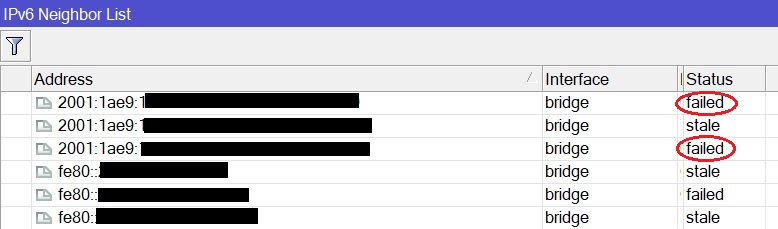
IPv6 over VDSL2 PPPoE with VLAN 848 (MTU > 1500) doesn´t work, unfortunately - hAP ac^2. No any active IPv6 connection. It is working fine on 6.49, but not on 7.1 RC5. I will have to rise a new ticket.
Upgrade from 7.1rc4 resulted in losing all bridge ports on switch chip 2 only (ports 6-10), I had to re-add the ports.
Are you sure you want to upgrade a device so far away from you? 
Normally I would not but this time risk is low.
I’ll be on site 2 weeks from now and apart from some tenants next week who never had it before, nobody uses that internet access for now.
So next week power will be on again and then it’s “play-time” 
Upgrading 2004s has given me lots of wierd issues over several beta and RCs. Just now 2 with rc5.
Seems like something is going on the L2 level - Romon is almost unreachable and everything is flapping.
After a few reboots they suddenly behave great.
Has anyone experienced something similar?
/Mikael
I lost a whole bunch of random config and capsman was completely busted. I restored the .backup file I made in rc4 just before upgrade and everything is back again and fine now. I would recommend taking a backup just before upgrade just in case.
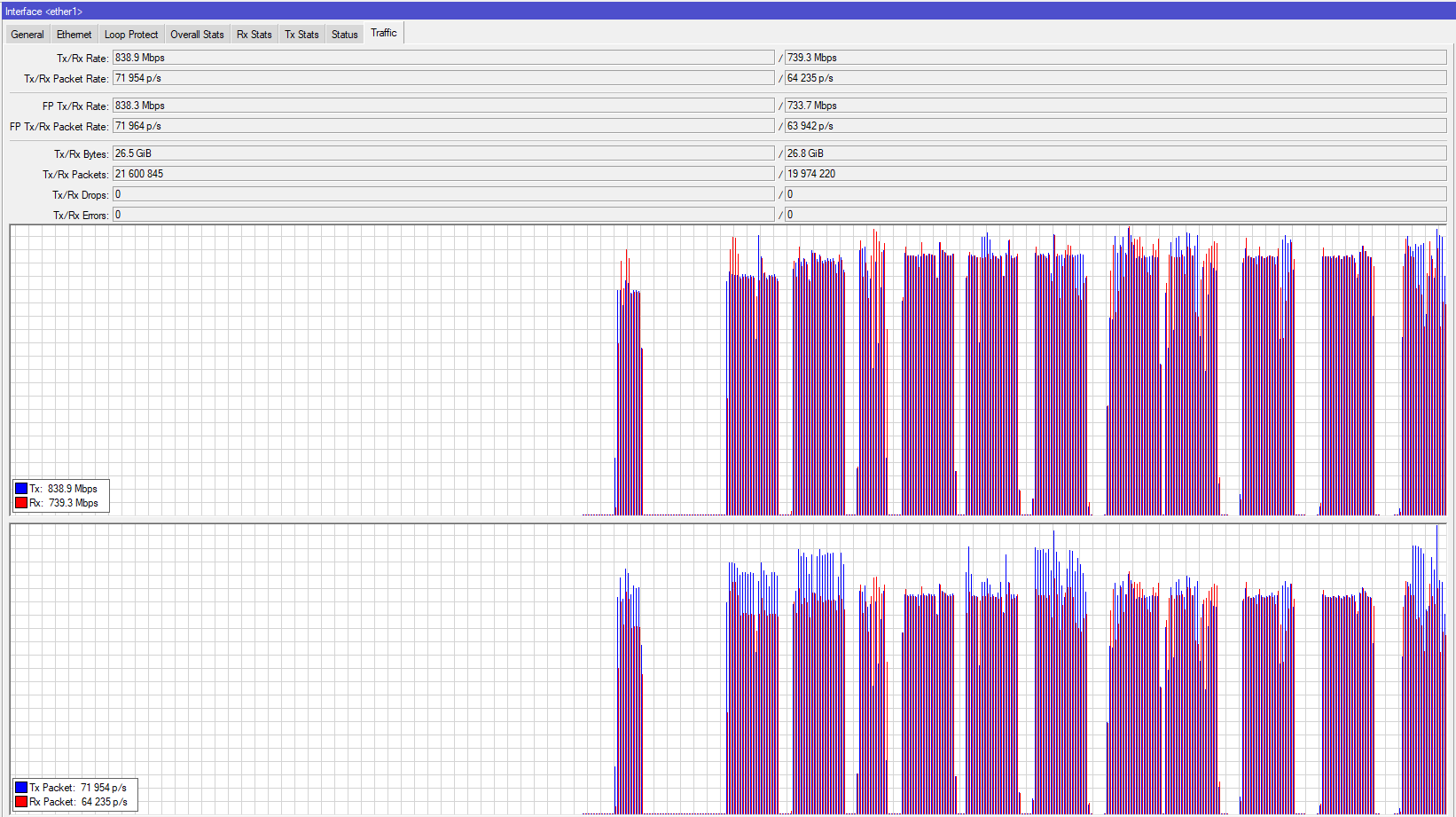
I thought this required some driver change and wanted to test if the port/cpu lane was also fixed ( http://forum.mikrotik.com/t/hex-block-diagram/114819/42 )
And it seems it did, I only did a quick test between 1 (wan) and (2,3,4,5) bridged, seems better:
Thanks!
LE: voltage reading is still wrong on RB750Gr3:
/system/health/print
Columns: NAME, VALUE, TYPE
#  NAME     VALUE  TYPE
0  voltage  0.5    V
Finally a good update! Lots of work in core protocols and core functionality and not much of the new fancy pancy toys 
*) chr - fixed FastPath support for VMXNET3 drivers;
CHR has FastPath ???
When did this happen!
Mikrotik, which drivers does this support ?
*) bridge - added HW offload support for vlan-filtering on MT7621 switch chip (hEX, hEX S, RBM33G, RBM11G, LtAP);
Does this mean that the information from wiki and below is incorrect?

I’ve confirmed that VPLS still crashes the device like it did in rc4.
Confirmed that GPS data is now working from serial1, 115200 baud. Thank you!
Upgraded from v7.1rc4 to rc5 on RB5009, rebooted and I can’t connect to VPN based on IKEv2 with RSA authentication anymore. Windows 10 gives an error “The error code returned on failure is 13816”. Haven’t tried with macOS. If that fails too, looks like I will have to visit a client in office anytime soon. 
Is BGP over VRFs working properly now? Has someone tested it?
Referring to: http://forum.mikrotik.com/t/bgp-vrf-broken-on-chr-v7-rc4/152460/1
I will finally be able to restore my full export.rsc without having to split it in two parts because of the historically missing address-pool default value.
The info is indeed incorrect. You can confirm it easily by looking at specs
However, it is understandable - you are not going to say “yes, it has VLAN” when it is not supported by OS. That would be extremely confusing for everyone.
There was some theory about why Mikrotik did not support VLAN on this chip: http://forum.mikrotik.com/t/vlan-bridge-filtering-alternative/131619/7
I could not find container package from the release in mipsbe , x86/chr version