Yes! Our standard operating procedure is to restrict management access exclusively to VPN connections.
However, this "Reading Index File" issue is such a nuisance... It causes so much frustration for both us and our clients that we’ve resorted to accessing the boxes via their public IPs.
I personally verified that:
We are accessing the equipment using an end-to-end MTU greater than 1480.
1500 would be ideal, but many of my team members are working from home across the country behind PPPoE connections, so that would be an impossible battle to win.
We are accessing them via the same IP address that is handling multi-gigabit traffic loads.
Yet, the problem persists.
Many of these boxes—specifically those acting as BNGs/B-RAS—have very extensive configurations, and for a while, I thought that might be the root cause.
But I realized that wasn't the case! The "Reading Index File" delay occurs even when accessing intermediate boxes—such as CRSs performing only intermediate L3 routing.
What strikes me most is that it is possible (via CLI, API, or REST API) to filter the data you're looking for. And—even if it’s not perfect yet—that approach works far better than retrieving everything and filtering it afterward.
To give an example:
I frequently have to troubleshoot connections—especially CGNAT-related ones—and I usually do this via the CLI.
I know that if I run /ip/firewall/connection/print where src-address=10.10.10.10, it returns only that specific client's 50–100 connections. This results in a shorter CPU usage spike compared to printing all connections and then searching through the output for what I need.
If I—someone who isn't an expert on RouterOS architecture—know this, surely they must know it too, right?
And if they do know, why don't they implement this in the way Winbox retrieves information from RouterOS?
My theory for quite some time: MikroTik developers mostly use the CLI themselves, while WinBox is mainly made for users or for demonstrations in YouTube videos.
... Mikrotik RouterOS developers use CLI and don't care about WinBox, but new AI UI programmers don't know about CLI/API capabilities, but they DO know how to re-arange UI elements in most unusable way... Now, they probably got in the nose by old guys, so they made some changes in the right directions in 4.3rc
I bet those guys have never had to stand there with a laptop in their arms—under the scorching sun and in blinding light—trying to configure a fix for a dropped link.
Usability in that scenario? Contrast and visibility—it's terrible!
It’s a matter of usability for a guy who has never even stood in front of a rack with dozens of pieces of equipment and hundreds of fiber-optic cables... A guy sitting in the comfort of a dark room with a 28-inch curved monitor...
It’s a completely different experience compared to the scenario I mentioned earlier.
Are you sure about that?
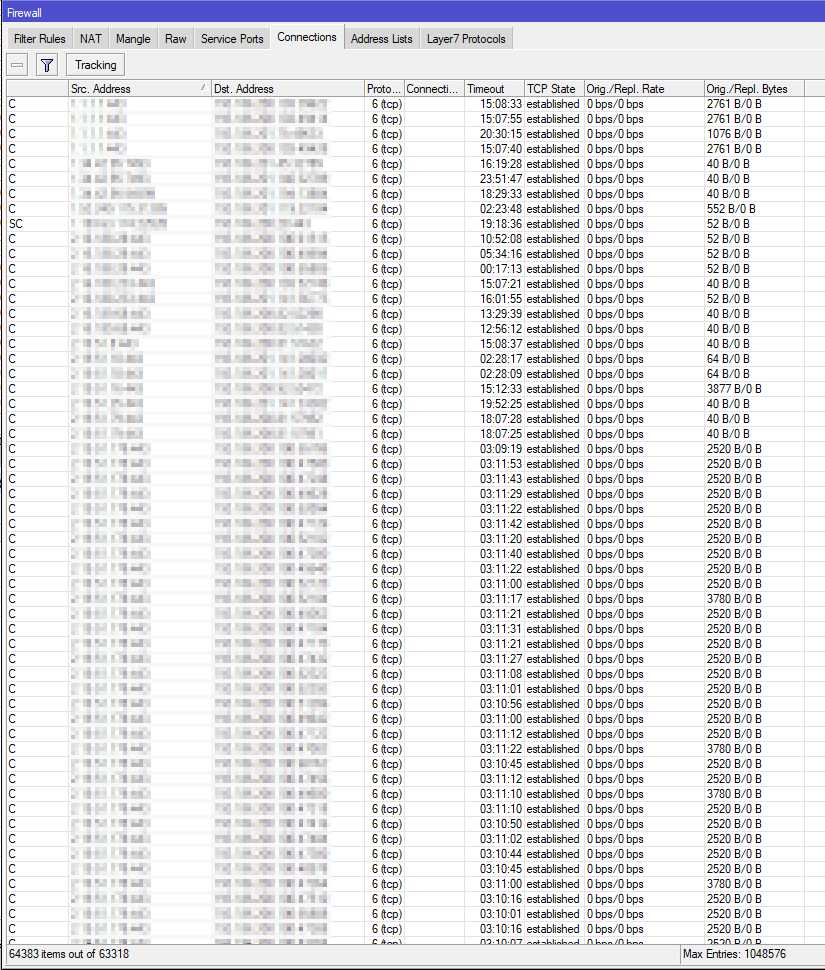
I've never ever hit that limitation on Winbox 3 on the firewall connections window. Only on routes window and (maybe on the BGP advertisments window - I don't recall).
This is from a network with around 5000 users (though not active at the time of screenshot).
Also while loading the 60k+ connections there was at most a 50% CPU usage on a single core (this is on a CCR1036 with ~2gbit of traffic).
But this router still runs v6.49.20. I don't have a v7 router with enough connections at this time (its not working hours here) to check.
Winbox3 was causing more CPU usage on the desktop rather that on the router.
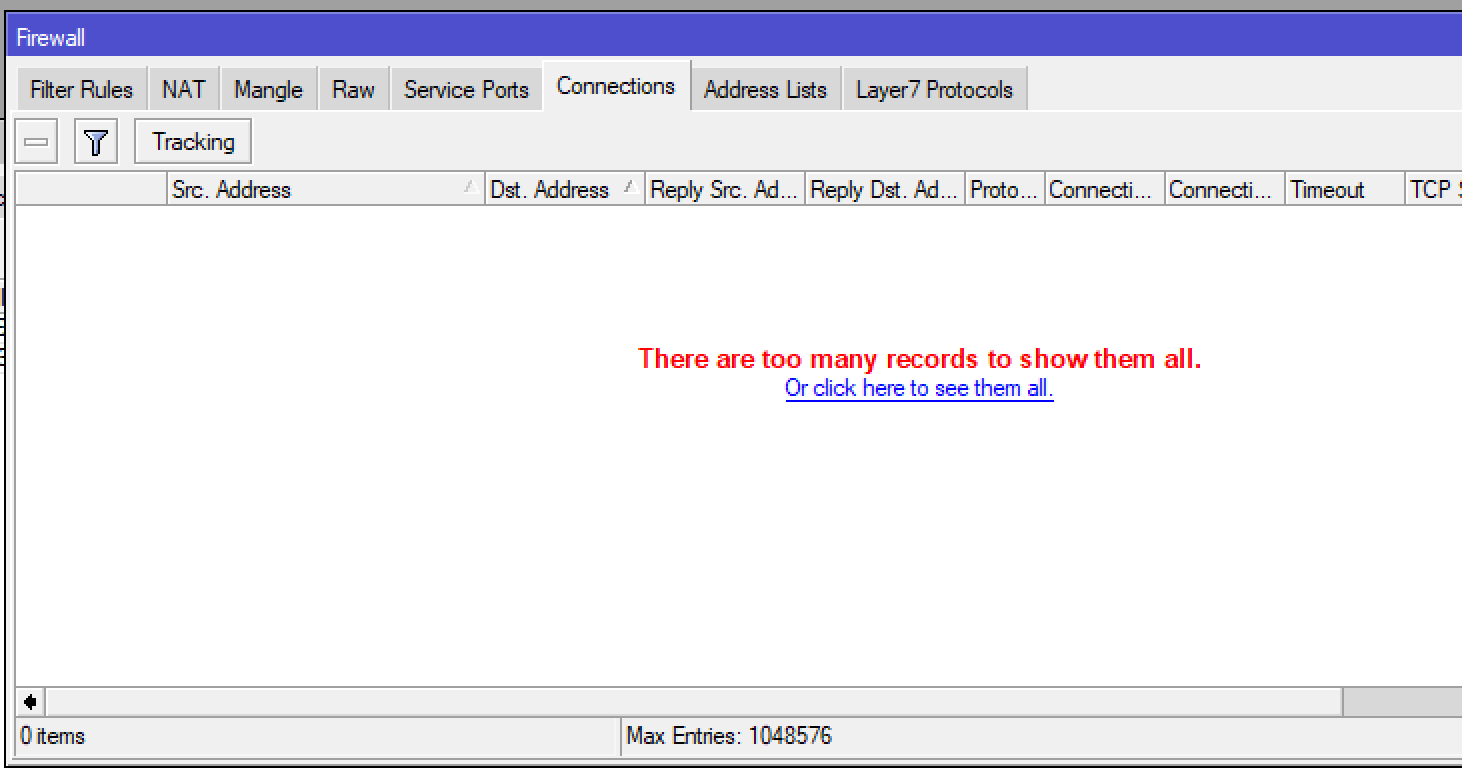
That is why the "Filter" settings, or at least some of them, should be sent to the router so it can return only the wanted entries and prevent such overflows... Normally when there are 10000+ entries there is no point in seeing them all, you want to check some local or remote IP, some protocol, some portnumber, or whatever.
I've been encountering a weird issue with WinBox 4.2, but I think this has been going on since 4.0. Sometimes the UI will act as if it "forgot" the device password and that I told it to open the session in a new window. I have to then close out every running instance of Winbox, relaunch and I don't see the problem again.
The only thing I can think of is WinBox is erroneously opening multiple instances when it fails to connect and each instance is messing with itself?
To me it seems more like when you are accessing a device that has a pair (like BNG1 and BNG2), and by some reason you are accessing by an IP that is duplicated between then both, and alternating.
 about CLI/API capabilities, but they DO know how to re-arange UI elements in most unusable way... Now, they probably got
  in the nose by old guys, so they made some changes in the right directions in 4.3rc