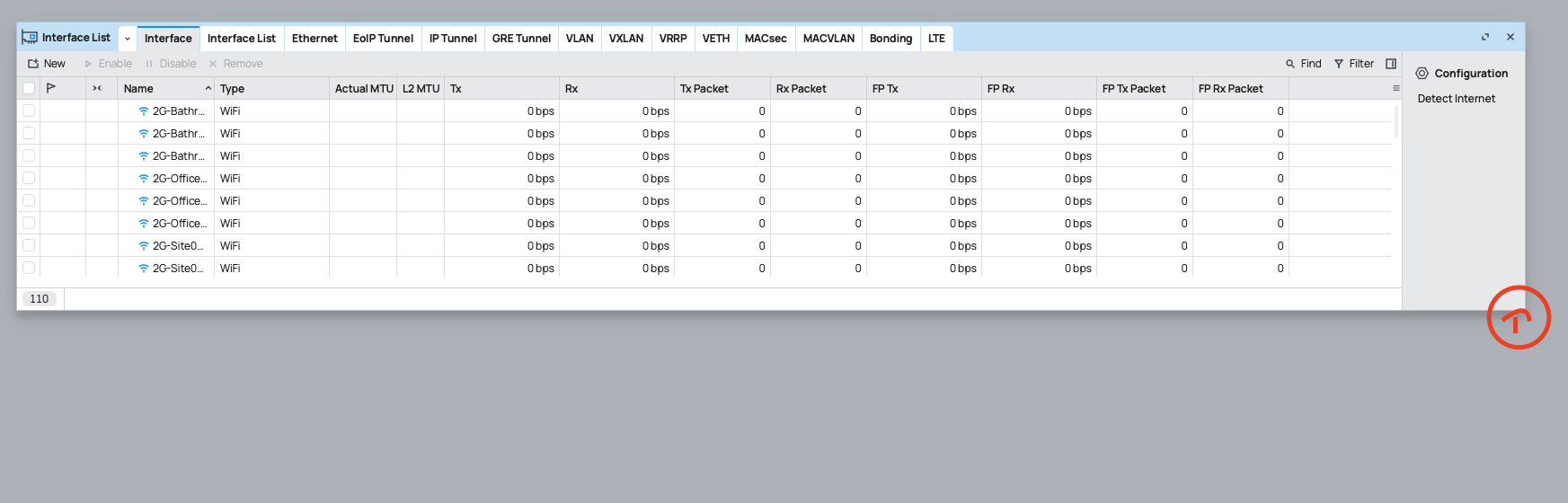
Thanks for checking, Paternot. It is the only application with these rendering issues - and I use quite a lot of different applications for my daily work. Maybe something with QT is misconfigured on my system. I am on xorg, modesetting driver on Intel graphics.
edit: there is a tool called “qt5ct” (Qt5 Configuration Tool) and it’s interface looks ugly as well. So I think it is some Qt issue on my system. I mostly (like 99%) use GTK based applications. Wireshark is based on Qt 6.9.0 and looks good.
Now THIS is something completely different. Interface has decent size even on 100% WinBox zoom level. No more rendering crapola.
It is most likely because of these default env vars on my system:
I welcome the small usability enhancements for the 4.0betta22 release.
However, missing expansion arrows for sizing of Windows… you have to just click and drag, and hope the window will expand… In most cases - does not work.
Update
Expansion arrows returned after the app was left open while I posted this. Returned to Winbox, and I was able to resize window with the resize arrows. Unsure why it took awhile after initially loading Winbox.
Mikrotik send:
Thank you for contacting MikroTik Support.
Thank you for your request, if there will be more, similar requests like yours, we will see how this can be added in future versions.
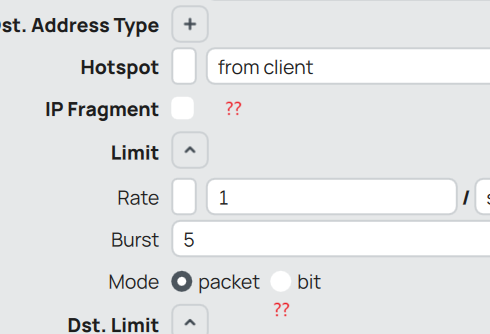
By the way, in previous beta outlines were added to fields, but not for all. Where are outlines for checkboxes and radio buttons? Where is the logic? It’s improved, but still looks shitty
.
And glad to see improved highlighting contrast. Even though there are still no outlines, it has become better.
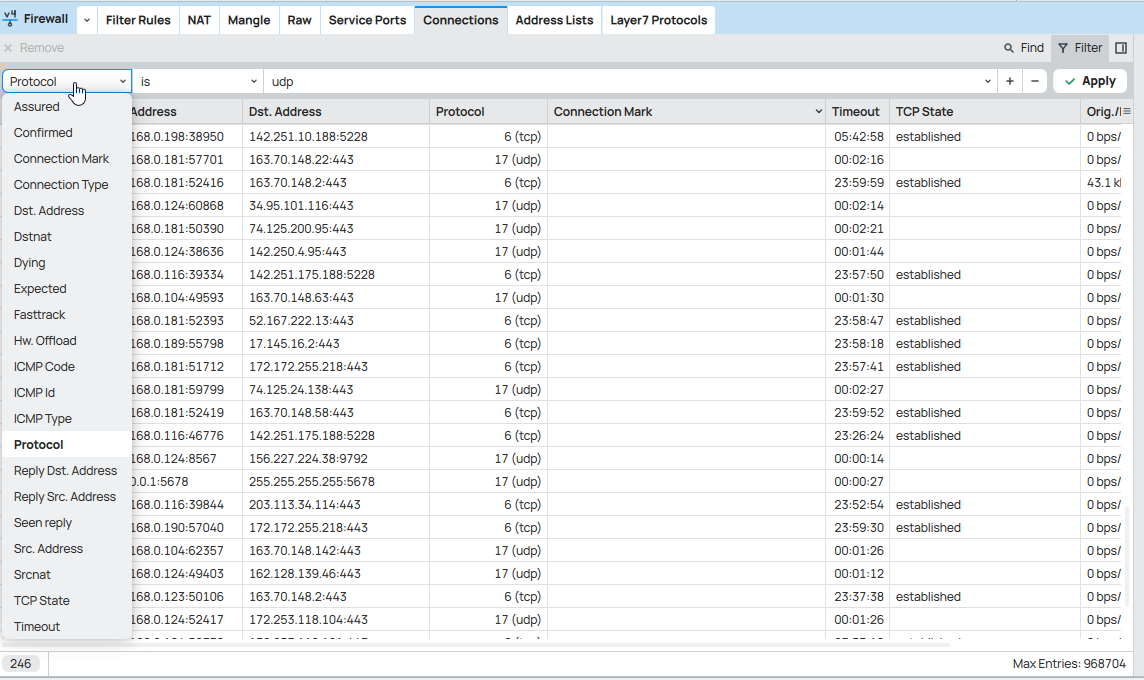
In the next version of RouterOS the port values will be split from the address columns for the IPv4 connection tracking table (currently already the case for IPv6) and you’ll be able to sort and filter by their values. This doesn’t depend on the WinBox version.
*) firewall - reorganized firewall connection tracking table values and make them persistent between IPv4 and IPv6;
Yes, and that a special handling/hack built into WinBox 3 that parses/splits the dst-address and src-address field values. Up to 7.19.1 you don’t have access to the ports with neither /ip firewall connection find nor /ip firewall connection print proplist=. The hack is actually against the philosophy of having WinBox simply mapping what available to the command line / fetching the available property definitions from RouterOS.
That’s why the change in 7.20 is better than building the special handling into WinBox 4, because sorting & filtering would work automatically, independent of the WinBox version, and also in scripts and on command line.
Daft question, but if the only other file in the ZIP is assets/images/winbox.img, can’t you just embed that in the .exe and give us a straight-up exe like before? Winbox4.exe?
Yes. This stupid folder with icon image is completely useless and annoying. When you delete it, there are no any problems and the app is working, but it creates again and again. For what? Remove it!
I hope at some point they will offload more of the filter to the router. As far as I understand, the “winbox protocol” is not that much different from the API protocol, with the addition of the property definitions download. But in API it is possible to fetch data while giving a filter specification that will be applied by the router (i.e. it sends only the data that matches the filter).
In Winbox, when you view some data applying a strict filter, it still downloads the full data and applies the filter inside Winbox.
That can really load a (slow) connection when you are trying to view a large firewall connections table (for example) when interested in data about a single system or port or whatever.