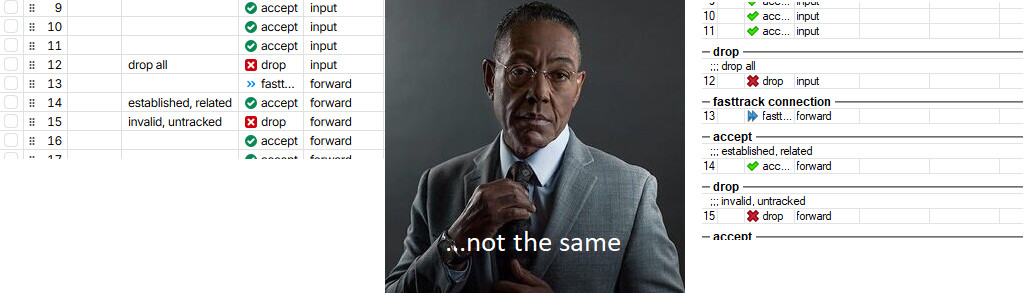
It's not the same thing.
Could you please clarify what exactly you would like to report?
Initially, you mentioned that comments appear on a separate line. @randomwalk then pointed you to the setting that allows comments to be displayed inline within columns.
Now you are raising the issue again, but your screenshot (from WinBox 3) shows comments as separate lines.
From the screenshot, @Nikalia probably wanted to mention the "Show Categories" feature. In WinBox 3 you can sort the table by some columns, and then enable "Show Categories" and it will create the black line dividers and group items with the same value in that column underneath. Pretty useful in, for example, the WireGuard Peers table, you can sort by "Interface" then enable "Show Categories" and see the grouping of peers per interface.
The problem from @Nikalia screenshot however, is that the Firewall table is a table where the order of the rules really matters, and normally we want to see the rule listed sorted by their #. It's dumb if enabling "Show Categories" just lists the black lines with the numbers, so apparently it lists the action of the rules as category instead.
As you can see from the screenshot, because firewall rules normally don't sort themselves by "Action", enabling "Show Categories" does not improve the view at all, and only adds clutters. The "Action" column with the colorful icons already produces a better "grouping" & "separation" effect. For the firewall, "Show Categories" should have used the chain as grouping category instead!
So, using the firewall tables to complaint about the lack of "Show Categories" is not a good choice. @Nikalia should have picked other tables where there are real benefits for sorting & grouping by a particular column instead (example: Interface for WG Peers, Server for DHCP Leases, Bridge for Bridge Ports, etc...).
So to say, Nikalia actually wanted to report a Winbox 3 issue? These group headlines make absolutely no sense in the firewall filter list, especially as seen on the screenshot. I would rather complain about that instead.  But seems like people get used to dumb features over time and are unhappy when it's gone.
No, I think @Nikalia wants to have the "Show Categories" features ported to WinBox 4. But instead of making a screenshot of the firewall table (where "Show Categories" should have used chain and not action), other tables would have been better advocates for having the feature in WinBox 4.
And normally, modern UI frameworks when they offer the "group" functionality in tables, also allow collapsing the "groups" individually. Hopefully WinBox 4 will also support that when "Show Categories" is ported over.
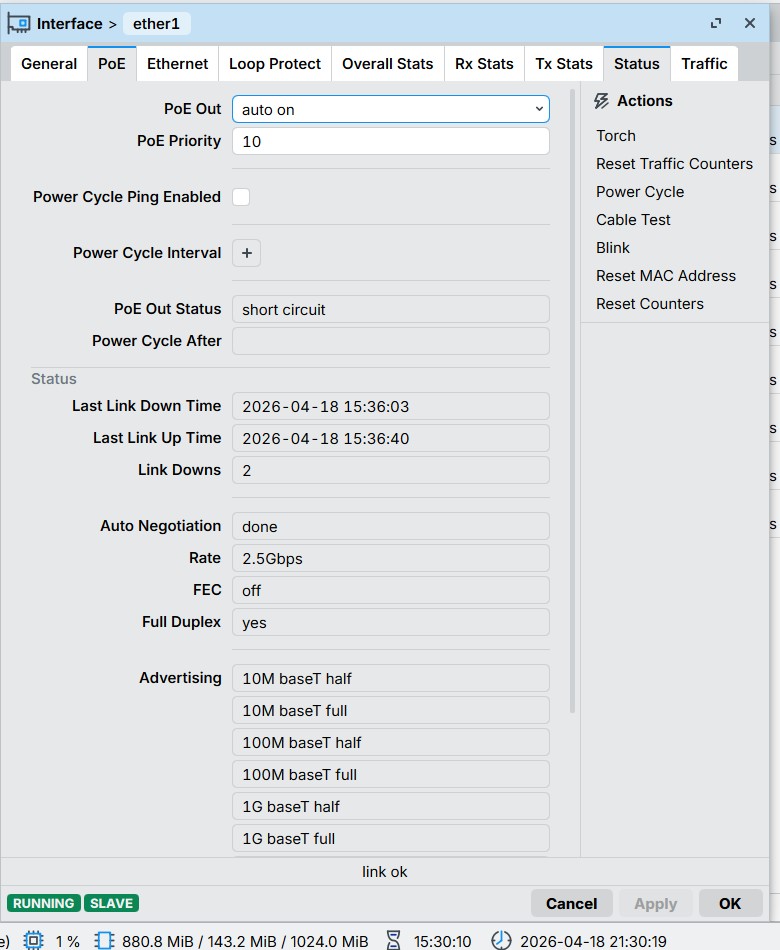
It's intended to work like that:
In the first beta releases of WinBox 4 all forms have everything on a single page, with collapsible regions, similar to how WebFig still is today. After some huge complaints from many people in the beta thread, the tabs (property sheets) were reintroduced (see quoted changelog above), and people who prefer the grouping can have it by Shift-Clicking.
It's useful sometimes, like when editing firewall rules. But I hate that the grouping is broken apart as soon as we switch tab.
If user asks this question, the UI designer should question his Interface design. There should be an indicator showing the multi-tab-lock state somehow. Maybe a different color of tab top border, icons, tooltip, etc.
Though it is a feature, it still looks like a glitch in the interface.
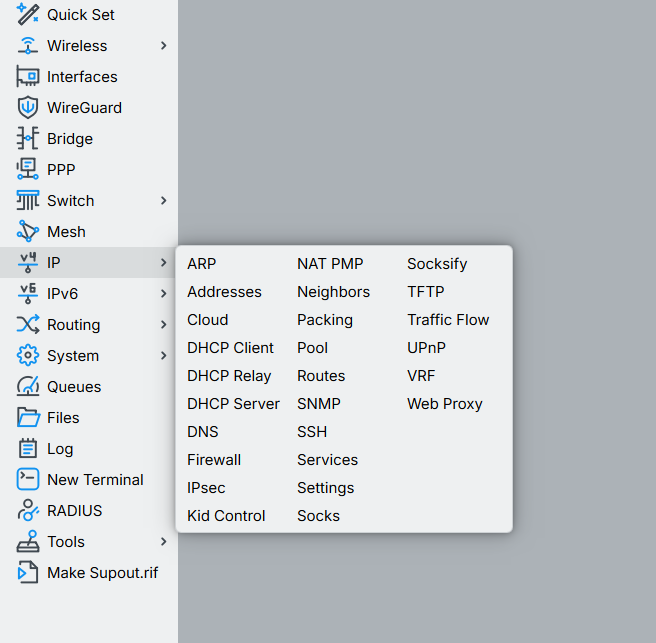
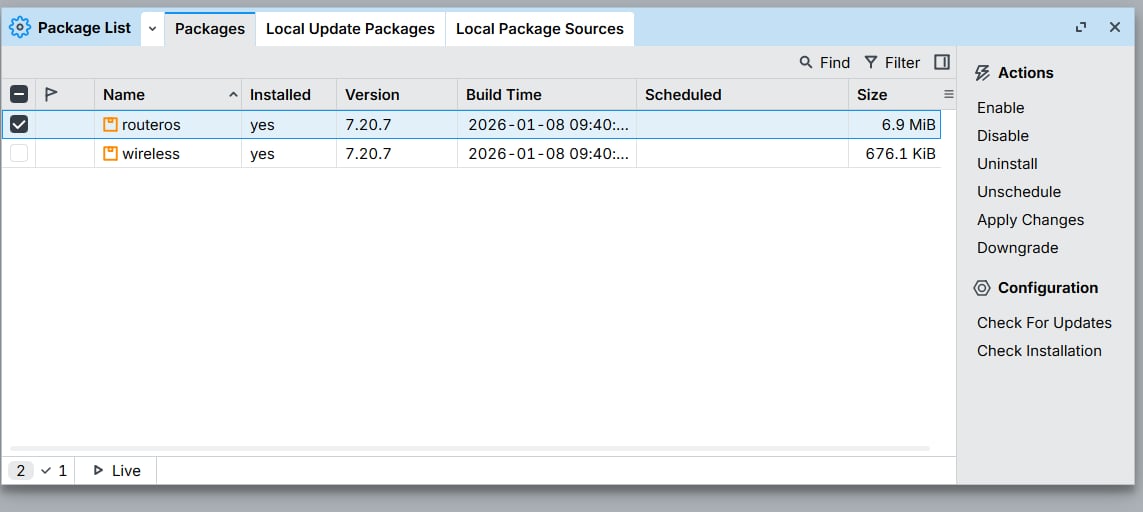
What version of ROS is installed? Maybe 6 with no hotspot package?
What is the ROS? Is it the version of the Winbox? I have the v4.1
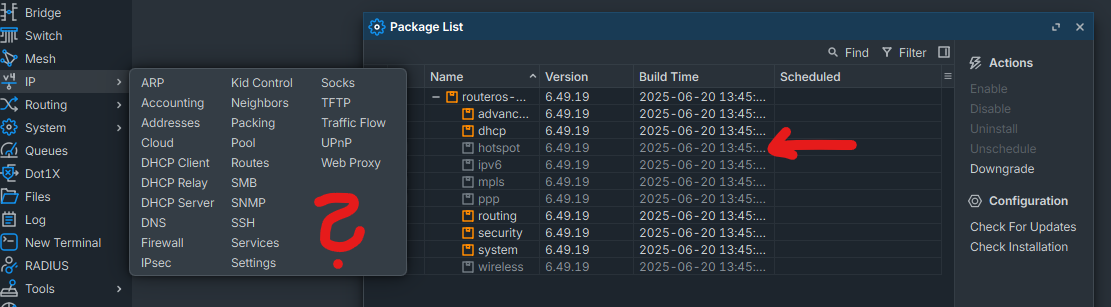
How did you acquire the hotspot file for your version if its not installed? I don’t have a file for the hotspot and i can’t seem to find the exact file for hotspot online the web
That is why I'm asking what version of ROS do you have installed?
ROS7 has it built-in as MT changed in the ROS7 "the style" of delivering some packages/funcionalities but ROS6 has it as separate package.
Go to the System→Packages menu, enable that package, and “apply changes” (router will have to be rebooted).
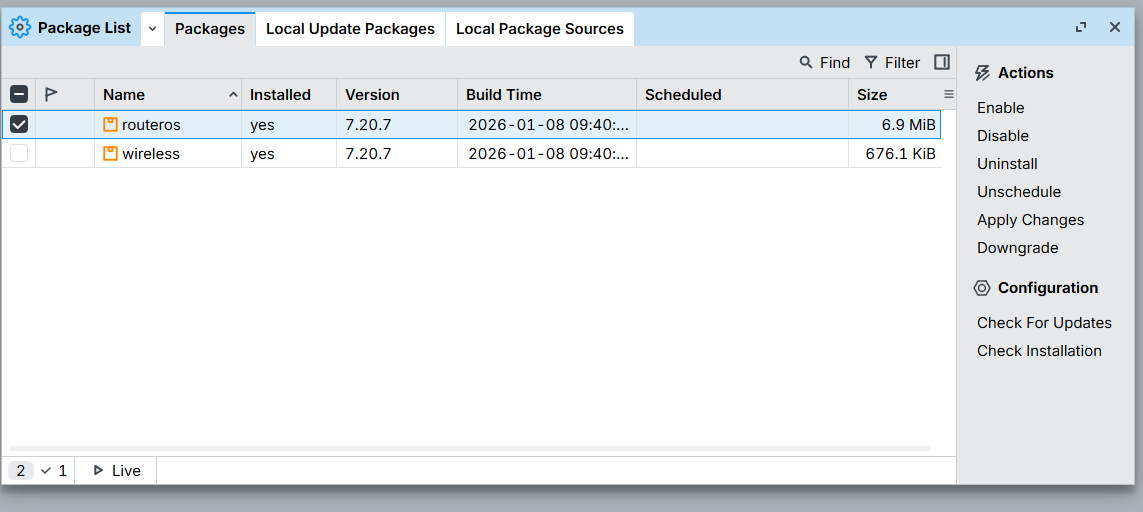
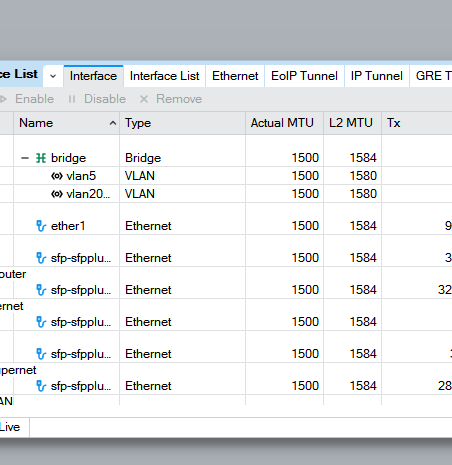
Table columns can be auto-sized by double clicking the divider line in the header row.
But doing so for each single column is laborious and fiddly.
There should be a button or shift-double-click etc to do it for all columns at once. Or maybe just do it at opening the windows containing the table, at least if there is no existing user arrangement for the table in the session.