Noticed some strange behavior with beta39 on macOS. When I clicked the edge of a window to resize it, the opposite side seems to have gone as far as possible in the other direction, and completely outside the bounds of the main Winbox window itself. Fixing this was tedious as it required me to shrink the inner window, then drag it back to the visible area in Winbox, and then shrink some more, and repeat this maybe 5-10 times just to get the inner window to fit within the main Winbox window.
I also noticed the pointer become “out of sync” with Winbox while dragging a window around inside of it. When I dragged the window around and then released the drag, my pointer was not “holding” the same location on the window that it started; it was shifted away from the spot that I had initially “grabbed.”
I’m going to try to get screen recordings of both behaviors but they don’t seem to be consistent, so I’m trying to determine what is required to reproduce.
The ability to pick my own font is great, although I would love to have different fonts used for different things… the data rows and fillable fields displayed in most windows, along with all Terminal windows, should be a fixed-width font (to help show where there are spaces or differentiate 0 from O), but the menus and tabs and window decorations are OK to be different, variable-width fonts. Having labels and menus be fixed-width just makes them take more space without a big gain in usability, at least for me.
One other consistent and annoying bug (this has been around for several versions, possibly since the beginning) I’ve found is that after clicking the “Find” button, the text-input focus is not automatically moved to the new Find input box. This is super annoying since you expect to be able to type into that Find box after clicking Find, but first you have to move your mouse and click into the Find box before you can actually type what you want to search for. I notice it the most on the initial connection manager window, where I rely on Find because I have 350+ saved connections to deal with…
It's Segoe UI in WinBox 3 too, but the default font size is different, and it has the "grid fit" hinting, so the rendering snaps to the pixel boundaries.
In WinBox 4 the default size is different (larger), thus, in order to have the information density from WB3 we have to reduce the scaling factor, which in turn makes the font size some non-integer value.
On my 96dpi 1440p monitors I am doing this, and it improves a bit compared to your screenshot:
Run Windows' ClearType Tuner, adjust the settings to suit your monitors.
Create a qt.conf text file and put it in the same folder as the WinBox.exe executable with the content:
[Platforms]
WindowsArguments = fontengine=gdi
This make QT uses DirectWrite instead of FreeType, and it will respect the tuning for ClearType.
In WinBox set Custom font to Segoe UI and Global zoom to 92%.
In addition to GUI zoom, I think it would be good to allow changing the "base font size". This is how web browsers handle it, and websites that respect this setting adjust their font sizes relative to the base size.
After the upgrade, not changing scaling (92%), many of my customized column widths are again “too narrow”. I had set them correctly on the previous version.
It may be because of the changed font? It now is set to “Manrope MD” and I think it was “Segoe UI” before?
Anyway, this kind of thing is very annoying. It is a lot of work to fixup all those workspace files again, especially because they are closed and I cannot write some tool that does it for me. (like setting some desired width for all columns of some type or name)
And one more thing that comes to mind: since the latest beta, you can change the UI font. I'd suggest having at least:
A variable-width font (mainly for the UI)
A monospace font (for the terminal and other places where a fixed-width font makes sense)
It might even be useful to let users adjust the "font assignment". For example, a regular Noto Sans could work well for the UI, while JetBrains Mono might be easier to read in tables.
Tested new scaling.
There are still some problems, but most of the fundamental issues were fixed. Overall good job
Newly added "scaling settings" window doesn't change its size together with global zoom. Probably, it was done intentionally, because otherwise it will jump away from the mouse, when you change scale. But on High-DPI screen it's quite small. I think it could be made larger. Or may be use OS scale for this window, so it will have a normal size for all cases.
Newly added "scaling settings" window disappears, if you click somewhere. Very inconvenient, when you adjust optimal values! Just add close button to it, so it can be closed, when the user needs to close it.
Removing current scale value and +/- buttons from the settings window doesn't appear to be a good idea. Now, to see current scale, you need to do more clicks and open this new scaling settings window.
I would suggest: - return current scale value to settings window (or even better to the main toolbar) - add +/- buttons to the new "scaling settings" window for precise adjustment. Just trackbars without precise control are not convenient (btw, still waiting for arrows in scrollbars...).
[Fixed in beta42] Workspace dropdown menu doesn't change its width together with global zoom and this causes drawing issues. Same problem with 'Find' textbox, it doesn't follow global zoom value.
[Fixed in beta41]Was already mentioned by @CGGXANNX (📣 WinBox 4 is here 📣 - #2888 by CGGXANNX), there are issues with text selection in Terminal on some scales. Selection doesn't follow the mouse precisely in vertical direction.
Would be nice if the app will apply current OS scale, when launched for the first time.
Reducing maximum scale limit to 200% is not good either, consider increasing it to 500% (this is the maximum value on Windows OS). Increased to 250% in beta42, I don't think it's enough.
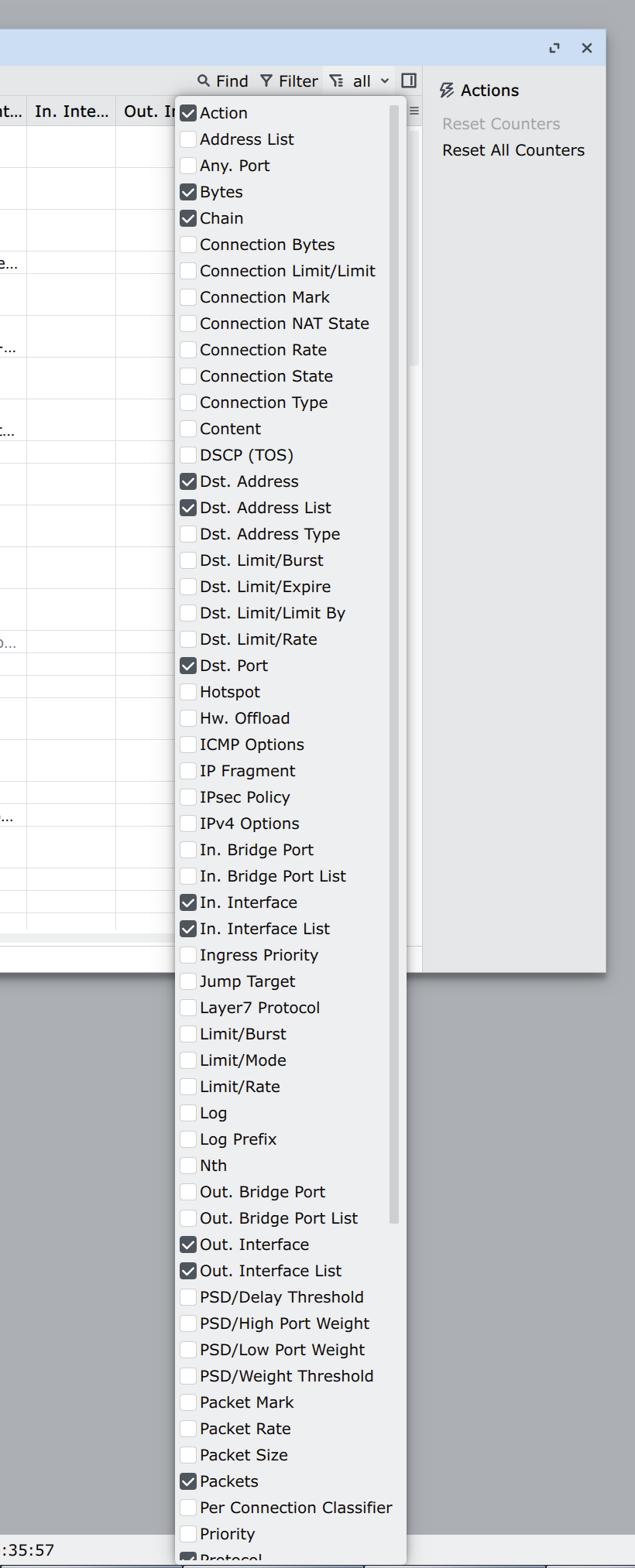
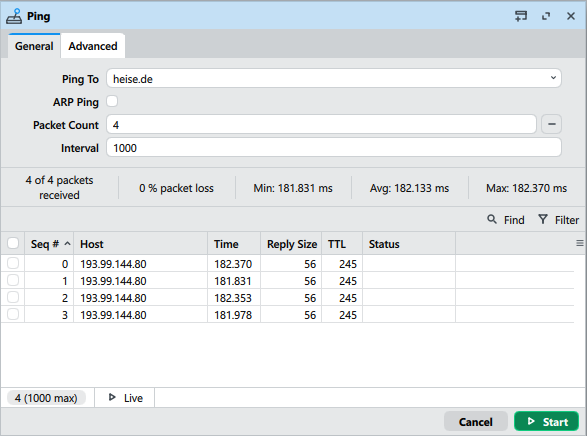
Yeah, it works on beta. Though, there was a similar case with address/port in firewall connections. Filtering by port was not supported by WB 4 earlier, and they've splitted address and port into 2 columns in some ROS version. But later they implemented port filter for combined address/port column anyway, so it works on older ROS versions too, and you are not forced to update. May be they'll do the same with DNS names in tools And I think it would be right. In some cases people still use even ROS v6.
Finally found some time to play with box64 and Linux Winbox. Tried it on a raspi5 and on Ubuntu/VmWareFusion/macOS, both with same result:
box64 is able to bring up Winbox process, the Qt framework creates a low-level xcb window and starts an event loop. Everything looks like the application is up and running. But the window does not appear and xcb does not pump events.
Something seems to go wrong on a very low level. However, it was worth a try.
An arm64 build for Linux Winbox would be appreciated. As it is based on C++/Qt, it should not be hard to create an arm64 build.
winbox 4.0beta39 - though the overhaul of ui scaling is mostly welcomed, please consider increasing the maximum zoom % to 400% (or offering a manual way to overwrite the 200% limit by qt.conf), as the overhauled beta39 with 200% scaling looks incredibly small on 5k/6k monitors like Studio Display / XDR and 8k tv / monitors, and the only way currently to view it comfortably is to revert back to beta35.
You can always set the environment variable QT_SCALE_FACTOR=2.0 when starting the program and this combines with the 200% zoom setting in WinBox will give you the desired 400% zoom level. Or set QT_SCALE_FACTOR=4.0 directly and keep the program setting at 100%.


 And I think it would be right. In some cases people still use even ROS v6.

