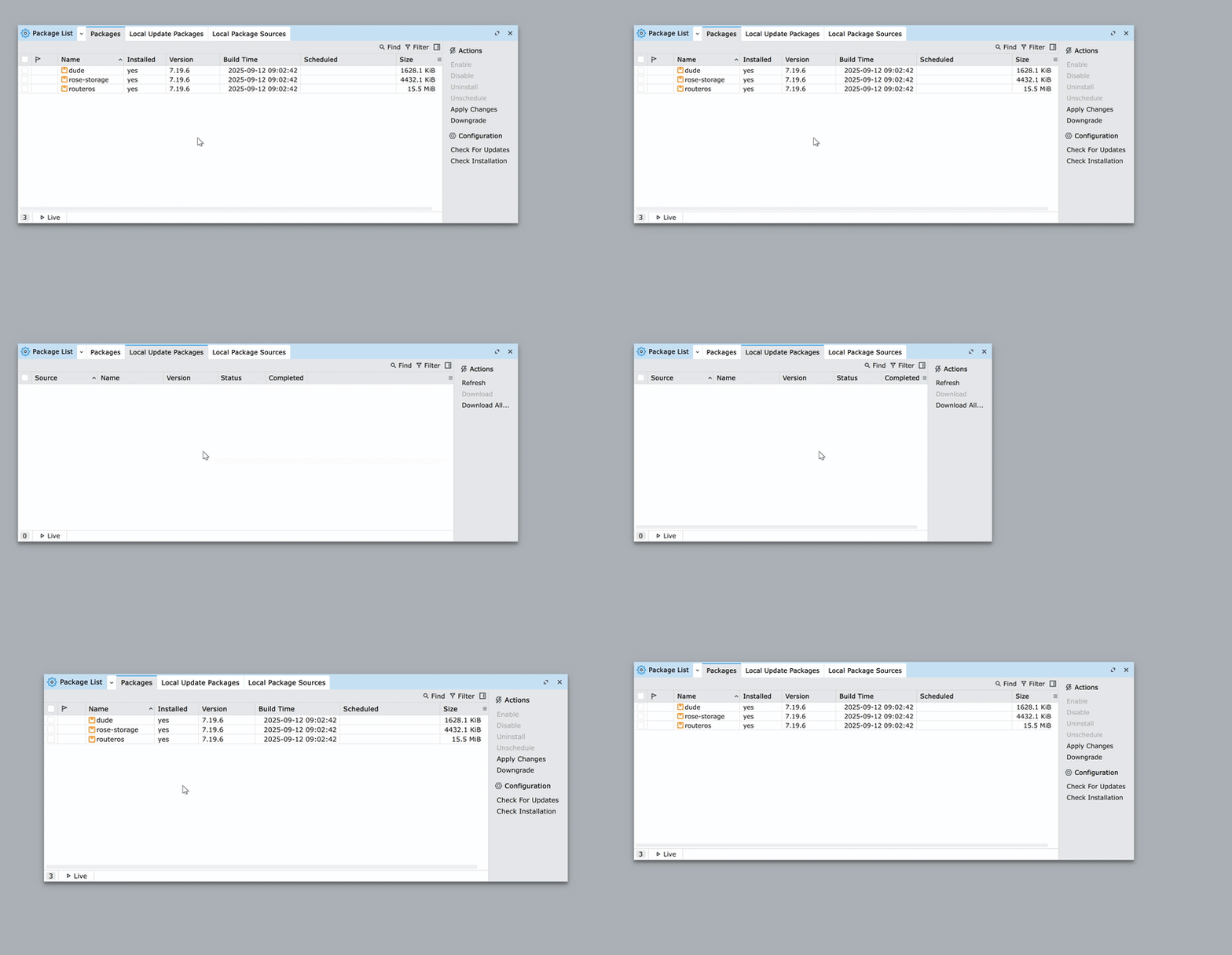
Some time ago I have suggested to increase max zoom from 250% to some higher value for such cases, but they reduced it... No comment.
@KiwiGuy you think everyone is a network administrator and buys monitors for WinBox? People could work in any field and may have ANY monitor for their purposes and just use WinBox on it, when they need to change something on their routers.
I tried to Torch an ethernet interface on a router running 6.49.18 and it worked in a very limited way only.
Filter on MAC address (ipv6) did not work, entering a strange IPv4 address worked as filter to get only IPv6, but the packets shown had only the address fields and everything else blank.
The [-] icons to remove a filter are also not present.
Another example, you are just a home user, or enthusiast with a new super-puper 6K retina display. There are a lot of home users with MikroTik routers. They should be ignored?
Changing max scale value from 200 to 500 doesn't take any time. Of course, if the app was implemented correctly. May be the only thing is that it will require to update icons, if their original size was limited to 200% scale.
Windows allows to set up to 500% scale, so the apps should support it either I think.
Reading through the documentation provided by @CGGXANNX, I was a bit skeptical about QT_SCALE_FACTOR needs to be set at global ENV level instead of the local qt.conf, however turns out it’s a much superior solution, as it in fact solves a lot of scaling issue for other qt6-based applications.
Still - likewise I would be appreciated if the maximum zoom level could be uplifted to a higher figure such as 400%, or 250% as maximum but could overwritable locally, as this provides better versatility on some of our systems with restricted permissions on setenv.
So far with QT_SCALE_FACTOR it is running perfectly on my hidpi systems (apart from some minor overflow issues you have already identified )
I also hope Mikrotik team could consider b39 is now briefly tested, and there is no fatal scaling issue when it’s been rendered at 5120w (Studio Display), 6016w (XDR), 7680w (Samsung QN9) and 10800w (via Nvidia Mosaic), so it’s technically safe just to simply uplift the current limit to a higher figure.
I’ve found an annoying bug in version 4.0beta39. When a smaller window is open (for example, the IP / ARP) which doesn’t fill the whole screen, dragging the left edge of the window to the left causes the right side to expand rapidly to the right. This happens with all windows when resizing.
Please fix this issue — I really appreciate all the work that’s gone into this new software!
It happened on Linux to me. But it’s really weird, and looks hard to reproduce. I think it’s a timing issue, when we grab the internal screen border and drag it just the “wrong” way.
Happened to me when I clicked on the wrong point - I was trying to move the window, not enlarge it. And happened only this once, couldn’t reproduce it too.
Someone have the bug that you only can click on the first 7 host from saved host? the rest are not full visible (only show comment, without ip or username) and only “fix“ if scroll with keyboard, if use mouse, it fails again. Happen in every version of WinBox 4 (currently beta39) at Windows 11 arm64
I see the same resizing problem in Winbox 4.0beta39 on Mac OS 15.7.1. Resizing the window causes the window to rapidly/instantly expand in height or width. The window becomes many times larger than the physical display, and cannot be made smaller.
It’s the last part that is super annoying. Trying to resize the window back down to normal doesn’t work, because you can only resize it by ~1 screenful at a time. So that’s impractical if the window is a million pixels tall.
And because the window is super tall, you don’t get any scrollbars for the content. So for a window with a lot of data, e.g. DHCP Leases, you can’t see beyond the first screenful of entries. Closing the window doesn’t help, because it remembers its last size.
For maximum fun, this even persists between sessions! I’ve had to reconnect to my router using a different interface, just so winbox won’t remember the broken window sizes.
Besides fixing this bug, I think Winbox should also check the window size when it is created, and limit it to the current screen size or smaller. The fact that Winbox ‘remembers’ the bad window sizes has made this problem 10x more annoying to live with.
Unable to “reproduce” it on macOS 26.1 - but still some windows do open in a way that important parts are outside of WinBox window i.e. Applt/OK buttons on object windows. At first I thought that it might be related to zoom settings but I checked and they are at 100%…
The moment the bug hits, while the window is expanding, the mouse pointer and window position tremble around by several pixels. It looks kinda like the system is expanding the window a little bit, but also moving the window, so the edge of the window you’re dragging never ‘catches up’ to your mouse pointer. Instead, the opposite edge of the window races off the screen.
There is also another sizing bug. When you open some multitab window for the first time in a current workspace and try to change global scale, it resizes correctly first. But when you switch to another tab and try to change scale again, its width, let's say, "switches to another level". Looks like each tab has its own internal initial value of window width, and scaling triggers the window to set this internal value. If you resize the window manually before changing global scale, the bug disappears.
Because the font size is reduced by the scaling percentage, it doesn't produce one of the sizes that have the hinting that fully snap the strokes to the pixel (like in WinBox 3), the weight is still a bit larger than 1 pixel. But at least on my screens, after tuning, the horizontal strokes (like those in the L, 7, 5, 4, T characters) are only 1 pixel high and no longer blurry (like the 5 in your screenshot). Also the vertical strokes of the i, l, M, 1, etc... are all one pixel wide. And that much more acceptable for me.
The post of mine above has a screenshot with those settings on my screen. But that's using the ClearType tuned to the contrast curves of my screens, so it might look blurry on yours.
 )